A note before we start: this guide is published by MyCVCreator, which makes a resume builder. We include it, but we have tried to be fair to every tool here, including where others do something better. Prices change often, so the figures below are as reported in mid to late 2026. Check each provider's own pricing page before you pay.
Quick answer: Our number one pick is MyCVCreator: unlimited resumes, free PDF downloads and no subscription to cancel, plus a matching cover letter builder and a video resume builder. Among the others, Teal, Kickresume and Rezi have the most useful free plans. Novoresume suits people who want to pay once without a subscription. Zety and Resume.io have polished editors but only give free downloads as plain text, and their low-cost trials renew automatically. Whichever you choose, pick a single-column template so screening software reads it correctly.
What to look for in a resume builder
Before comparing brands, decide what matters to you. These are the questions that separate a good builder from a frustrating one.
1. Can you download a proper PDF for free? Many builders let you create a resume for free, then charge when you try to download it. Some free plans export only a plain text (TXT) file, which is not something you can send to an employer.
2. Is it a subscription, and does it renew automatically? Several builders advertise a trial for a couple of dollars that turns into a recurring subscription unless you cancel.
3. Are the templates readable by screening software? Single-column templates with standard headings are safest. Two-column and graphic-heavy designs carry more risk.
4. Does it include a matching cover letter? Most applications need both.
5. Can you edit and tailor easily? You will change your resume for every application. Duplicating and editing should be quick.
6. What happens to your data? Your resume holds personal information. Check how the service stores it and whether you can delete it.
The comparison
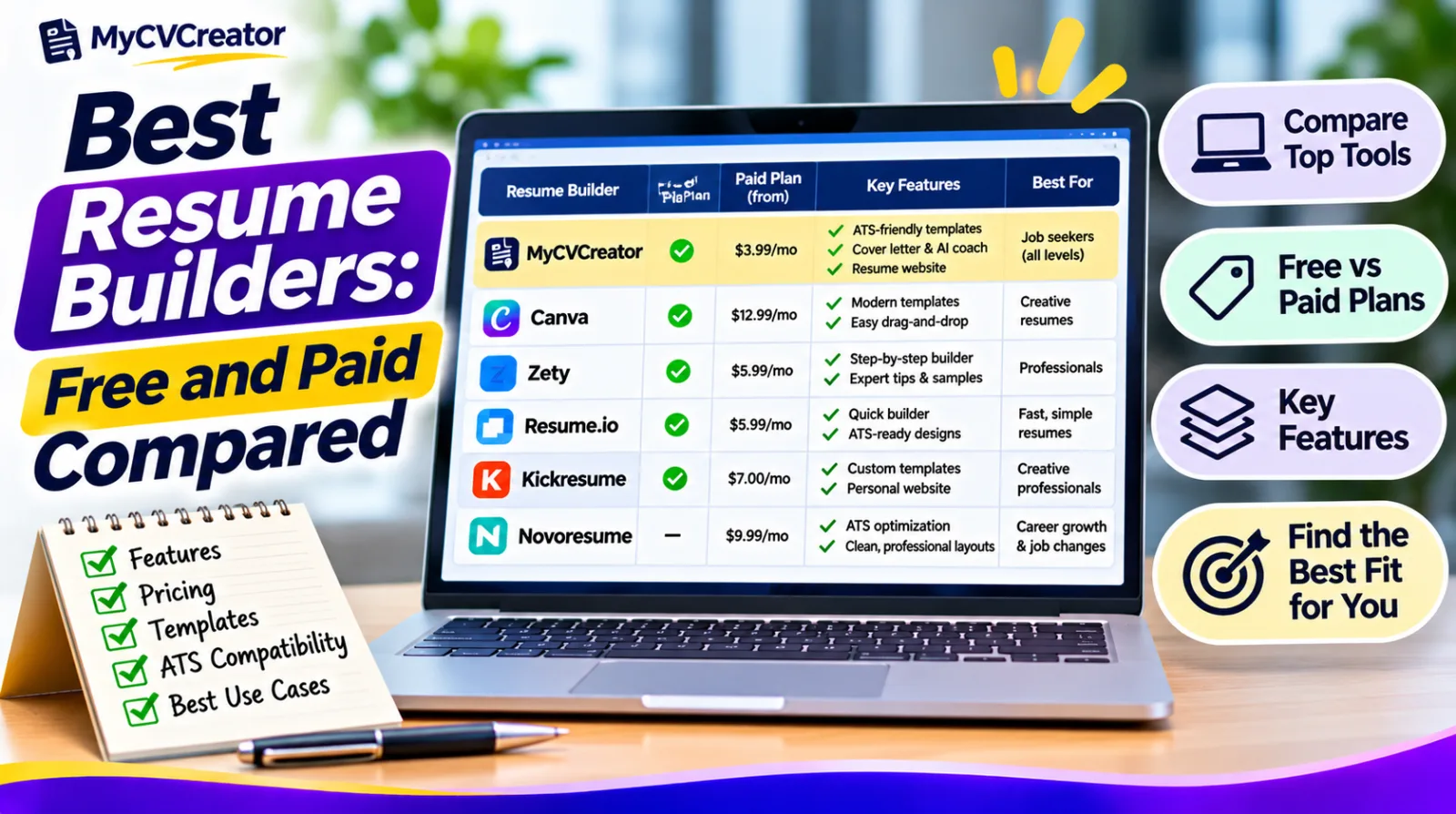
| Builder | Free plan | Free PDF download? | Paid pricing (as reported 2026) | Billing |
|---|---|---|---|---|
| MyCVCreator | Unlimited resumes | Yes | Free | No subscription |
| Teal | Unlimited resumes | Yes | Teal+ about $13 a week or $29 a month | Subscription |
| Kickresume | Unlimited resumes within free options | Yes, with limited templates | About $24 a month, cheaper annually | Subscription |
| Rezi | One resume | Yes, three downloads | $29 a month, or $149 lifetime | Subscription or one-time |
| Novoresume | One-page resume | Yes, one page | $21.99 for one month | One-time, no auto-renewal |
| Zety | Build for free | No, TXT only | $1.95 for 14 days, then $25.95 every 4 weeks; annual $71.40 | Auto-renews |
| Resume.io | Build for free | No, TXT only | $2.95 for 7 days, then $29.95 every 4 weeks | Auto-renews |
| Canva | Many free templates | Yes | Paid plan optional | Subscription optional |
| Google Docs or Microsoft Word | Free templates | Yes | Free (Word needs Office) | None |
The trial trap: read this before you pay
Some of the best-known builders use the same model: you build your resume for free, then find you can only download it as plain text unless you start a low-cost trial. That trial then renews automatically.
Two details are easy to miss:
- Billing every four weeks is not the same as monthly. It adds up to 13 charges a year, not 12. At $25.95 every four weeks, that is $337.35 a year; at $29.95, it is $389.35.
- The trial needs your card. If you forget to cancel, you keep paying long after your job search ends.
None of this is hidden; it is on the providers' pricing pages. But job seekers in a hurry often miss it. If you use a trial, set a reminder to cancel the day before it ends, or choose a builder with a free PDF download or a one-time payment.
Builder by builder
1. MyCVCreator: our top pick
MyCVCreator lets you create unlimited resumes and download them as PDFs for free, with no subscription and no trial to cancel. Alongside the resume builder, it includes a matching cover letter builder, a resume website builder, a video resume builder that drafts a script from your resume, and an ATS resume checker.
Why it is our number one: it is the only builder in this comparison that combines unlimited resumes, free PDF downloads and no subscription with a cover letter, resume website and video resume in one place. Our guides also cover CV norms for Nigeria, India, the UK, the Gulf and Canada as well as the US, so it suits job seekers applying in more than one country.
Good for: anyone who wants a complete application kit without paying or tracking a renewal date.
Keep in mind: as with any builder, pick a single-column template for online applications.
Teal: best free plan for active job seekers
Teal is less a template tool and more a job search workspace. Alongside the resume builder, it offers job tracking and a browser extension for saving listings, with AI tools to match your resume to postings.
Good for: people applying to many jobs who want to track them in one place.
Watch out for: weekly pricing adds up if you upgrade; it can feel like more tool than you need for a single resume.
Kickresume: generous free downloads with design options
Kickresume's free plan allows unlimited resumes and downloads within its free customisation options, with a range of templates.
Good for: people who want an attractive design and free downloads.
Watch out for: some templates are more design-heavy; choose a single-column one for online applications.
Rezi: focused on screening software
Rezi is built around optimising resumes for applicant tracking systems, with keyword and content scoring. Its lifetime option is unusual and can work out cheaper for long searches.
Good for: people applying mainly through online portals who want keyword guidance.
Watch out for: the free plan is limited to one resume and three downloads.
Novoresume: pay once, no subscription
Novoresume's clean templates suit early-career candidates, and its paid plan is a one-time payment that does not renew automatically.
Good for: graduates and people who dislike subscriptions.
Watch out for: the free version is limited to a single page.
Zety: polished, guided writing
Zety offers guided writing with suggested phrases and a large template library. Its free plan lets you build a resume but downloads only as plain text.
Good for: people who want step-by-step help with wording.
Watch out for: the low-cost trial auto-renews. The annual plan is much cheaper per month if you need it for a long time.
Resume.io: fast and simple
Resume.io has a smooth editor with a live preview, and many people find it quick to produce a conventional, clean resume.
Good for: someone who needs a straightforward resume quickly.
Watch out for: free downloads are plain text only, and the trial renews every four weeks.
Canva: beautiful, but be careful
Canva has a huge selection of free, attractive resume templates. The problem is that many of its most popular designs use two columns, text boxes and graphics that screening software struggles to read. Independent tests have found that most Canva templates fail basic parsing checks, while its plain single-column templates perform much better.
Good for: a printed resume, a portfolio, networking or creative roles.
Watch out for: online applications. If you use Canva, choose a simple single-column template, or keep a second, plain version for job portals.
Google Docs and Microsoft Word: the free baseline
Both offer free resume templates, and you keep full control of your file. They take more manual formatting effort, but they cost nothing and avoid any subscription. Choose simple templates and avoid tables and text boxes.
Good for: confident users on a tight budget.
Watch out for: formatting time, and some built-in templates use tables.
Are "ATS-friendly" templates really ATS-friendly?
Almost every builder now labels its templates "ATS-friendly." Treat that as a claim to check, not a guarantee. Some tools say their two-column templates parse correctly; some independent testers disagree.
The safe approach does not depend on any brand:
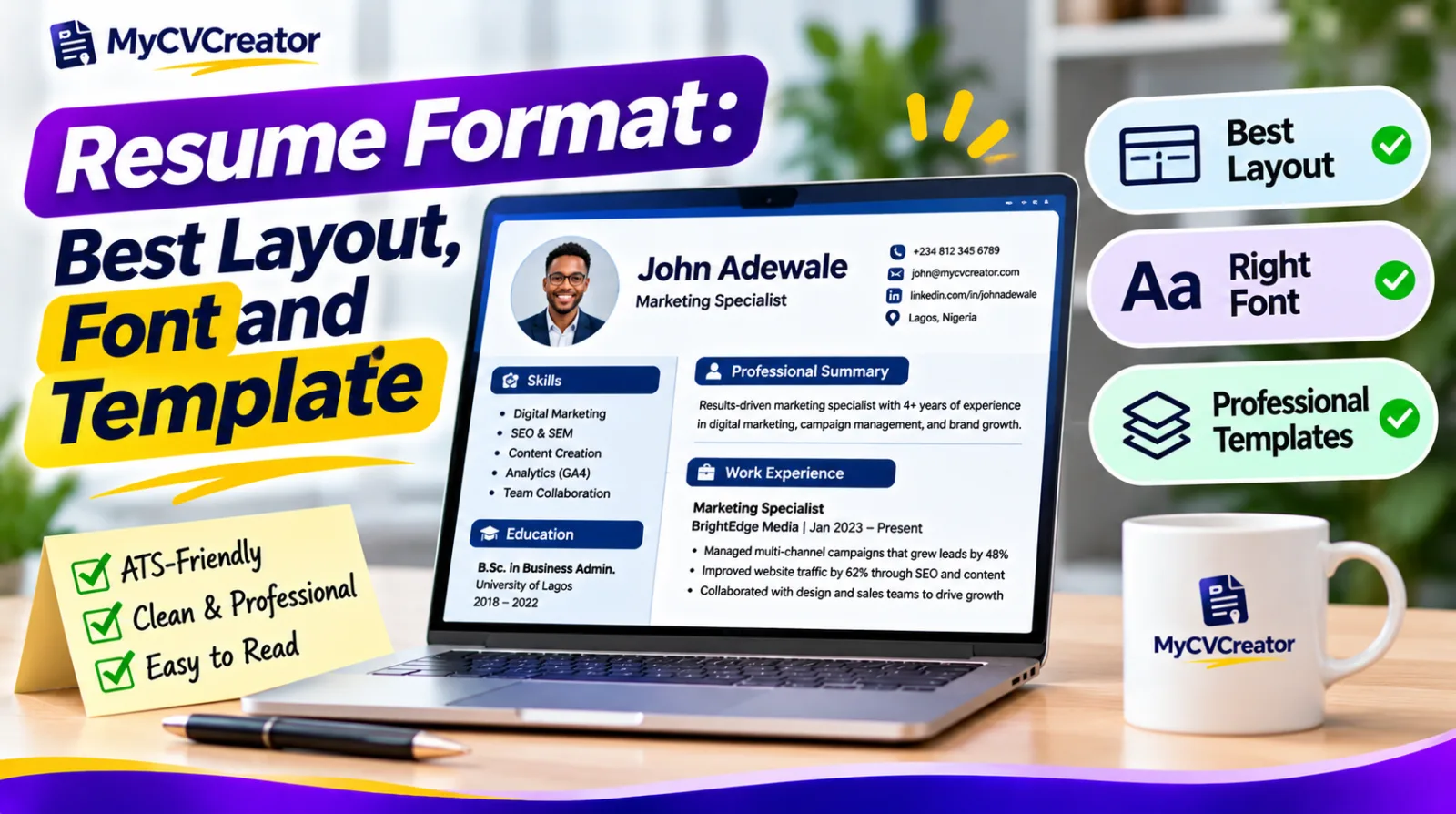
- Choose a single-column template for online applications
- Use standard headings: Summary, Experience, Skills, Education
- Avoid skill bars, icons, text in images and tables
- Export a text-based PDF and check you can select and copy the text
Our guides to resume format in 2026 and how AI reads your resume explain why.
How to choose
| If you... | Consider |
|---|---|
| Want the best all-round free option | MyCVCreator |
| Want a free PDF with no catch | MyCVCreator, Teal, Kickresume, Rezi (limited), Google Docs |
| Hate subscriptions | MyCVCreator, Novoresume, Rezi lifetime, Google Docs or Word |
| Apply to many jobs and want tracking | Teal |
| Want keyword and screening help | Rezi |
| Want guided wording | Zety |
| Want something quick and simple | Resume.io |
| Want a design for print or networking | Canva, carefully |
| Want a resume, cover letter and video in one place | MyCVCreator |
A builder will not write a good resume for you
The best template in the world cannot fix weak content. What gets interviews is what you write: specific achievements with numbers, skills that match the job, and a resume tailored to each posting. Spend more time on content than on choosing a tool.
These guides will help whichever builder you use:
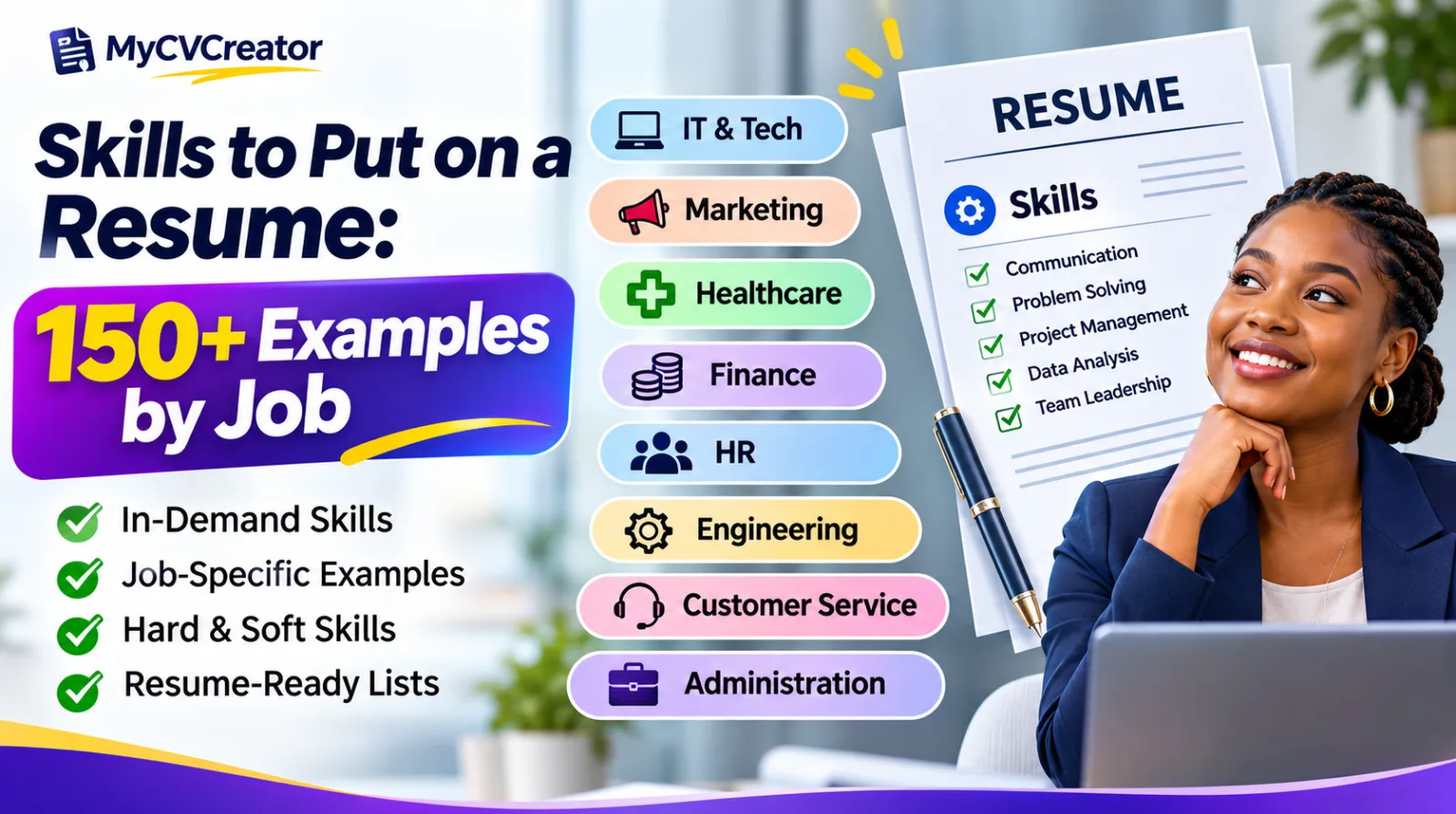
- Skills to put on a resume in 2026
- How to use ChatGPT to write your resume without sounding generic
- Cover letter do's and don'ts
Frequently asked questions
What is the best resume builder in 2026? Our top pick is MyCVCreator, which offers unlimited resumes, free PDF downloads and no subscription, plus cover letter and video resume builders. Among the others, Teal, Kickresume and Rezi have the most useful free plans, Novoresume suits people who want a one-time payment, and Zety and Resume.io offer polished editors on auto-renewing plans.
Is there a completely free resume builder? Yes. MyCVCreator offers unlimited resumes and free PDF downloads with no subscription. Google Docs and Microsoft Word templates are also free, and Teal and Kickresume offer free PDF downloads. Several popular builders only allow free downloads as plain text.
Why can I only download my resume as a TXT file? Some builders, including Zety and Resume.io, limit free plans to plain text downloads. A formatted PDF requires a paid trial or plan.
Do resume builder trials renew automatically? Some do. Zety's and Resume.io's trials renew at a full price every four weeks unless cancelled. Check the terms before entering your card.
Are Canva resumes ATS-friendly? Many of Canva's popular templates are not, because of columns, text boxes and graphics. Its simple single-column templates perform much better.
What is the best website to create a CV online? Any builder that offers single-column templates, a free or fairly priced PDF download and easy editing. Choose by features and billing, not by brand.
The short version
Choose a builder by three things: whether you can download a proper PDF without a surprise subscription, whether its templates are single-column and readable by screening software, and whether it makes tailoring each application easy. Read the billing terms before you start any trial. Then spend your real effort on the content.
Try MyCVCreator free: unlimited resumes, free PDF downloads, no subscription, and a matching cover letter and video resume in one place.
Sources: Pricing as reported in 2026 resume builder comparisons by FavTutor, Krea, ResumeFast, Uppl and AI Toolkit Pro, drawing on each provider's pricing page. Template parsing findings from independent tests published by ATS Verification and others in 2026.
Related reading
- Resume Format 2026: The Best Layouts, Fonts and Templates
- Skills to Put on a Resume in 2026
- How AI Reads Your Resume Now: ATS 2.0 and Semantic Matching
- AI Now Reads Most Resumes: What the New Data Means
- Cover Letter Do's and Don'ts
- How to Make a Video Resume
- Can I Get My CV Online?