Education Careers in Nonprofit Organizations
Education Careers in Nonprofit Organizations Educational non-profit organizations are created for students, te .........
Read More
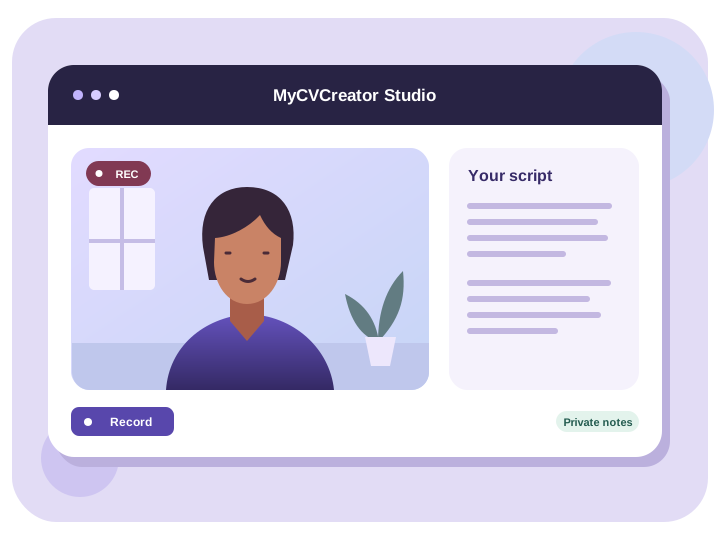
MyCVCreator Video Resume Studio
Show employers how you communicate and what you bring to the role. Start with your written resume, record a short introduction, and share it when you’re ready.
How it works
Choose a saved resume or upload your own to generate a draft. Edit it until it sounds natural when you read it aloud.
Enable your camera and microphone. Use the countdown to get ready, then play back your recording and try another take if needed.
Save the take you want to keep, download it, or copy a link to send with your application.
Before you record
Hi, I’m Maya, a customer success specialist. At my last company, I redesigned the handover for new clients so they knew exactly what to expect in their first week. I’d like to bring that same approach to a team that’s improving the onboarding experience.
Aim for 60 to 120 seconds. Rehearse once out loud and cut details that don’t support the role you’re applying for.
Yes. Submit your written resume as requested and include a video link if the employer accepts supplementary material.
Yes. Choose a resume saved in MyCVCreator or upload a PDF, DOCX, or TXT file. Review the generated script before recording.
Yes. After saving your recording, you can download it or copy the share link. Anyone with the link can open it.
Start with the role you want and one example worth talking about.
Education Careers in Nonprofit Organizations Educational non-profit organizations are created for students, te .........
Read More
Careers in Anti-Money LaunderingAnti-money laundering (AML) is basically about hindering criminals from disgui .........
Read More
Most CVs have a section that reads like a receipt: a list of courses, certificates and workshops with dates at .........
Read More