Education Careers in Nonprofit Organizations
Education Careers in Nonprofit Organizations Educational non-profit organizations are created for students, te .........
Read More
MyCVCreator Video CV Studio
Give recruiters a short introduction to who you are and how you work. Record a tailored video CV alongside the written CV you submit with your application.
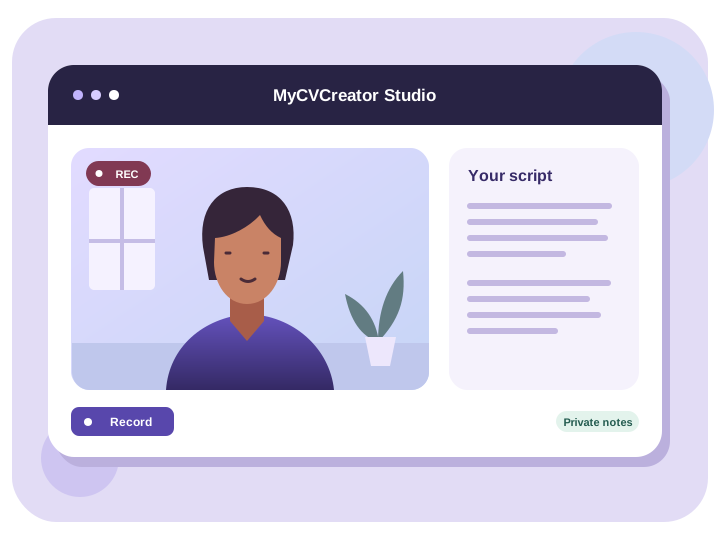
How it works
Choose a saved resume or upload your own to generate a draft. Edit it until it sounds natural when you read it aloud.
Enable your camera and microphone. Use the countdown to get ready, then play back your recording and try another take if needed.
Save the take you want to keep, download it, or copy a link to send with your application.
Before you record
Hello, I’m Sam. I’m applying for the junior events coordinator role. While volunteering at a local festival, I kept stallholders informed when our setup schedule changed. I enjoyed staying organised under pressure and would love to help your team run welcoming events.
A video CV is a short recorded introduction that complements a written CV. It lets a recruiter hear how you describe your experience in your own words.
It can be useful in roles where presentation and communication matter, such as sales, hospitality, media, and customer service. Check the application instructions before sharing it.
Use a phone or computer with a camera and microphone. Face a window or soft light, place the camera at eye level, and check your audio with a short test recording.
Yes. Review the take before saving or record it again. The app keeps your saved recording available until you save a replacement.
Start with the role you want and one example worth talking about.

Education Careers in Nonprofit Organizations Educational non-profit organizations are created for students, te .........
Read More
Careers in Anti-Money LaunderingAnti-money laundering (AML) is basically about hindering criminals from disgui .........
Read More
Most CVs have a section that reads like a receipt: a list of courses, certificates and workshops with dates at .........
Read More