How to Make a Video Resume : Step-by-Step With Script Examples
A written resume tells an employer what you have done. A video resume shows them how you communicate while you say it.
That second thing is hard to get across on paper. How clearly you explain your work, how you carry yourself, whether you sound like someone a customer or a team would be glad to deal with: a hiring manager usually learns this only at interview. A short video lets them see it first.
This guide walks you through making one properly: what to say, how long to make it, how to record it on whatever device you have, and where to send it. It includes full script examples you can adapt, and a step-by-step walkthrough using the MyCVCreator video resume builder, which drafts your script from the resume you already have.
What a video resume is, and what it is not
A video resume is a short recorded introduction, usually 60 to 120 seconds, in which you speak directly to the employer about who you are, what you have done and why you fit the role.
It is not a replacement for your written resume. Almost every employer still screens written applications, and applicant tracking systems cannot watch a video. Think of the video as a supplement: a link you add to an application, an email, your LinkedIn profile or your portfolio to give a hiring manager a reason to look more closely.
It is also not a one-way video interview. In a one-way interview, the employer sets the questions and you record your answers on their platform. A video resume is your own pitch, on your terms, sent when you choose. If an employer has asked you to complete a recorded interview, our guide to passing one-way video interviews is the one you need.
When a video resume helps most
Video resumes are most useful when the job itself depends on how you come across. That includes:
- Customer-facing roles: sales, customer service, hospitality, retail management, account management.
- Communication roles: marketing, teaching, training, public relations, recruitment, presenting.
- Creative roles: design, media, content, video production.
- Remote and international applications: where an employer cannot easily meet you and wants confidence in your spoken English and professionalism.
- Career changers and graduates: where a thin or unusual resume benefits from a voice explaining it.
They help least in roles that hire almost entirely on technical credentials, and in organisations with strict, formal application processes. When a job posting says "no attachments" or "applications via the portal only," respect it.
One important caution. In some countries, including the United States, many employers avoid looking at photos or videos early in hiring because they reveal age, race, gender and other protected characteristics, and they do not want to risk a discrimination claim. That does not mean a video is wrong. It means you should offer it as an optional link rather than force it on anyone, and never send one where the employer has asked you not to.
How long should a video resume be?
60 to 120 seconds. Aim for about 90.
That is roughly 150 to 250 spoken words. Anything shorter rarely says enough. Anything longer starts to lose the viewer, and most hiring managers decide in the first 15 to 20 seconds whether to keep watching. If your draft runs past two minutes, cut details rather than speaking faster.
The 4-part structure that works
Every strong video resume follows some version of the same shape. Use these four parts and you will not go far wrong.
| Part | Time | What to say |
|---|---|---|
| 1. Hook | 0 to 15 seconds | Your name, the role you want and one line that makes them keep watching |
| 2. Proof | 15 to 60 seconds | One or two specific results from your experience, with numbers |
| 3. Fit | 60 to 90 seconds | Why this role or company, and how your strengths carry over |
| 4. Close | 90 to 110 seconds | A short thank you and a clear next step |
The most common mistake is to skip the proof and spend the whole video on adjectives: "I am hardworking, passionate, a team player and a fast learner." Every candidate says those words. One concrete example of something you actually did is worth all of them.
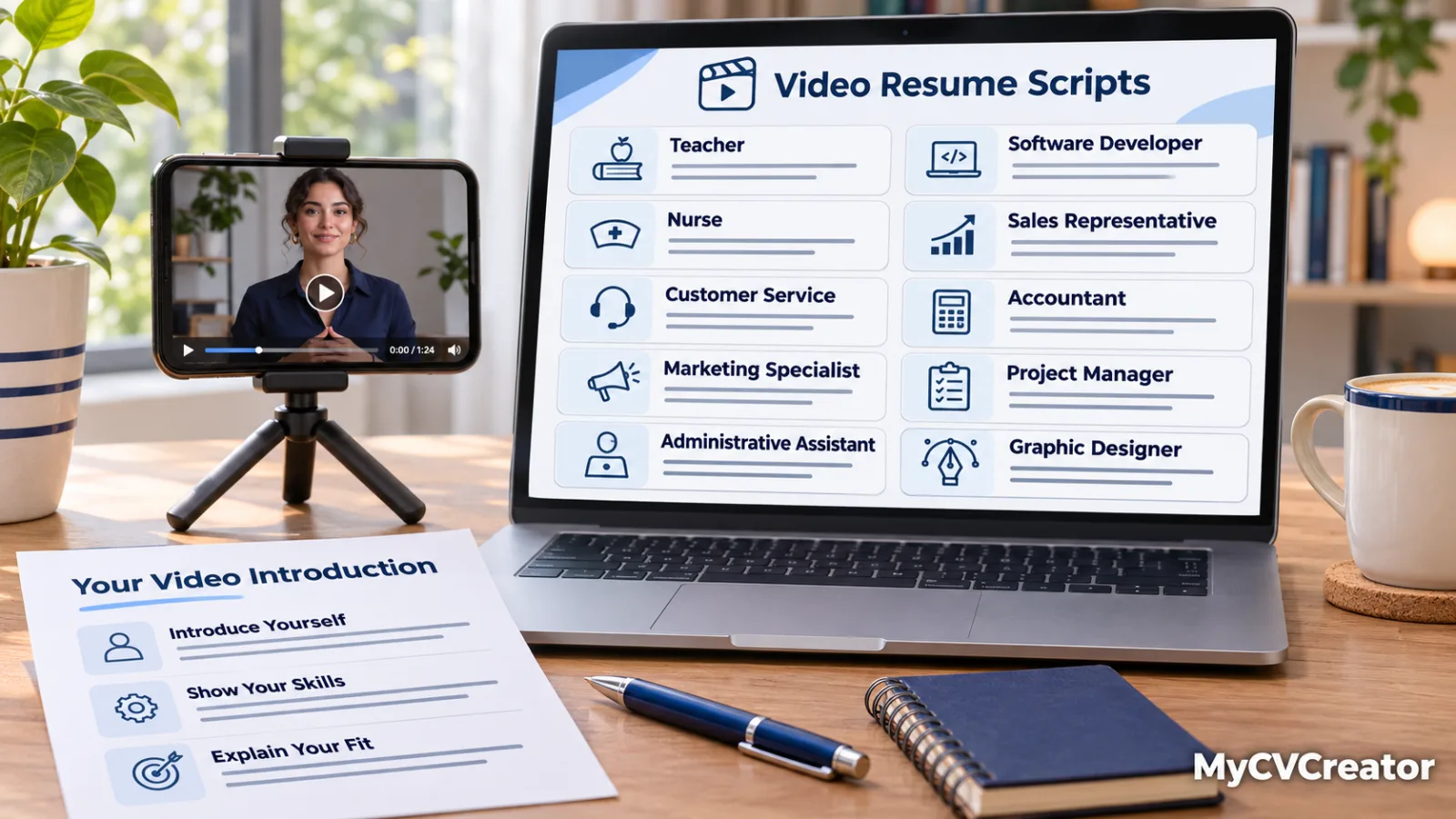
Video resume script examples
Here are four complete scripts you can adapt. Each takes about 75 to 100 seconds to say at a natural pace.
Example 1: Customer service representative
Hi, I'm Amara Okafor, and I'm applying for the customer service representative role at BrightLine.
For the last three years I've worked on the support team at a telecoms company in Lagos, handling around 60 calls and chats a day. Last year I had the highest customer satisfaction score on my team, 94 percent, and I helped write the troubleshooting guide our new hires now use.
What I enjoy most is the moment a frustrated customer realises their problem is actually going to be fixed. I'm calm under pressure, and I'm good at explaining technical things in plain language.
I noticed BrightLine is expanding its support hours, and I'd love to bring that experience to your team.
Thank you for watching. My resume is attached, and I'd welcome the chance to talk.
Example 2: Recent graduate with no full-time experience
Hello, I'm Rohan Mehta. I've just finished a degree in business administration, and I'm applying for your graduate trainee programme in operations.
I don't have years of work experience yet, but I do have a result I'm proud of. In my final year I ran the logistics for our university's careers fair: 40 employers, more than 1,200 students and a budget I had to keep within. We finished under budget and had the highest employer turnout in five years.
That project taught me that I love organising complicated things so they run smoothly for everyone else, which is exactly what your programme is about.
I'm a quick learner, I'm comfortable with spreadsheets and data, and I'm ready to start.
Thank you for your time. I'd be glad to tell you more in an interview.
Example 3: Career changer, teacher to corporate trainer
Hi, I'm Sarah Mitchell, and I'm applying for the learning and development specialist role.
I've spent eight years as a secondary school teacher. That means eight years of designing lessons, holding the attention of a room and measuring whether people actually learned something. In my last school I redesigned the maths support programme, and pass rates in the group I worked with rose from 58 to 81 percent in one year.
I'm moving into corporate training because I want to use those same skills with adults who are building their careers.
I've completed a certificate in instructional design, and I've already built two e-learning modules, which you can find linked in my resume.
Thank you for watching. I'd love to talk about how I could help your team learn faster.
Example 4: Software developer applying for a remote role
Hi, I'm David Mensah, a backend developer based in Accra, and I'm applying for the remote Python developer role.
For the past four years I've built and maintained APIs for a fintech company that processes payments across three countries. My biggest project was redesigning our transaction service, which cut average response time by 40 percent and reduced failed payments during peak hours.
I've worked fully remotely with teams in London and Nairobi, so I'm comfortable with asynchronous communication, clear documentation and overlapping time zones.
I'd especially like to work on your payments infrastructure, and I've included a link to my GitHub with examples of my work.
Thanks for watching. I look forward to hearing from you.
Notice what each script does. It names the role. It gives at least one number. It links past experience to the new job. And it ends politely without begging.
Step-by-step: making your video resume on MyCVCreator
The MyCVCreator video resume builder handles the whole process in your browser, with nothing to install.
Step 1: Prepare your script
Choose a resume you have already saved on MyCVCreator, or upload one as a PDF, DOCX or TXT file. The builder drafts a script from your actual experience, so you are not starting from a blank page.
Then edit it. The draft is a starting point, not a finished script. Change the wording until it sounds like you talking, not like a document being read aloud. Read it out once and cut anything that makes you stumble.
Step 2: Record and review
Turn on your camera and microphone. Use the countdown to get settled before recording starts. When you finish, play the take back.
Watch it once as if you were the hiring manager. Is the first sentence clear? Can you hear every word? Do you look at the camera? If not, retake it. Most people need three to five takes before one feels right, and that is normal.
Step 3: Save and share
Save the take you are happiest with. You can download the video file or copy a share link. Anyone with the link can watch it, so share it only with the employers and contacts you intend to.
How to record a video that looks professional
You do not need a studio or an expensive camera. A recent phone or laptop is enough if you get these basics right.
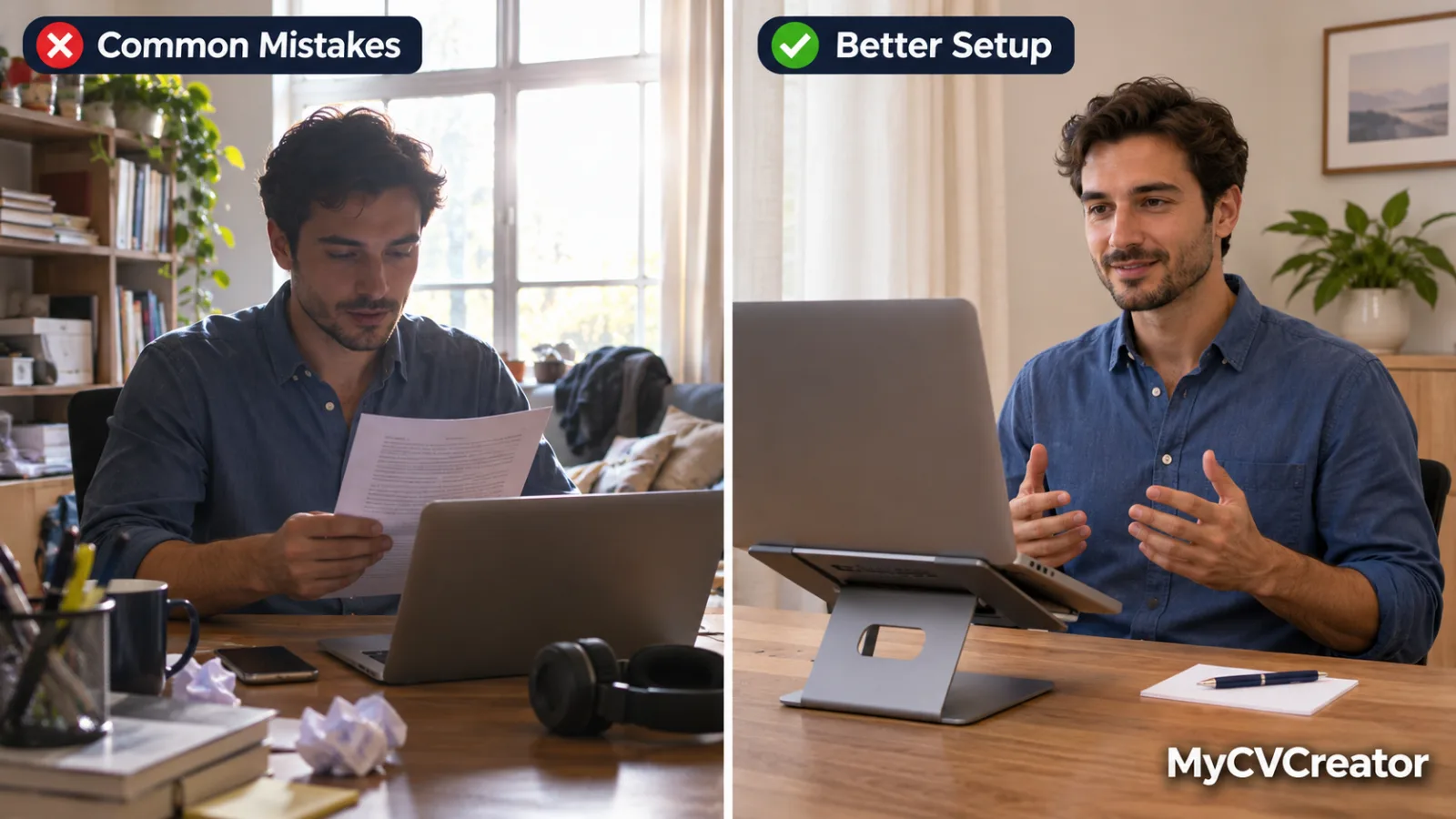
Lighting. Face a window or a lamp, so the light falls on your face. Never sit with a bright window behind you, or you will appear as a dark silhouette.
Framing. Position the camera at eye level, not looking up from a desk. Frame yourself from the middle of your chest to just above your head, with a little space above.
Background. Choose something plain and tidy: a clean wall, a bookshelf or a neat corner of a room. Remove clutter, laundry and anything distracting.
Sound. Record in the quietest room you have. Close windows and doors, switch off fans and ask others in the house to keep noise down for a few minutes. Soft furnishings such as curtains and cushions reduce echo. Wired earphones with a microphone can improve sound noticeably.
Clothing. Dress as you would for an interview in that industry. Solid colours work better on camera than busy patterns or thin stripes.
Eye contact. Look at the camera lens, not at your own face on the screen. It feels odd but it is what makes the viewer feel you are speaking to them.
Delivery. Smile at the start. Speak a little slower than normal and pause briefly between sections. Energy comes across lower on video than in person, so aim for slightly more enthusiasm than feels natural.
Should you memorise the script or read it?
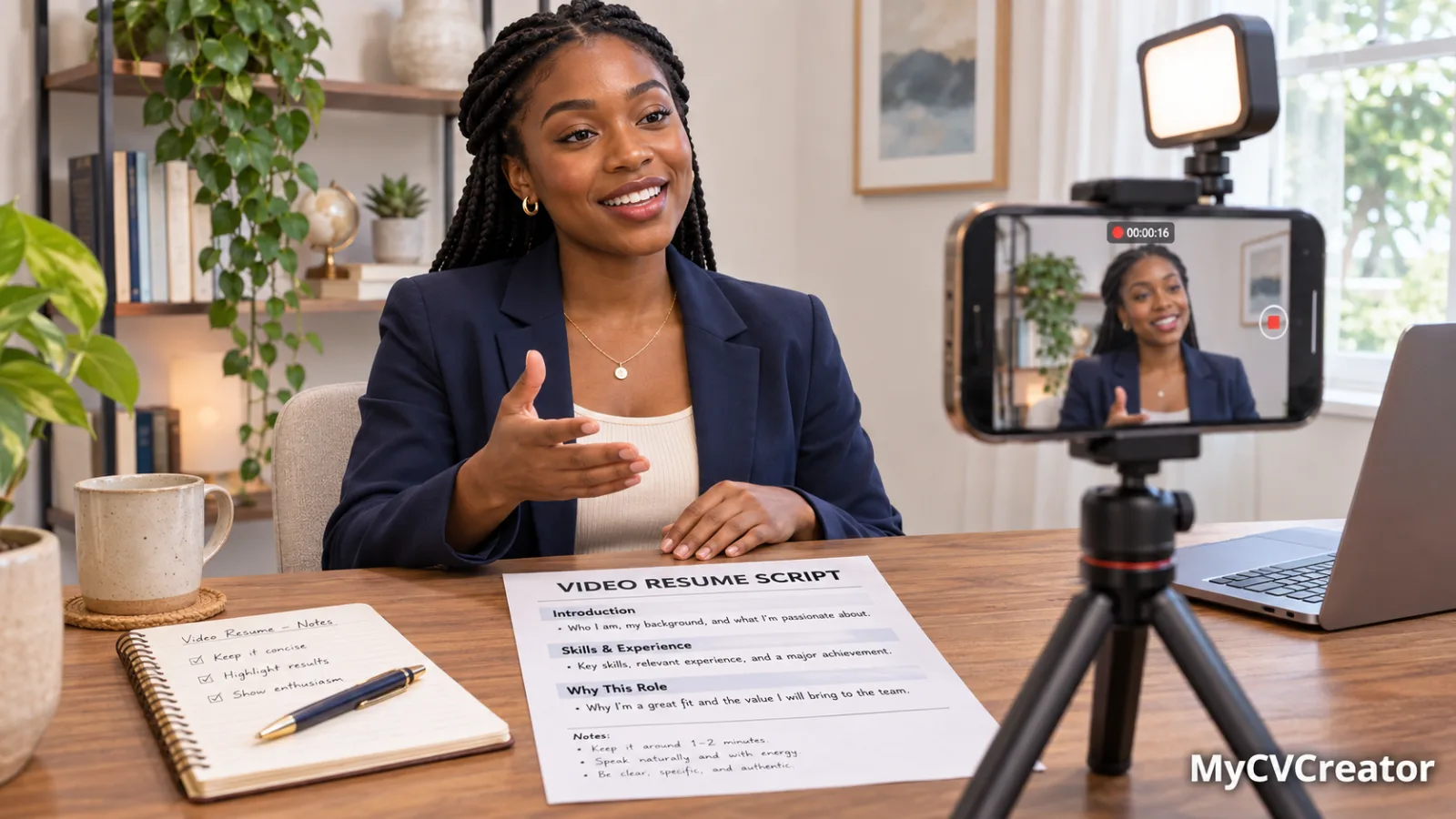
Neither, ideally. A memorised script often sounds stiff, and reading from a screen makes your eyes drift away from the camera.
The best approach is to know your four sections and the key points in each, then speak naturally. A few bullet points placed just below or beside the camera lens can help you stay on track without looking as if you are reading. Several takes will get you there.
Common video resume mistakes
- Repeating your resume line by line. The employer can read your resume. Use the video to add what the page cannot: how you explain your work and why you want this job.
- Going too long. Past two minutes, viewers stop watching.
- Being generic. If the same video could be sent to every employer, it is not specific enough. Mention the role and, where you can, the company.
- Poor sound. Viewers forgive average video far more easily than audio they struggle to hear.
- Rambling at the start. "Um, hi, so, I'm going to tell you a bit about myself" wastes your most valuable seconds. Start with your name and the role.
- Over-editing. Music, effects and transitions usually distract. Unless you work in creative media, keep it simple.
- Forgetting the close. End clearly with a thank you and a next step.
Where to share your video resume
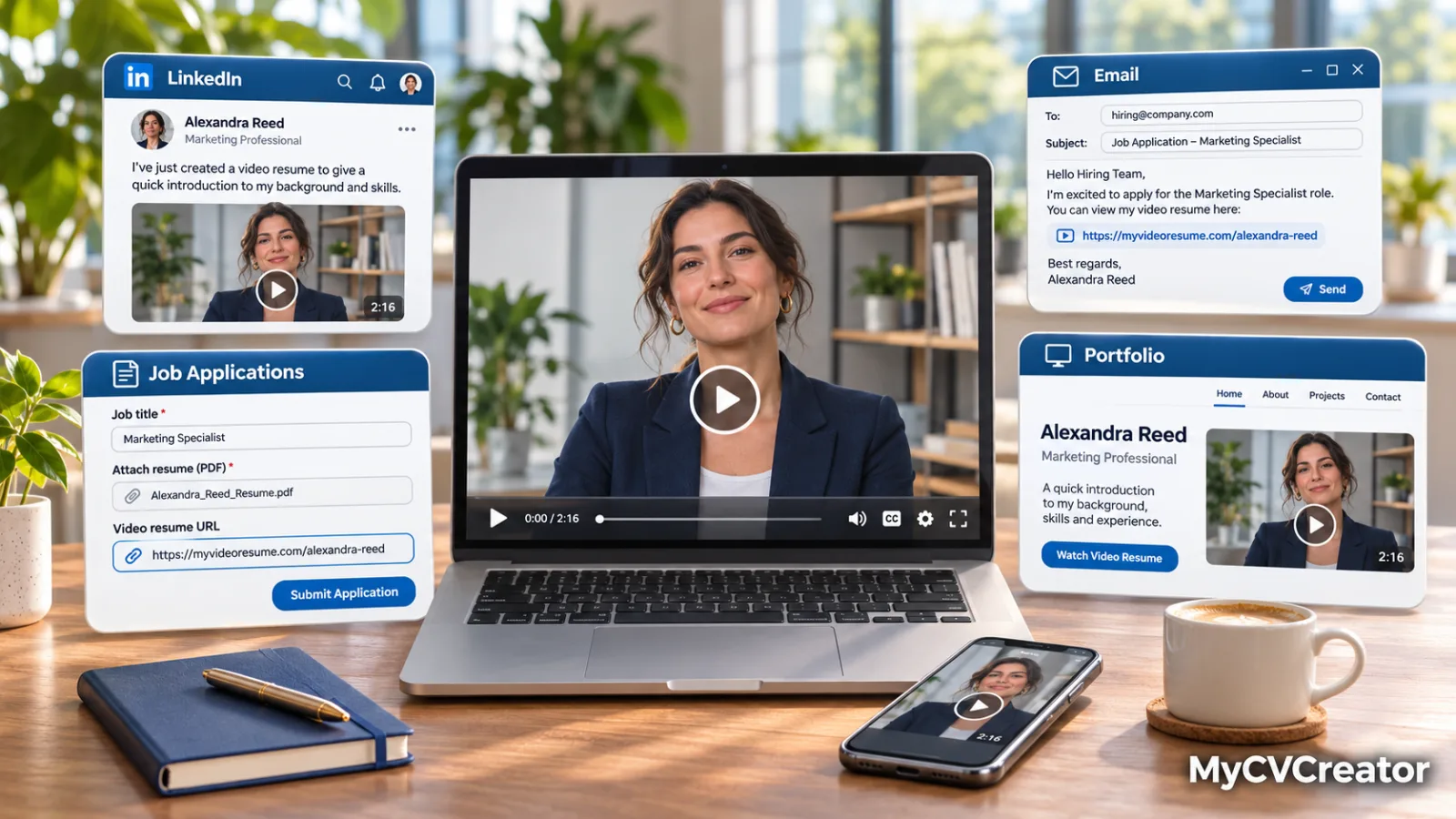
In applications. If an employer accepts additional links or material, include the link with a short line such as "I've recorded a 90-second introduction, which you can watch here." Never replace the written resume with it.
In your email or cover letter. One sentence with the link is enough. Our guide to cover letter norms covers how to keep the rest of the letter tight.
On LinkedIn. Add it to the Featured section of your profile, or share it in a post about your job search. Our guide on using LinkedIn for your job search explains how recruiters search profiles.
In your resume itself. Add a short labelled link in your contact section, for example "Video introduction: [link]."
In networking messages. When you contact a recruiter or hiring manager directly, a short video can make your message stand out among dozens of text-only requests.
A note on privacy and your image
A video resume shows your face and voice, so share it thoughtfully.
- Share links only with people you intend to see them.
- Keep the content professional, as a link can be forwarded.
- Do not include personal details you would not put on a resume, such as your home address, age, marital status or religion.
- Consider recording a fresh version for different types of role rather than one video for everything.
Your on-camera presence is increasingly part of how employers see you. Our piece on how viral AI photo trends affect your professional identity covers the wider picture.
Video resumes for international applicants
If you are applying across borders, a video resume can be especially useful. It shows an employer your spoken English, your communication style and your professionalism before they have to commit to an interview across time zones.
The same rules about what to leave out apply. If you are applying to US employers, do not mention your age, marital status or religion in the video, just as you would remove them from the written resume. Our US resume vs international CV guide explains what to remove and why. For remote roles, see our guide to international versus US-only remote jobs.
Frequently asked questions
How long should a video resume be? Between 60 and 120 seconds, ideally around 90. That is about 150 to 250 spoken words.
Is a video resume worth it? For customer-facing, communication, creative and remote roles, a good video can make you stand out. For highly technical or formal application processes, it matters less. Always send it alongside a written resume, never instead of one.
What should I say in a video resume? Follow four parts: a hook with your name and the role, proof with one or two specific results, fit explaining why this role, and a short close. Avoid repeating your resume word for word.
Can I make a video resume on my phone? Yes. A recent phone is enough. Prop it at eye level, face a window for light, record in a quiet room and look at the lens.
Do I need to memorise my script? No. Learn the structure and key points, then speak naturally. Several takes usually produce a natural result.
Can I make my script from my existing resume? Yes. The MyCVCreator video resume builder drafts a script from a saved resume or an uploaded PDF, DOCX or TXT file, which you then edit before recording.
Should I send a video resume if the employer did not ask for one? You can offer it as an optional link if the employer accepts extra material. Do not send one if the posting says not to, and do not attach large video files to emails. Use a link.
The short version
A good video resume is short, specific and personal. It names the job you want, proves you can do it with one or two real results, explains why you want this role and ends with a clear thank you. Record it in good light with clear sound, look at the camera and share it as a link alongside your written resume.
Make your video resume on MyCVCreator: draft your script from your resume, record in your browser, and download or share it in minutes.
Related reading
- How to Pass a One-Way Video Interview
- Common Interview Questions and How to Answer Them
- How to Use ChatGPT to Write Your Resume Without Sounding Like Everyone Else
- LinkedIn for the US Job Market
- US Resume vs International CV: What to Delete
- Your Face Is Your Resume Now: AI Photo Trends and Your Professional Identity
- Prove You're Real: The Deepfake Candidate Era
- How Can I Make a CV for a Job?