Where to Share Your Video Resume: LinkedIn, Email, Applications and More
Recording a video resume is half the work. The other half is getting a real person to press play.
This is where most video resumes quietly fail. The video itself is fine, but it is attached as a huge file that bounces, pasted into a portal nobody reads, or sent with no explanation of what it is. A video nobody opens does nothing for you.
This guide covers every sensible place to share a video resume, in order of how likely it is to be watched, with the exact words to use in each. It also covers the places you should not send one.
Three rules before you share anything
1. Share a link, not a file. Video files are large. Email systems reject or strip them, and nobody wants to download an unknown attachment. A link opens in one click on any device. The MyCVCreator video resume builder gives you a share link as soon as you save a take, as well as a download if you need the file.
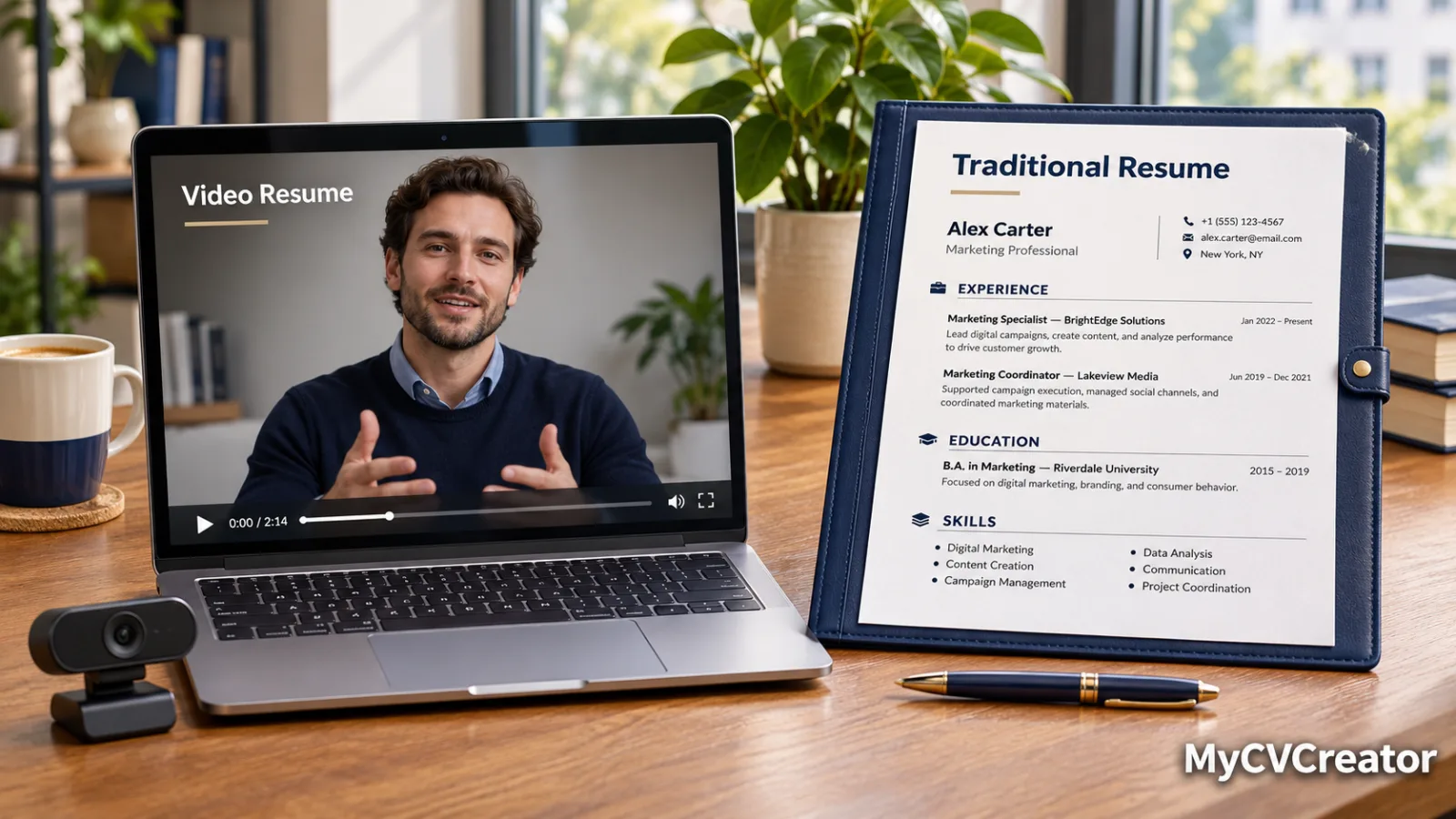
2. Always send the written resume too. The video is an extra. Screening software cannot read it, and many employers will only look at the written document. Our comparison of video and traditional resumes explains why you need both.
3. Make it optional and say how long it is. People are far more willing to click when they know it will take 90 seconds. "I've recorded a 90-second introduction, if useful" works. "Please watch my video" does not.
Where a video resume is most likely to be watched
A video gets watched when a specific person is already paying some attention to you. So the best places to share it are the ones closest to a real human being.
| Where | Chance of being watched | Best for |
|---|---|---|
| Direct email or message to a hiring manager | High | Small and mid-sized companies, referrals |
| Follow-up after a conversation or interview | High | Staying memorable |
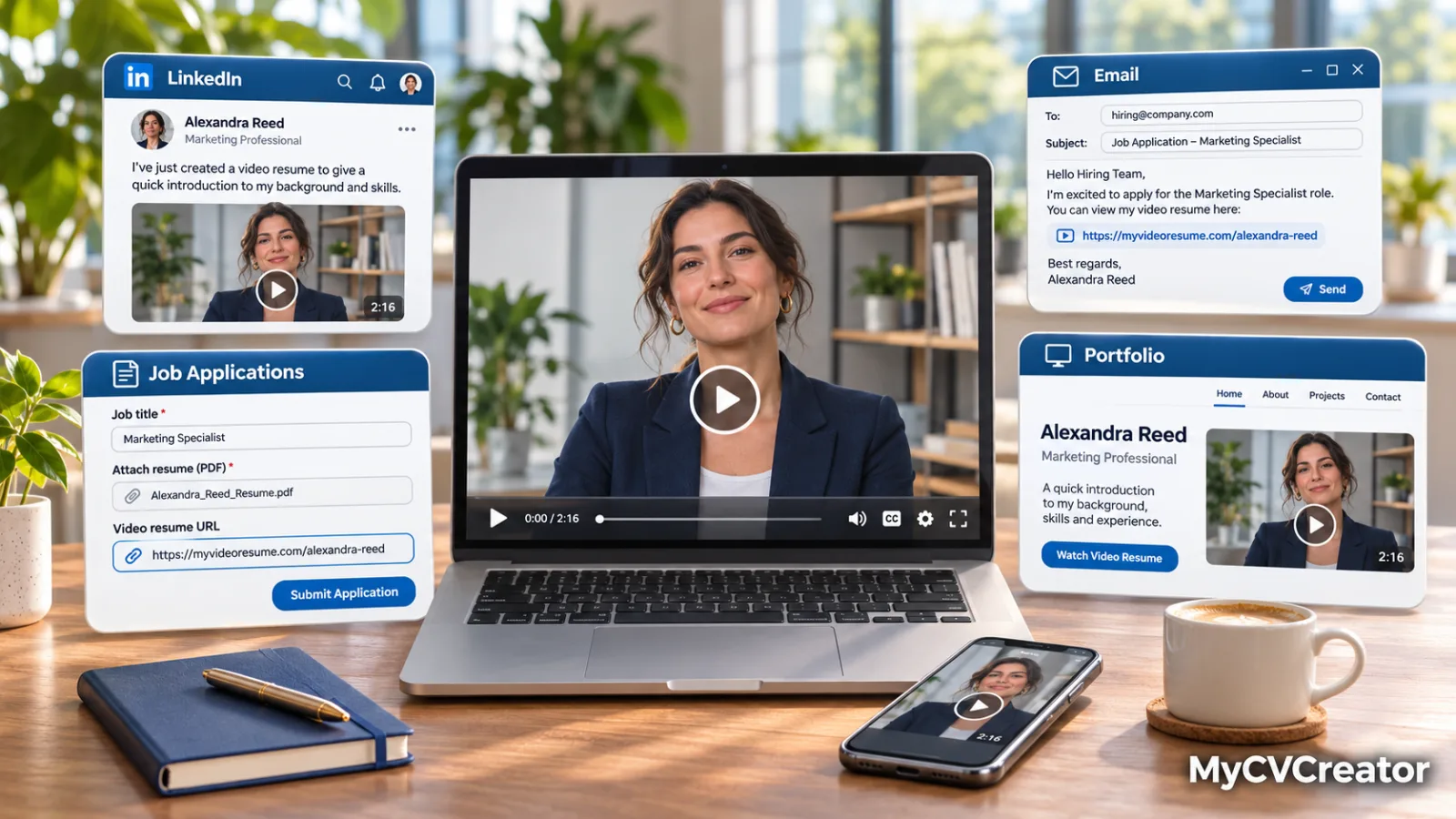
| LinkedIn profile, Featured section | Medium to high | Recruiters already viewing you |
| LinkedIn post about your job search | Medium | Reaching your wider network |
| Link on your written resume | Medium | Any reader who wants to know more |
| Cover letter or application link field | Medium to low | Where extra material is accepted |
| Portfolio or personal website | Medium | Creative and freelance work |
| Large application portal with no link field | Low | Do not force it |
1. A direct email or message to a hiring manager
This is the single most effective use. A short message to the person who will actually make the decision, with your written resume attached and the video as a link, stands out in an inbox full of text.
Keep the message to a few lines. The video does the talking.
Email template:
Subject: Application for Customer Success Specialist, 90-second introduction included
Hello Ms Carter,
I have applied for the Customer Success Specialist role and wanted to introduce myself directly. I have three years of experience in telecoms support, where I held the highest satisfaction score on my team last year.
My resume is attached. I have also recorded a 90-second introduction, if it is useful: [link]
Thank you for your time.
Amara Okafor [phone] | [LinkedIn URL]
Short LinkedIn message template:
Hi James, I have just applied for the Sales Executive role on your team. I manage 45 retail accounts and grew that portfolio 22 percent last year. I recorded a 90-second introduction in case it is helpful: [link]. Happy to share my resume too. Thank you.
Note what both do: they say which role, give one piece of proof, state the video's length and leave the choice to the reader.
2. As a follow-up
A video link is an excellent reason to send a follow-up, because it adds something new rather than just asking for an update.
After applying, with no reply after a week or so:
Hello Ms Carter, I applied for the Customer Success Specialist role last week and remain very interested. To make it easier to get a sense of how I work, I have recorded a 90-second introduction: [link]. My resume is attached again for convenience. Thank you.
After meeting someone at an event or on a call:
Good to meet you yesterday, David. As promised, here is my resume, along with a short video introduction that covers my background in 90 seconds: [link]. I would be glad to continue the conversation.
One caution. After a formal interview, a simple thank-you note is usually enough. Add a video only if it offers something the interview did not.
3. On your LinkedIn profile
Recruiters who find you on LinkedIn are already looking at you, which makes them more likely to click.
The Featured section. This sits near the top of your profile and lets you add a link with a title and short description. Add your video link and title it clearly, for example "90-second introduction: operations and logistics." LinkedIn changes its features from time to time, so if the layout looks different, look for the option to add a link or media to your profile.
Your About section. Add one line at the end: "Prefer to watch? Here is a 90-second introduction: [link]."
A post. If you are openly job searching, a post with your video can reach people beyond your direct contacts. Keep the text short:
I am looking for my next role in customer success, ideally with a company that is growing its support team. Rather than write a long post, here is 90 seconds on what I do and what I am looking for. If you know someone I should speak to, I would be grateful for an introduction.
If you are employed and searching quietly, skip the public post and use direct messages instead. Our guide on career cushioning covers how to search without alerting your current employer, and our LinkedIn guide explains how recruiters search profiles.
4. On your written resume
Add the link to your contact section at the top, labelled so the reader knows what it is:
Lagos, Nigeria | amara@email.com | linkedin.com/in/amaraokafor | Video introduction: [short link]
Three points to get right:
- Label it. A bare link gets ignored. "Video introduction" or "90-second video introduction" tells the reader what they will get.
- Keep the text visible. Write out the link, or at least make sure it works when the resume is opened as a PDF. Some screening systems drop hyperlinks hidden behind text.
- Do not embed anything. No video files, QR code images or thumbnails in a resume going through an online application. They can confuse the software that parses your resume. A QR code is fine on a printed resume you hand to someone at a careers fair.
5. In a cover letter or application form
If an application has a field for a website, portfolio or additional links, that is a legitimate place for your video. If it has a cover letter, one sentence near the end is enough:
I have also recorded a 90-second video introduction, which you can watch here: [link].
Do not build the letter around the video, and do not write "see my video" in place of answering a question on the form. Our guide to cover letter norms covers how to keep the rest of the letter tight.
6. On a portfolio or personal website
If you have a portfolio, especially in creative, marketing, teaching or freelance work, put the video on your home or about page. Visitors who have chosen to look at your site are exactly the people who will watch it. If your site lets you upload video, download the file from the builder and add it directly. Otherwise, use the share link.
7. With recruiters and agencies
Recruitment consultants often present candidates to employers with a short written summary. A video link gives them something more persuasive to pass on, and it helps them remember you among the many candidates they speak to.
Thanks for the call today. I am attaching my resume, and here is a 90-second video introduction you are welcome to share with clients if helpful: [link].
8. In networking and referrals
When a contact offers to refer you or pass your details on, make it easy for them. Send a short note they can forward as it is, with the resume attached and the video link included. A person receiving a referral is far more likely to watch a short video than to read a full resume straight away.
Where not to share a video resume
- Where the posting says no additional material. Follow the instruction.
- Formal, standardised processes. Government applications, many large graduate schemes and regulated professions often assess written criteria only.
- In place of required documents. Never.
- As a mass message. Sending the same video link to fifty strangers with no context reads as spam.
- Public pages if you are searching in secret. Anything public can be seen by your current employer.
Keep in mind that in some countries, the United States especially, many employers avoid viewing photos or videos early in hiring because they reveal personal characteristics. That is why the optional, clearly labelled link is the right approach everywhere: it lets each employer decide.
Privacy: who can see your link
A share link can generally be opened by anyone who has it, and links can be forwarded. Treat your video like any professional document that might travel.
- Share it with people you intend to see it, and avoid posting it publicly unless you are comfortable with anyone watching.
- Leave out personal details: home address, age, marital status, religion and family information.
- Do not mention a specific employer by name in a version you plan to share widely. Keep a general version for your profile and tailored versions for individual applications.
- Review old links from time to time, and re-record when your experience or target role changes.
Test before you send
Before sharing, check three things:
- Open the link in a private or incognito browser window. This shows what someone who is not logged in will see.
- Open it on a phone. Many recruiters will watch on mobile.
- Check the sound with earphones and without.
A broken link is worse than no link, because the employer has tried and failed to see what you sent.
One video or several?
For most people, two or three versions are enough:
- A general version for your LinkedIn profile, resume and portfolio. It names your field and the type of role you want, not a specific company.
- One version per type of role if you are applying to more than one kind of job.
- A tailored version for the handful of roles you want most, naming the role and the company in the first and last lines.
Since the middle of your script usually stays the same, tailored versions are quick to record. Our guide on how to make a video resume includes script examples you can adapt, and our list of video resume mistakes has a 10-point check to run before you send anything.
Frequently asked questions
How do I send a video resume to an employer? Send a link, not a file, in a short email or message, with your written resume attached. State the role, give one piece of proof and mention that the video is about 90 seconds long.
Can I attach a video resume to an email? It is better not to. Video files are large and are often blocked or bounced. Use a share link instead.
How do I add a video resume to LinkedIn? Add the link to the Featured section of your profile with a clear title, and mention it in your About section. You can also share it in a post if you are searching openly.
Should I put a video link on my resume? Yes, if the roles you are applying for suit a video. Put a labelled link in your contact section. Do not embed video or images in a resume submitted online.
Should I send a video resume if the employer did not ask for one? You can offer it as an optional link where extra material is accepted or when contacting someone directly. Do not send one where the posting says no additional material.
Who can see my video resume link? Generally anyone who has the link, so share it deliberately and keep personal details out of the video.
The short version
A video resume works when it reaches a person, not a portal. Send it as a short link with your written resume, in a brief message that names the role, gives one proof point and says the video is 90 seconds long. Put a general version on your LinkedIn profile and resume, save tailored versions for the roles you want most, and test every link before it goes out.
Record your video resume on MyCVCreator, copy your share link and send it with the templates above.
Related reading
- How to Make a Video Resume: Step-by-Step With Script Examples
- Video Resume vs Traditional Resume: When Each One Works
- Video Resume Mistakes That Get You Rejected
- LinkedIn for the US Job Market
- US Cover Letter Norms
- Career Cushioning: The Quiet Plan B
- How to Job Search in a Low-Hire, Low-Fire Market