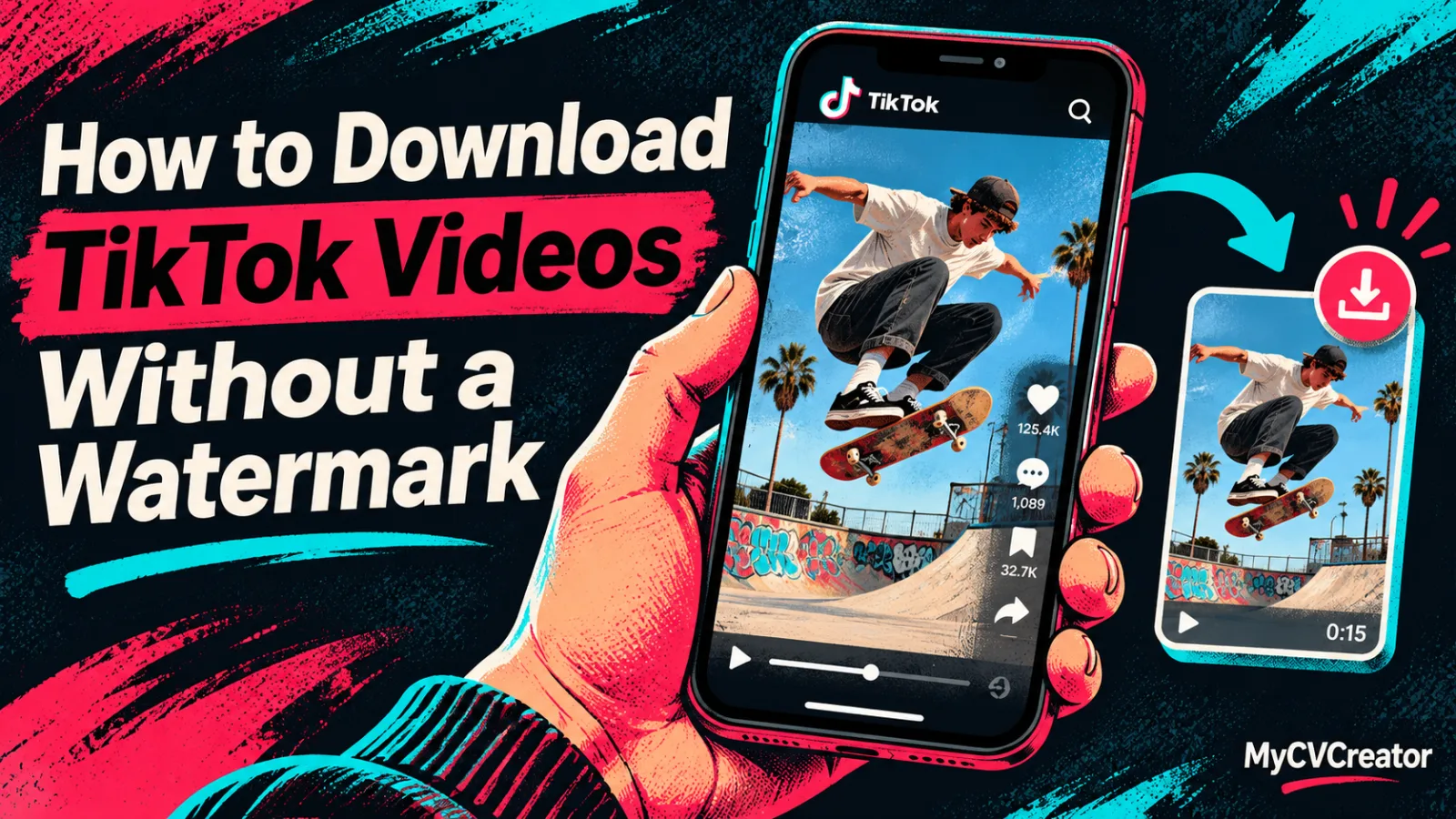
How to Download TikTok Videos Without a Watermark
TikTok's own save writes its logo and the creator's username onto the file. That copy is fine as a personal reminder. It is a poor master for an edit, a campaign archive, or any frame where the lower third has to stay readable.
A public post can be saved without that overlay. Paste the link into the hiCreator TikTok video downloader, then choose the file the project actually needs: an HD or standard MP4, the original sound as an MP3, or each photo in a slideshow as its own JPG. The tool is free, runs in the browser, and does not ask for an account.
The clean file is still the creator's work. Use it for editing, offline viewing, or an archive you are allowed to keep. Credit the creator when you share it, and republish only your own content or content they have cleared.
What the in-app save changes
The watermark is not a thin bug you can crop. TikTok burns a logo and a username into the picture. On a vertical video that overlay often sits on captions, product labels, or the gesture the editor wanted to study.
Teams run into this in ordinary work:
A creator pulling their own post into a desktop editor.
A brand filing the TikTok cut of a campaign next to the cutdown it approved.
An editor comparing two public references before writing a shot list.
A producer who needs the sound on its own, separate from the picture.
Starting from the clean file avoids a second pass just to hide a logo. It also keeps the username available where it belongs: in the filename and the source note, where a colleague can read it.
Match the download to the post
A TikTok link is not always a single video. The same paste box has to cover the formats the app actually publishes.
HD appears when the upload supports it. If the result lists a standard MP4 and no HD option, that is the file TikTok stored. Saving again will not invent a higher resolution.
Short links work. In the app, open Share and choose Copy link. A vm.tiktok.com address and a full tiktok.com/@user/video/… address can both be pasted. On the web, copy the video address from the browser.
Private, deleted, and unavailable posts will not resolve. These tools read public posts. If a campaign asset fails to load, ask the creator for the original export.
Save it in the browser
Copy the TikTok link from the app or the web.
Open the downloader in the browser you already use. Safari, Chrome, and other browsers work on iPhone, Android, Mac, and Windows. There is nothing to install.
Paste the link and run the download. The post loads with its cover, caption, and stats, including views, likes, and comments.
Pick the file. Choose HD when it is listed, the standard MP4 for a quick share, or MP3 when you only need the sound. A slideshow lists each photo separately.
Save it. On a computer the file goes to the Downloads folder. On iPhone it goes to the Files app, and from there you can share it into Photos.
There is no trial and no daily cap. The post is read from hiCreator's servers, so the download is not sent to the creator and is not attached to your TikTok account.
Make the file findable next week
video.mp4 is not an archive. Before you close the tab, write down the creator handle, the original URL, the project name, and which option you saved. A name such as creator_tiktok_campaign_hd.mp4 is enough. For a slideshow, number the frames in the order they appeared.
Keep the caption with the file when the words matter. A downloaded MP4 does not automatically carry the caption TikTok shows outside the video. A one-line note ("product name spoken at 0:04, pack shot at 0:09") saves a second watch during review.
Open the local file once before you hand it to anyone else. Confirm that it plays, the expected sound is present, and the frame is the one you meant. Do this before the link in the spreadsheet is the only record of which take you chose.
If the creator also sent a master from their editor, keep both and label them. The downloaded post and the export are different versions. Months later, nobody should have to guess which one was published.
A repeatable archive pass
A small team filing its own TikTok posts, plus two creator videos already cleared for a recap, can use the same four checks every time:
Record the source first. Handle, URL, and the use you have in mind.
Download the clean file. HD for the edit. MP3 only when the cut needs the sound on its own.
Watch it locally. The overlay is gone, the sound is the right one, and the length matches the post.
File the permission with the asset. "Our post" and "cleared for the recap, not for ads" are different labels. Write the label on the folder.
That pass is short on purpose. The mistakes that waste time happen after the download: a missing URL, a slideshow saved out of order, or a file reused in a channel nobody approved.
Questions to settle before you download
Is the downloader free?
Yes. It is free and unlimited, with no trial and no account. It runs in the browser on iPhone, Android, and desktop.
Does every video come back in HD?
No. HD is listed when the creator uploaded in high resolution. Otherwise the result is the standard MP4 the post has. Read the options before you save.
Can I save a photo slideshow?
Yes. Each photo is listed as a full-size JPG, and the soundtrack is available as an MP3.
Can I convert the video to MP3?
Yes. Every result includes an MP3 of the original sound, whether that sound is a song, a voice-over, or a trending audio.
Will the creator know I downloaded the video?
No. The file is read from hiCreator's servers. Nothing is sent to the creator, and nothing is attached to your TikTok account.
Can I repost what I download?
Only your own content, or content the creator has allowed you to use. Credit them when you share it. A clean file is not a license, including for music or other third-party material in the clip. The platform's terms still apply.
Keep the clean file and the source together
The in-app save is a bookmark with a logo. A watermark-free MP4, a separate MP3, or the frames of a slideshow are the versions you can edit and file. Paste the public link, choose the option the post actually offers, and store the URL beside the file so the next person can see where it came from.