
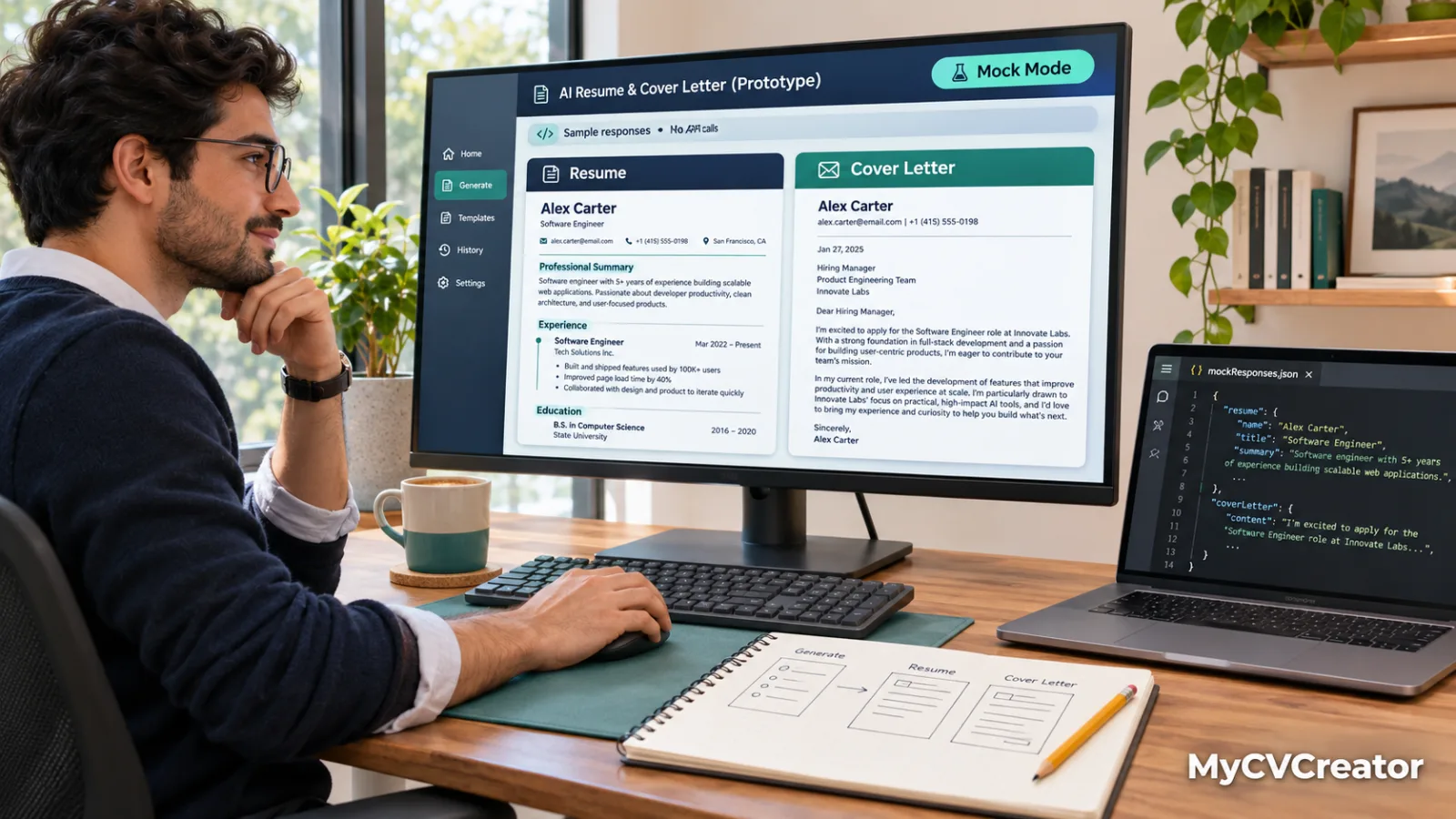
Prototyping AI Resume and Cover Letter Features Without an Inference Budget
Résumé builders and career tools are an obvious fit for language models. A model can tighten a bullet point, tailor a summary to a job description, or turn a messy work history into a clean first draft. The hard part for a small team is not the idea. It is paying for inference while you still do not know which features users will keep.
The good news is that you can answer most of those questions before spending anything. This guide walks through a practical way to prototype AI résumé and cover letter features at zero cost, what to measure, and when the prototype should move to a paid setup.
Start with one narrow feature
Resist the urge to build an "AI career coach" on day one. Pick a single task with a clear input and a clear output. Good candidates include rewriting one bullet point in a stronger active voice, summarising a job posting into five required skills, or drafting a two-paragraph cover letter from a résumé and a job description.
A narrow feature is easier to test, easier to explain to users, and easier to judge. If you cannot describe in one sentence what a good output looks like, the feature is not ready to prototype yet.
Test with synthetic résumés, not real ones
Résumés contain names, addresses, employers and sometimes dates of birth. Even during experiments, treat them as sensitive. Build a small set of invented profiles instead: a recent graduate, a career changer, a senior engineer, a part-time worker returning after a break. Ten to fifteen profiles with matching job descriptions is plenty for a first round.
Synthetic data also makes your tests repeatable. You can run the same inputs against several models and compare the results side by side, which is hard to do with real user documents that you should not be copying around anyway.
Choose a model that matches the job
Not every task needs the biggest model. Rewriting a bullet point is a short, forgiving task. Extracting structured fields from a pasted résumé is stricter, because your application code depends on the shape of the answer.
Several models are currently available at no charge, and a short list of free LLM APIs is a reasonable place to see what the zero-cost tier looks like before you commit to any provider. Treat that list as a starting point and check each model's own page for its current status, because free offerings change over time. As of today, the model pages for GLM 4.6V Flash (Free) and GLM 4.7 Flash (Free) both show them as active and free, and both carry a rate limit label, so plan your tests around limits rather than assuming unlimited access.
GLM 4.6V Flash is worth a look for résumé work in particular. Its model page describes it as supporting visual and text input with native function calling. That combination matters for career products: users often upload a PDF or a screenshot of an old résumé, and a vision-capable model can read that image directly instead of requiring a separate OCR step.
The two free models mentioned above differ in what they accept, which matters for résumé features:
Prices and specs as listed on official pages in November 2026; check the live pages before deciding.
Use function calling for structured extraction
A common first feature is importing an existing résumé into editable fields: roles, employers, dates, skills. Asking a model to "return JSON" in a prompt works until it does not. A more dependable approach is to define a function schema with the fields you expect and let the model fill it in through tool calling.
Keep the schema small at first. Job title, company, start date, end date and a list of achievements is enough. Then check three things on every test résumé: did it invent a role that was not there, did it drop one, and did it keep the dates intact? Fabricated experience is the failure that matters most in a career product, so count it separately from ordinary wording issues.
Score outputs with a simple rubric
Without a rubric, prototype reviews turn into opinions. Write a short scoring sheet and apply it to every output. A workable version for cover letters looks like this:
Accuracy: every claim is supported by the supplied résumé, with no invented employers, titles or numbers.
Relevance: the letter addresses at least two requirements from the job description.
Tone: professional and specific, without filler openers.
Length: within the range your design allows.
Editability: a user could change a sentence without rewriting the whole letter.
Score each output from one to five on each line and keep the results in a spreadsheet. After two or three rounds you will see which prompts and which models are consistently ahead, and which problems come from your prompt rather than the model.
Keep an eye on the plumbing
Prototypes quietly teach you about production. Record the response time for each call, the number of tokens in and out, and how often a request fails or gets limited. If you route requests through an OpenAI-compatible endpoint, switching models during testing usually means changing a model identifier rather than rewriting your client code. ZenMux's quickstart documentation describes the identifier format as provider and model name, which makes side-by-side comparisons straightforward.
Also log the prompts you ship. When a user reports a strange cover letter, you will want to know exactly which prompt version produced it.
Know when the prototype ends
Free access is for learning, not for launching. Rate limits and availability on free models are set by whoever offers them, and they can change. Once real users depend on a feature, move it to a paid, rate-limit-free arrangement. ZenMux's own documentation draws the same line: the Pay As You Go plan, a prepaid balance with per-token billing, is the one intended for production and commercial products, while the subscription plan is described as strictly for personal development and learning.
Before that switch, write down what you learned: which feature users responded to, which model produced the most accurate extraction, and what a typical request costs in tokens. Those numbers turn a budget conversation from a guess into a forecast.
Frequently Asked Questions
Where can I find free LLM API?
Several providers and gateways offer free models or free tiers, and model catalogues usually label them. Free offerings change, so check each model's own page for its current status and rate limit before building on it. Treat free access as a way to prototype, not as the foundation of a live product.
Can ChatGPT create my resume?
A language model can draft and tighten résumé text from the details you give it, and the same is true of other chat models. It does not know your real work history, so its output is only as accurate as your input. Check every title, date and number before the document goes to an employer.
Which AI can make a resume for free?
Several language models can draft résumé text at no charge, including free models on some API platforms and free tiers of chat assistants. Limits differ by provider and change over time. The more useful test is whether a model keeps your facts intact, so compare outputs on the same sample résumés.
Is ChatGPT or Claude better for resume writing?
There is no general answer, because results depend on the résumé, the prompt and the task. Run the same set of invented profiles through each model, then score the outputs for accuracy, relevance, tone, length and editability. The model that scores consistently higher on your rubric is the better choice for your product.
Conclusion
AI features in career tools do not need to start with a large commitment. Pick one narrow task, test with invented résumés, use function calling where structure matters, and score results with a rubric you wrote down. Done carefully, a zero-cost prototype will tell you whether the feature is worth building and which model deserves a paid plan, long before the first invoice arrives.