Free Google Docs Cover Letter Templates: The Complete Guide
Free Google Docs cover letter templates are popular because they make the hardest part of writing a cover letter much easier: getting a professional layout without wasting time on formatting. Instead of starting from a blank page and fighting with margins, spacing, font sizes, and alignment, you begin with a clean structure that already looks polished. That means you can focus on what actually gets results writing a strong message that connects your skills to the job and convinces a hiring manager you’re worth interviewing without paying for premium design tools or hiring someone to format it for you.
Google Docs is also one of the smoothest cover letter workflows in 2026. You can write and edit from any device (laptop, tablet, or phone), and everything auto-saves as you type so you don’t lose progress if your browser closes or your internet drops. You can duplicate your cover letter to create multiple versions for different roles (for example, one for customer service jobs, one for admin roles, and another for remote opportunities) while keeping the same professional template. And because Google Docs is built for collaboration, you can share a view-only link or allow comments so a mentor, friend, or recruiter can review your letter without downloading anything. When you’re ready to apply, you can export a polished PDF in a few clicks still the most widely accepted format because it preserves your formatting across different devices and application portals.
This complete guide walks you through the full process step-by-step. You’ll learn how to choose the right Google Docs cover letter template based on your experience level and industry, how to keep your formatting ATS-friendly so online systems don’t scramble your text, and how to customize your letter so it sounds personal and role-specific not copied and pasted. You’ll also learn how to use downloadable Word templates as a flexible Google Docs cover letter template inside Google Drive (giving you more layout options while still editing in Docs). Finally, you’ll get plug-and-play structures, proven example lines you can adapt to any job, and a submission checklist to make sure your cover letter looks professional, reads confidently, and is ready to send without last-minute mistakes.
Why use a Google Docs cover letter template?
A good cover letter template gives you structure and saves time. Instead of wasting hours aligning margins or fixing spacing, you focus on writing a persuasive message.
Here’s what makes Google Docs templates a smart choice:
-
Fast setup: Start writing instantly with a clean layout.
-
Professional formatting: Headings, spacing, and font sizes look polished.
-
Easy collaboration: Share with mentors or friends for comments and edits.
-
Multiple versions: Duplicate your letter for different jobs without starting over.
-
Simple exporting: Download as PDF and keep your formatting intact.
In 2026, cover letters still matter most when the role is competitive, requires strong communication, or you’re applying through email or referrals. A template helps you show effort without slowing down your job search.
What makes a “good” cover letter template?
Not every template is recruiter-friendly. Some are beautiful but risky for online application systems. The best templates balance design and readability.
ATS-friendly layout
Choose templates that use:
-
Simple structure (one column)
-
Standard fonts
-
No text boxes or heavy graphics
-
Minimal icons (prefer none)
Clear hierarchy
Your template should make this easy to spot at a glance:
-
Your name and contact details
-
The role you’re applying for
-
Your key strengths and proof
-
Your closing and next step
A modern, readable style
A good template feels professional and clean:
-
Plenty of whitespace
-
Short paragraphs
-
Clear spacing between sections
-
Bold used only where needed (your name, job title, company)
Cover letter template structure that works (copy this)
Most successful cover letters follow this proven structure:
1) Header
Include:
-
Full name
-
Phone number
-
Email address
-
Location (City, Country)
-
LinkedIn / Portfolio (optional)
2) Date + employer details (optional but professional)
-
Date
-
Hiring manager (if known)
-
Company name
-
Company location
3) Greeting
Best options:
-
Dear Hiring Manager,
-
Dear [Company] Hiring Team,
-
Dear [Name], (best if you have it)
4) Opening paragraph (2–4 lines)
Your goal is to make the recruiter want to keep reading:
-
State the role
-
Show your top value
-
Add one proof point
Example opening:
“I’m applying for the Customer Support Specialist role at ABC Company. With 3+ years supporting customers across chat and email, I’ve consistently maintained 95%+ CSAT while resolving 40–60 tickets per day. I’d love to bring that same customer-first approach to your team.”
5) Body paragraph(s) (proof + match)
Choose 2–3 job requirements and show evidence you can deliver.
Use this simple formula:
Requirement from job post → your experience → result
Example:
“Your posting mentions handling escalations and maintaining fast response times. In my previous role, I built a triage system for urgent tickets and helped cut first-response time by 30% while improving customer satisfaction.”
6) Closing paragraph (motivation + next step)
-
Why you want this role/company
-
What you’re excited to contribute
-
Invite an interview
Example closing:
“I’m excited about your focus on customer experience and would welcome the chance to discuss how my support workflow skills and communication strengths can help your team grow. Thank you for your time and consideration.”
7) Sign-off
-
Sincerely,
-
Your name
Resume vs cover letter templates: what’s different?
A resume template focuses on structured sections and bullet points. A cover letter template focuses on persuasion and narrative explaining why you’re a fit and backing it up with proof.
Your cover letter should not repeat your resume. Instead, it should:
-
highlight 2–3 relevant accomplishments,
-
show how they connect to the role,
-
explain motivation and fit in a human way.
Free Google Docs cover letter templates
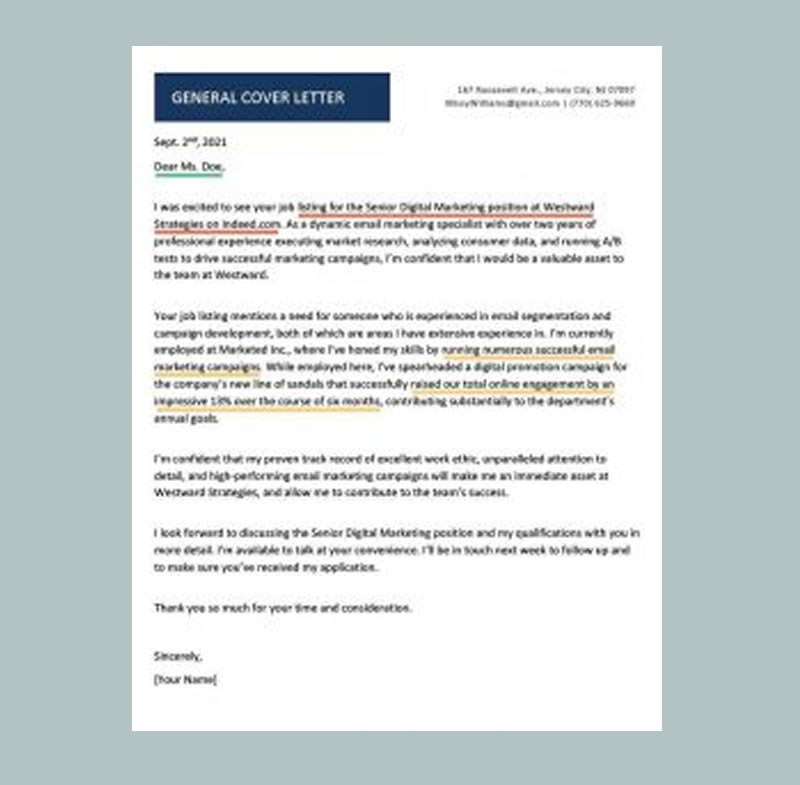
General Cover Letter
Download Cover letter Template
The letter is clear, focused, and easy to scan. The candidate communicates the most important points early experience level, field, and why she’s a match so the hiring manager understands her value quickly.
Professional Cover Letter

Download Cover letter Template
Are you a senior-level professional or experienced manager looking to project confidence and credibility in your cover letter?
The restaurant manager cover letter example shows how to present yourself as a seasoned leader with the skills to deliver results.
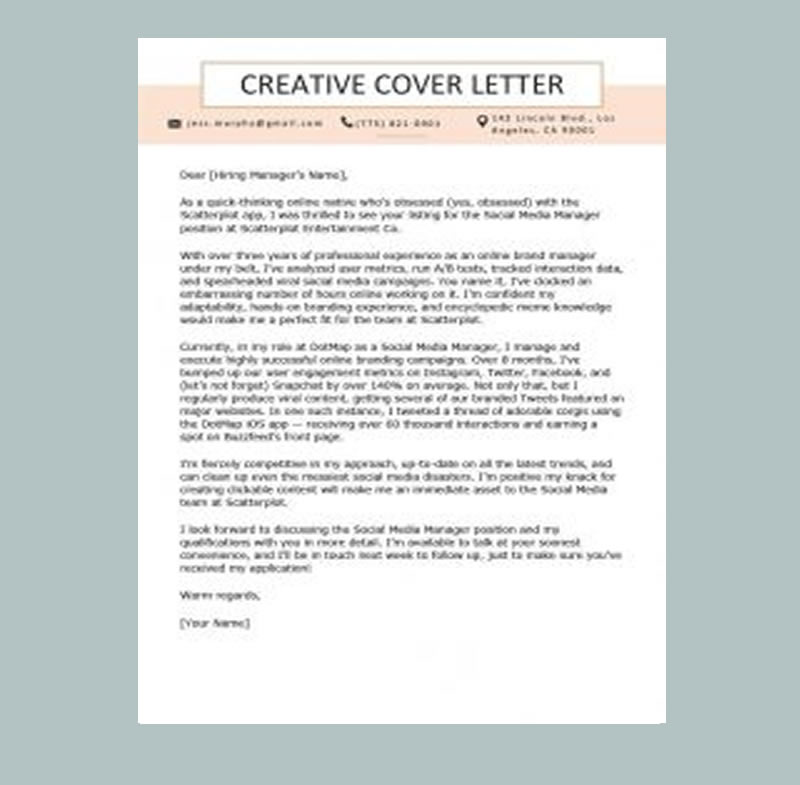
Creative Cover Letter
Download Cover letter Template
A Creative Cover Letter template helps your job application stand out by adding personality and style without losing professionalism.
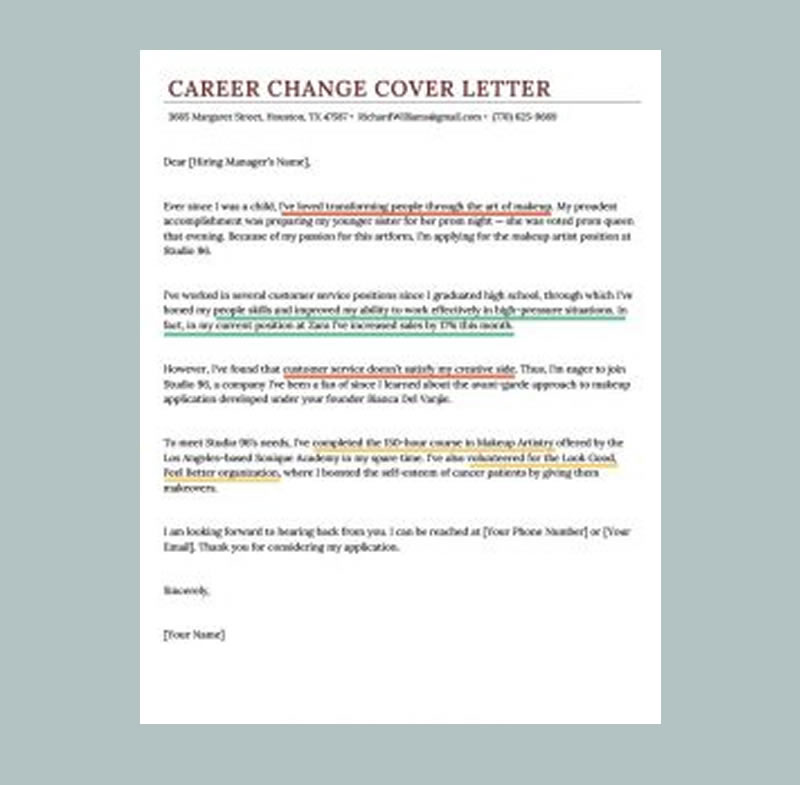
Career Change Cover Letter
Download Cover letter Template
Writing a cover letter for a role in your current industry is usually simple you already share the same background, keywords, and expectations. But a career-change cover letter takes a more strategic approach. You have to connect the dots for the hiring manager and clearly show why you’re a strong match, even without a traditional path.
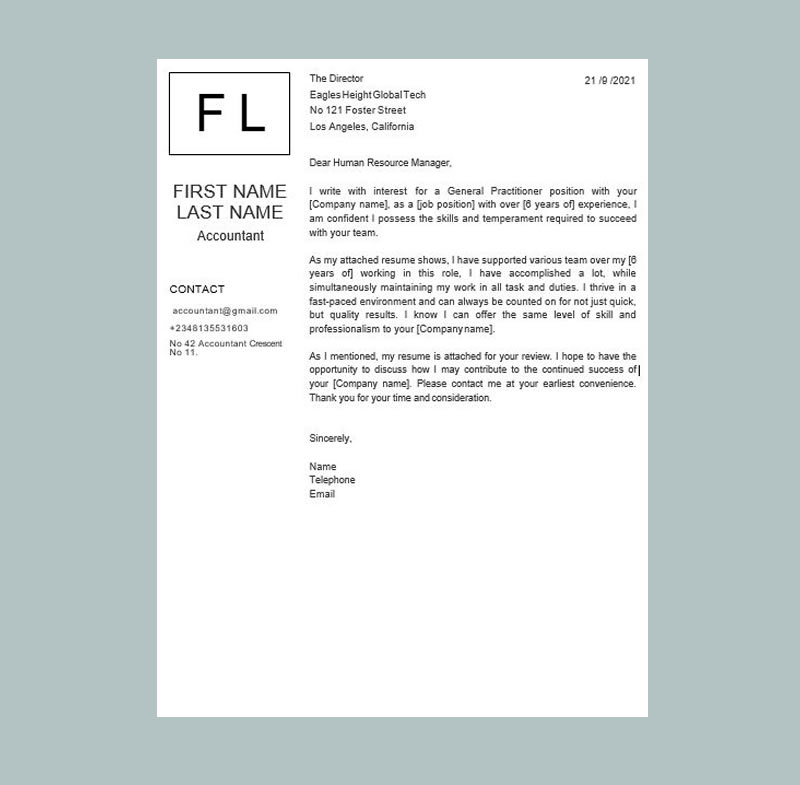
London Word Cover Letter
Download Cover letter Template
London Word Cover Letter Template gives you a clean, professional format so your cover letter includes the right details and is presented in the best possible way. It’s fully customizable, helping you tailor each application quickly and improve your chances of landing interviews.
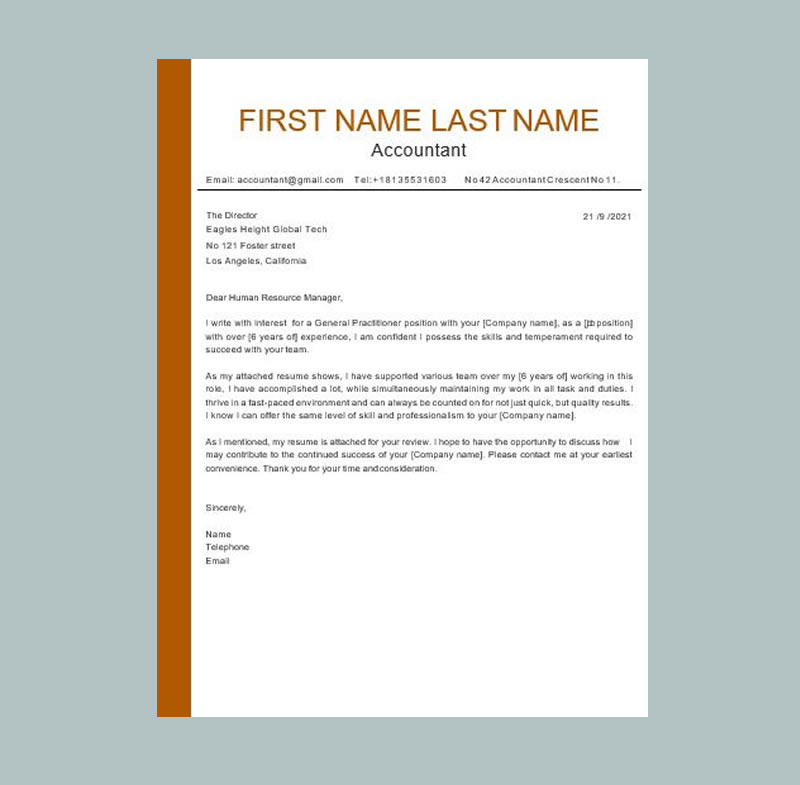
Nova Word Cover Letter
Download Cover letter Template
Nova Word Cover Letter Template helps you create a polished, professional cover letter that’s well-structured and easy for hiring managers to read. Using a reliable template ensures you include the key information employers expect your introduction, the role you’re applying for, your most relevant skills, and a strong closing presented in a clean format that looks confident and organized. Since it’s fully editable, you can customize it for each job and improve your chances of getting shortlisted.
Download templates you can use inside Google Docs (MyCVCreator)
MyCVCreator provides:
-
a Cover Letter Templates gallery (multiple styles), and
-
a Word template section where you can choose “Cover Letter” and download editable templates.
Use these pages:
https://www.mycvcreator.com/word-template
How to use a Word cover letter template as a Google Docs template
Step 1: Download a cover letter template
Choose a layout that matches your resume style (clean + readable is best).
Step 2: Upload to Google Drive
-
Go to Google Drive
-
Upload the
.doc/.docxfile
Step 3: Open in Google Docs
Right-click file → Open with → Google Docs
Step 4: Convert to a native Google Docs file (optional)
Use the conversion option from the File menu so you can edit it like a standard Docs document.
Now you have a fully editable Google Docs cover letter template.
How to customize your cover letter template without sounding generic
Templates save time but customizing is what gets interviews. Use this fast method:
Step 1: Pull keywords from the job post
Look for:
-
skills/tools (e.g., Excel, CRM, Zendesk)
-
role outcomes (growth, efficiency, accuracy, customer satisfaction)
-
responsibilities (reporting, scheduling, onboarding, sales support)
Step 2: Pick 2–3 proof points
Use achievements that match the role:
-
time saved
-
customer satisfaction
-
revenue generated
-
errors reduced
-
projects completed
-
processes improved
Step 3: Write strong bullet-style achievements (even inside paragraphs)
Use:
Action verb + what you did + tool + result
Examples:
-
“Reduced response time by 30% by improving ticket triage and macros.”
-
“Increased appointment bookings by 18% by optimizing follow-up messages.”
-
“Improved reporting accuracy by building a weekly spreadsheet tracker.”
Step 4: Add one company-specific line
This is the fastest way to stand out:
-
mention a product, mission, or team goal
-
show why you want them, not just any company
Best formatting settings for Google Docs cover letters (2026)
Use these defaults for a clean, professional look:
-
Margins: 1" (or 0.7" if you need space)
-
Font size: 11–12 pt body
-
Line spacing: 1.0–1.15
-
Paragraph spacing: 6–10 pt between paragraphs
-
Length: 250–400 words (about ¾ of a page)
File name:
-
FirstName_LastName_Cover_Letter.pdf
How to export your Google Docs cover letter to PDF
In Google Docs:
-
File → Download → PDF
Before you export:
-
confirm spacing looks neat
-
check the letter fits on one page (unless a longer letter is required)
-
ensure email/portfolio links work
Quick checklist: cover letter template ready to submit
-
✅ Company name and role title are correct
-
✅ Greeting is professional
-
✅ 2–3 achievements match the job requirements
-
✅ Clear, short paragraphs (easy to scan)
-
✅ No graphics/text boxes that break formatting
-
✅ PDF export looks exactly like the Google Docs version
FAQs: Free Google Docs Cover Letter Templates
Are Google Docs cover letter templates ATS-friendly?
Yes if you choose simple, one-column templates without text boxes or heavy graphics.
Should my cover letter match my resume template?
Yes. Matching fonts and style makes your application look polished and intentional.
Can I use a Word cover letter template inside Google Docs?
Yes. Upload the .docx to Google Drive and open it with Google Docs. This gives you more professional design options.
Ready to get a free cover letter template?
Use these pages to download and edit templates: https://www.mycvcreator.com/word-template
Also Check Out
Free Google Docs Resume Templates: The Complete Guide
How to Find a Good Resume Writer
Best Job Search Sites for 2026 : How to Use Them to Get Hired Faster
30+ Common Job Interview Questions and Answers (With Ready-to-Use Templates)