How AI Video Creation Changes Digital Marketing When the Listing Has to Survive
AI video made a clip possible this afternoon. It did not retire the listing. Use an AI Marketer for TikTok Sho .........
Read More
Fill in the details below to create a professional application email, subject lines, and a follow-up email you can copy and send.
Generate polished subject lines and job application emails tailored to your role, company, skills, and experience. Get ready-to-send versions you can copy, edit, and use immediately.
Generate a polished message that sounds clear, relevant, and recruiter-friendly.
Create subject lines that clearly mention the role and encourage the email to be opened.
Choose between professional, concise, and confident email styles.
Get a polite follow-up email you can send if you do not hear back after applying.
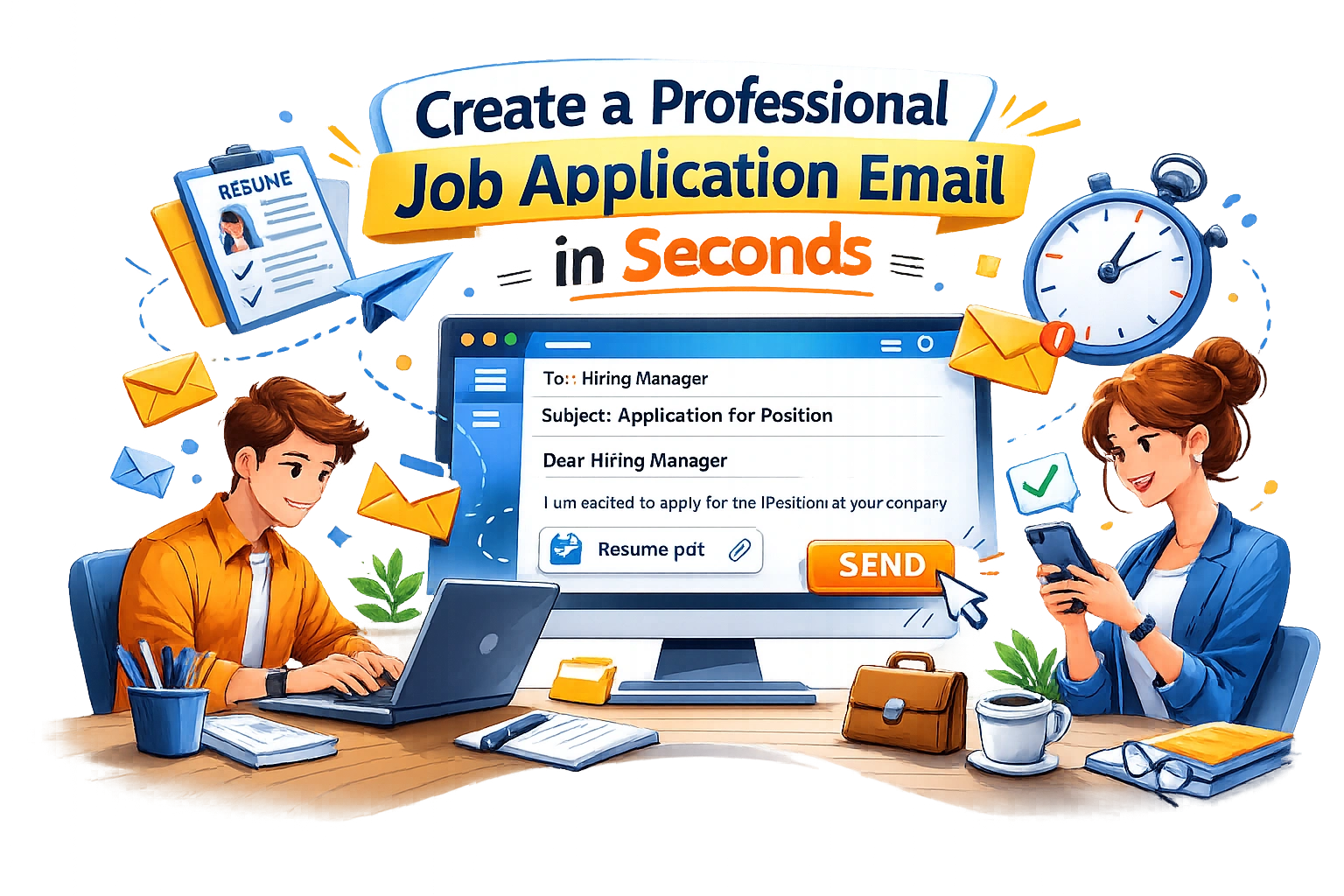
Your email is often the first thing a recruiter sees before opening your resume. A weak subject line or a vague message can reduce the impact of an otherwise strong application.
A good job application email should be clear, professional, and relevant to the role. It should quickly show why you are applying, what you bring to the role, and what attachments are included.
Our Job Application Email Generator helps you create polished email drafts quickly so you can apply faster and with more confidence.
Generate My Email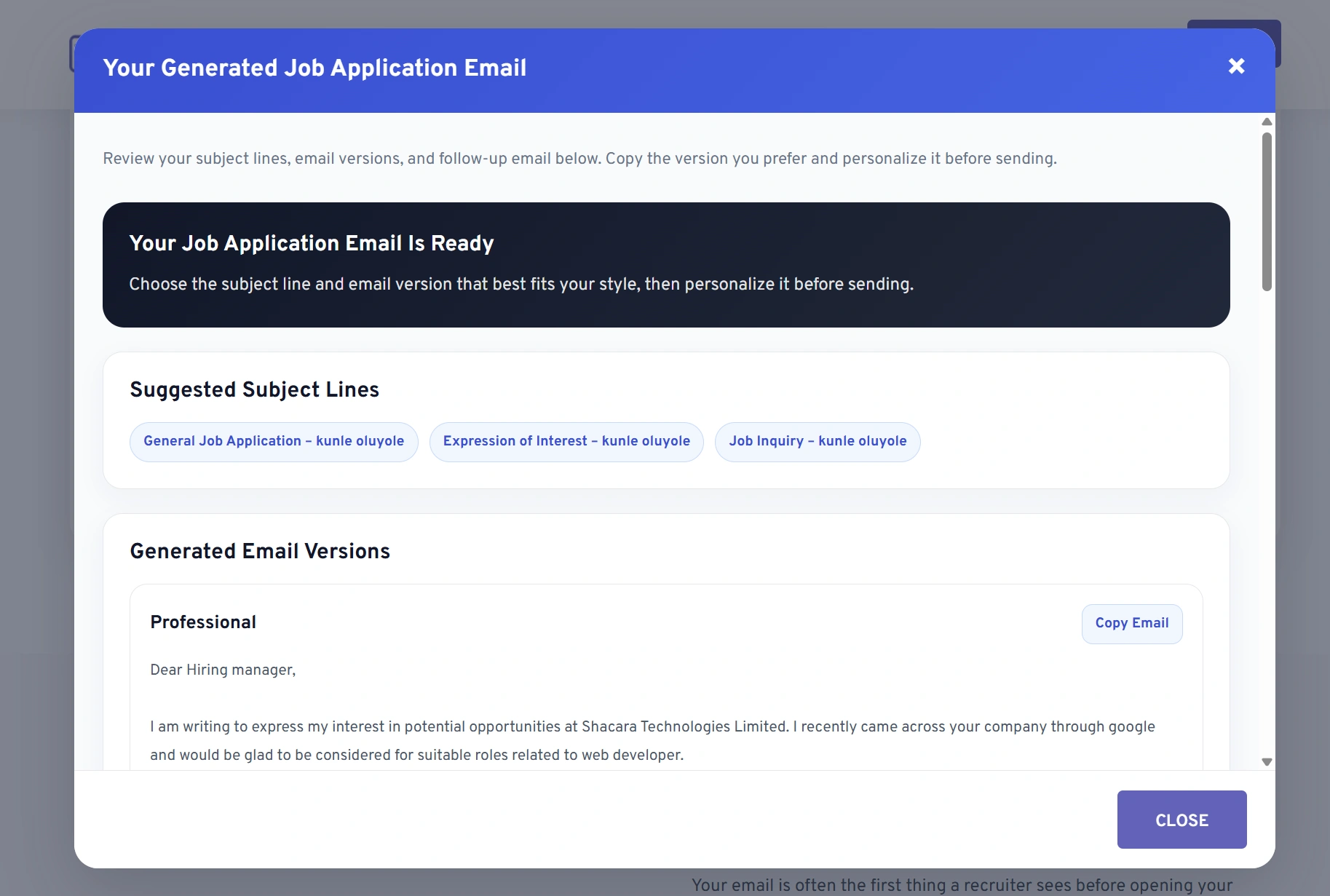
The tool gives you practical, ready-to-use output that you can edit and send right away.
Choose from multiple subject line options to fit your role and style.
Compare professional, concise, and confident versions before selecting one.
Match the email to your role, company, tone, and career level more easily.
Properly mention your resume, cover letter, and portfolio where relevant.
Get a polite follow-up template you can send if you have not heard back.
Copy the generated version you like best and personalize it before sending.
Learn how the Job Application Email Generator works and how to use it effectively.
A job application email is the message you send to an employer or recruiter when applying for a role. It usually includes a subject line, short introduction, reason for applying, and mention of attached documents like your resume.
A strong job application email should mention the role, briefly highlight why you are a good fit, and tell the recruiter what documents you have attached.
It should usually be concise and easy to scan. Most job application emails work best when they are short to medium length and focus only on the most relevant details.
Yes. It is a good idea to mention that your resume is attached, and if relevant, mention your cover letter or portfolio too.
Yes. The generator supports internship emails, fresh graduate emails, referral-based applications, remote job applications, and general inquiry messages.
Yes, this Job Application Email Generator is available as a free tool on MyCVCreator.

AI video made a clip possible this afternoon. It did not retire the listing. Use an AI Marketer for TikTok Sho .........
Read More
First impressions online happen in seconds. Most of that time goes into deciding whether a site feels safe. .........
Read More
Super Bowl betting reaches a record $1.76 billion estimate, showing how football continues to drive massive sp .........
Read More
