General ATS
Create an ATS-friendly resume with the General ATS template from MyCVCreator. Designed for clarity,
View Template
Explore MyCVCreator’s full collection of professional Resume templates designed for every job, industry, and experience level. Whether you’re a student, a recent graduate, a career changer, or an experienced professional, you’ll find modern, ATS-friendly designs that help you highlight your skills, work history, and achievements with confidence.
Create Your Resume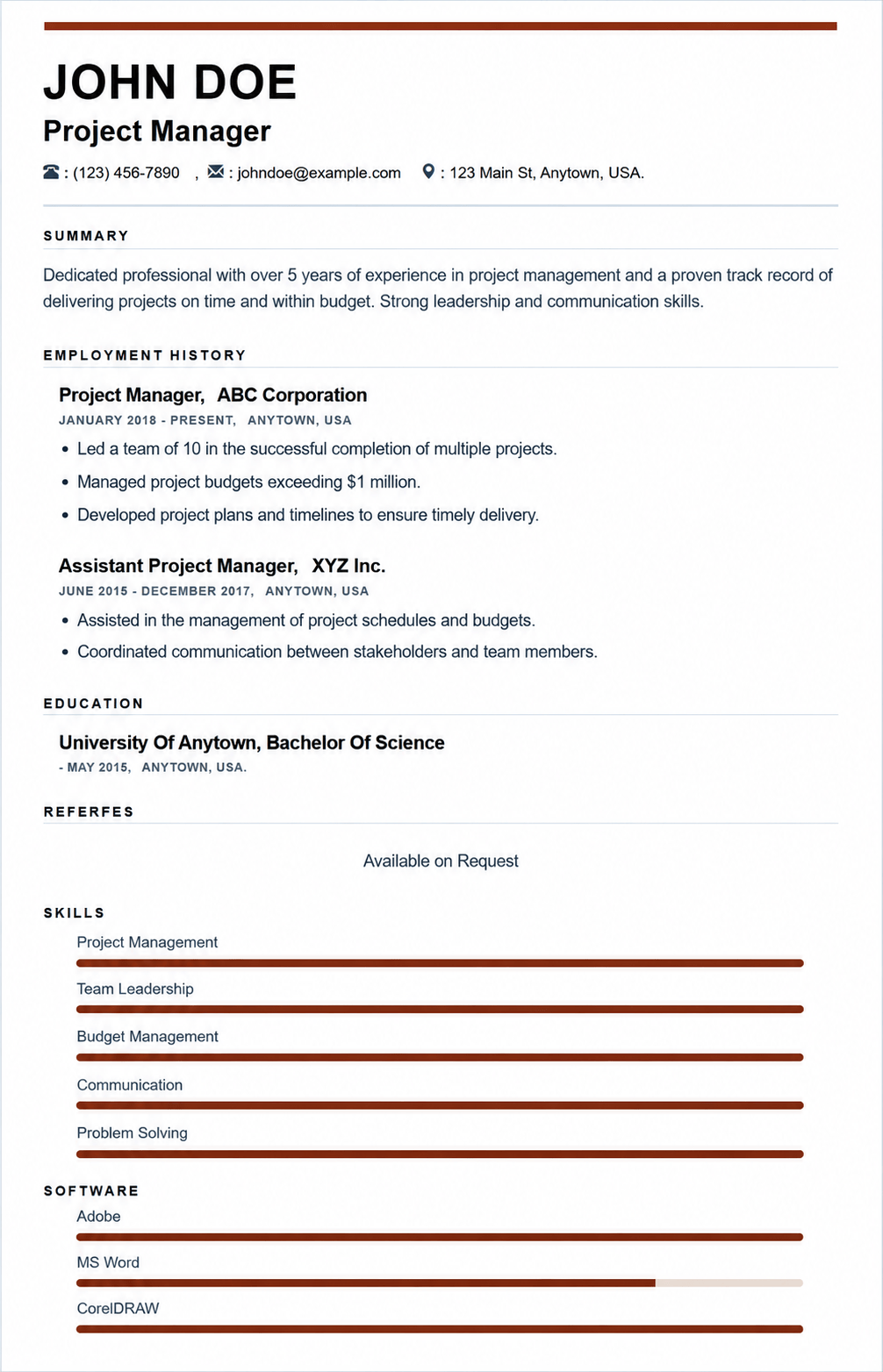
Create an ATS-friendly resume with the General ATS template from MyCVCreator. Designed for clarity,
View Template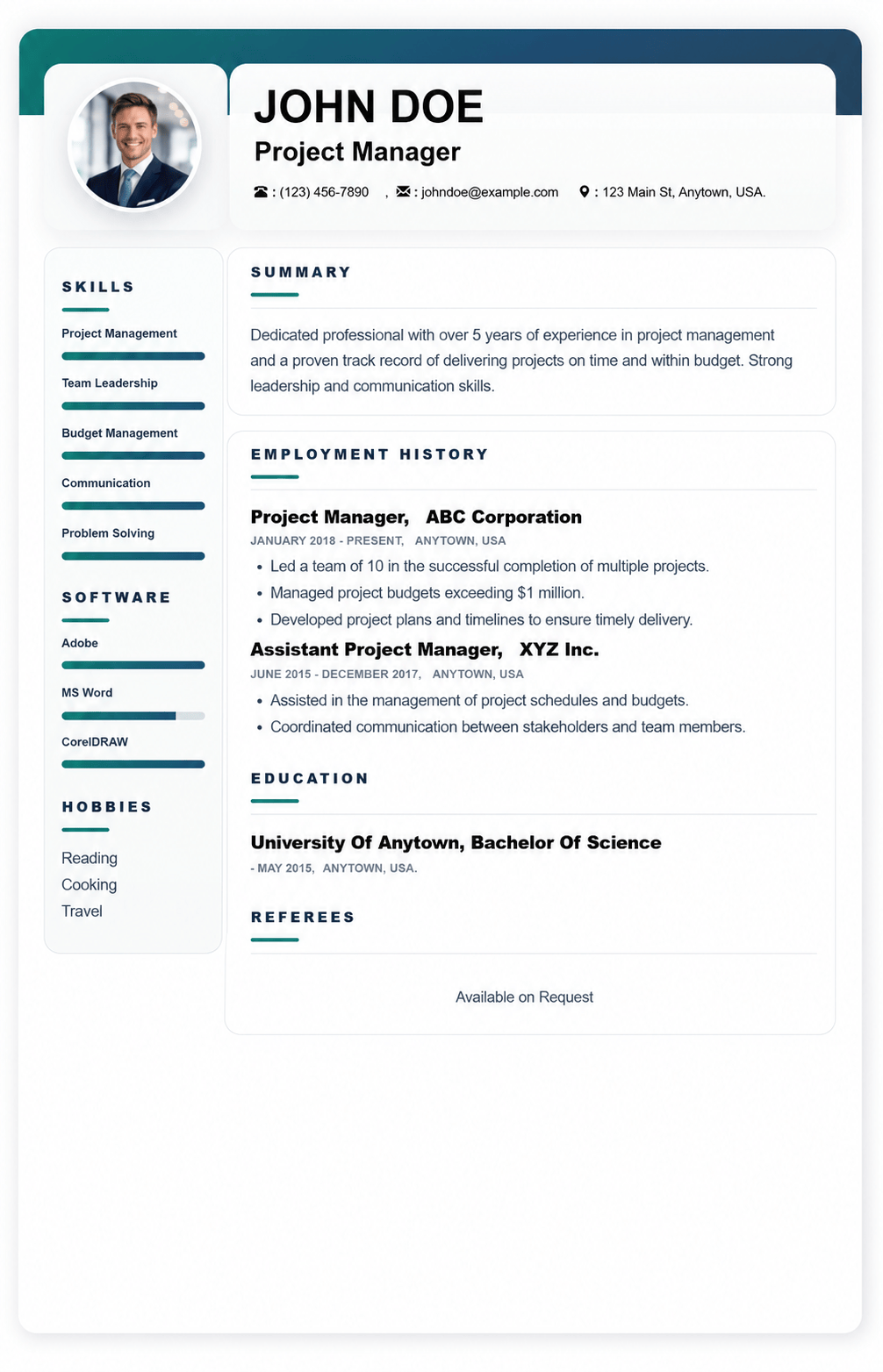
Fresh man ATS-friendly resume template with a clean layout, clear section headings, and recruiter-fr
View Template
Graphic is a modern, ATS-friendly CV template with a bold black-and-white header clean sections to h
View Template
Corporate is a modern, ATS-friendly CV template with a bold black-and-white header clean sections to
View Template
Social is a modern, ATS-friendly CV template with a bold black-and-white header ideal for showcasing
View Template
Tim is a modern, ATS-friendly CV template with a bold black-and-white header clean sections to highl
View Template
Mark is a premium executive resume template with bold colour blocks and a modern column layout ATS-f
View Template
Shelah is a modern, ATS-friendly CV template with a bold black-and-white header clean sections to sh
View Template
Kim is a clean, ATS-friendly CV template with a modern black-and-white header ideal for showcasing s
View Template
Moon is a modern, ATS-friendly CV template with a bold black-and-white header clean sections to high
View Template
Max is a modern, ATS-friendly CV template with a bold black-and-white header clean sections to showc
View Template
Lana is a premium executive resume template with bold colour blocks and a modern column layout ATS-f
View TemplateQuick answers about choosing, customizing, and using resume templates on MyCVCreator.
A resume template is a ready-made design layout that helps you present your skills, experience, and education in a clean, professional format—without needing design skills.
Browse resume templatesYes. The templates are built with clear sections and easy-to-scan structure to work well for both recruiters and ATS (Applicant Tracking Systems).
Pick a template that matches your industry and seniority:
• Clean/simple: best for corporate roles and ATS clarity.
• Modern/creative: good for design, media, and digital roles (keep it readable).
• Executive layouts: best for senior and leadership applications.
You’ll find multiple styles such as Graphic, Corporate, Social, Plain, and more—plus premium executive options. Each template includes a “View Template” button so you can select and start quickly.
Yes. Some templates are premium (often executive-style designs). If a template is premium, you’ll see it presented as a premium option in the template list.
Yes. You can tailor sections like Summary, Skills, Experience, and Education to match the job. The best results come from editing your content to include job-specific keywords and measurable achievements.
Yes. MyCVCreator allows you to create a cover letter using the same template style as your resume so your application looks consistent.
View cover letter templatesTo save your progress and download your finished resume from the builder, you’ll typically need an account.
Create an accountChoose a template, fill in your details in the resume builder, then download your resume when you’re done.
Go to the resume builderYes. It’s smart to update your resume anytime you gain a new skill, complete a project, or change jobs. Keeping it updated helps you apply faster when opportunities come up.