Timeless
Timeless CV template with bold colour blocks and two-column layout ideal for experienced professiona
View Template
Explore MyCVCreator’s full collection of professional Resume templates designed for every job, industry, and experience level. Whether you’re a student, a recent graduate, a career changer, or an experienced professional, you’ll find modern, ATS-friendly designs that help you highlight your skills, work history, and achievements with confidence.
Create Your Resume
Timeless CV template with bold colour blocks and two-column layout ideal for experienced professiona
View Template
Plain is a modern, ATS-friendly CV template with a clean layout and customizable banner and colours
View Template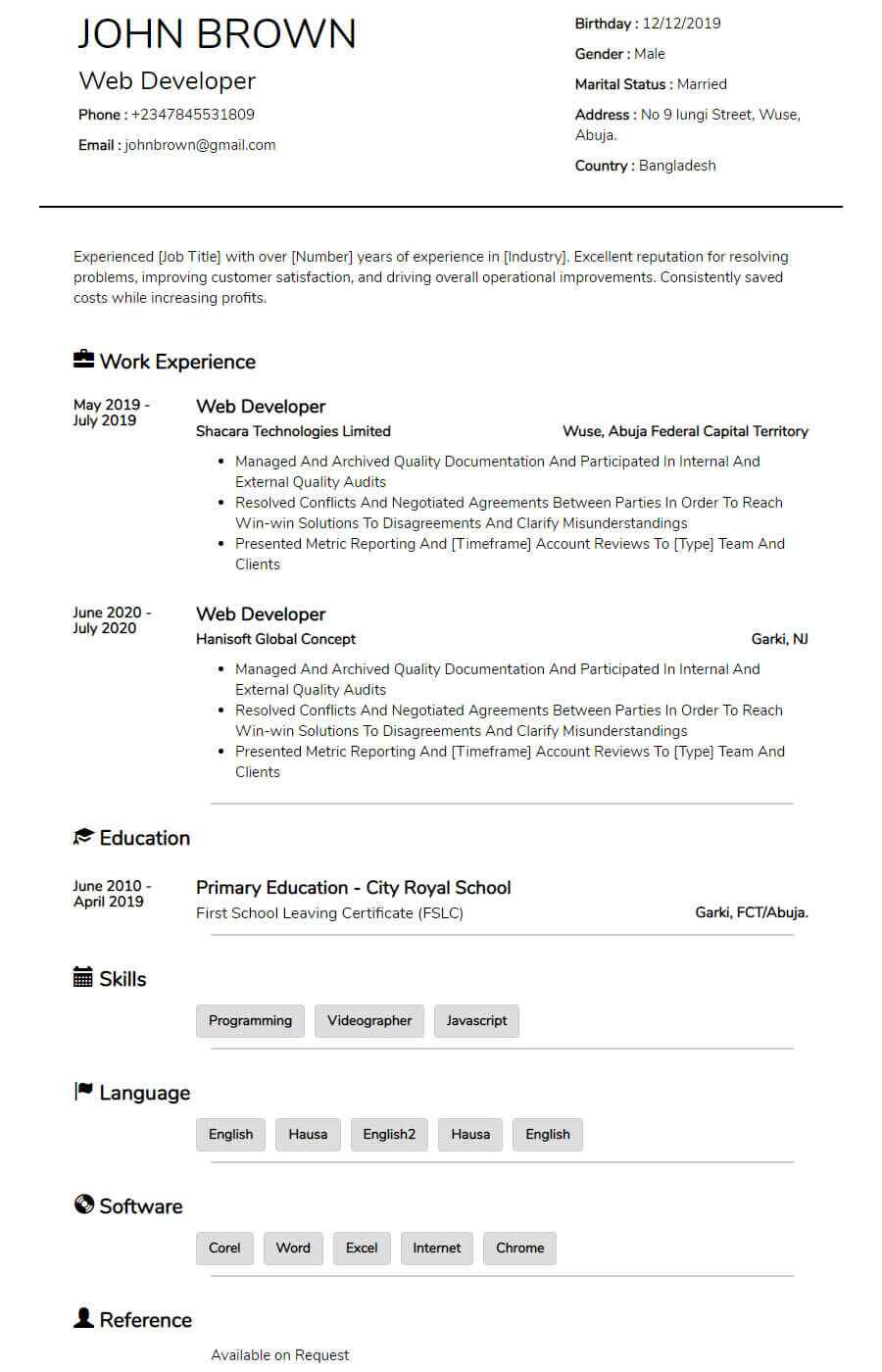
Blogger is a classic, ATS-friendly CV template with centred headings, clean section dividers, and a
View Template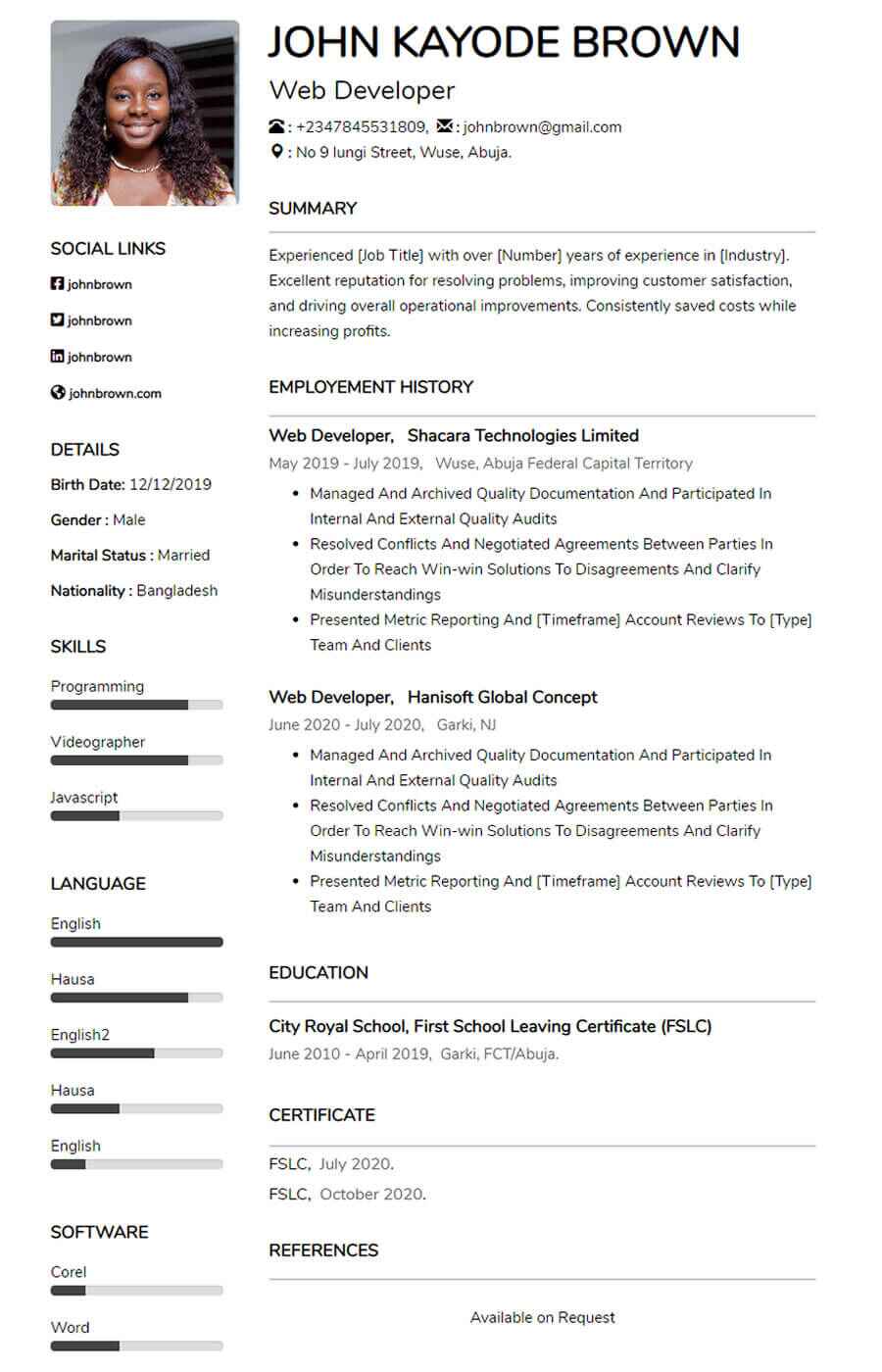
Pacific is a clean two-column CV template for entry-level and experienced job seekers ideal for a po
View Template
Comic is a sleek, modern CV template with right-aligned headings and clean white space ideal for a s
View Template
Kaly is a modern, ATS-friendly two-column CV template with customizable colour accents ideal for sho
View Template
Mula is an elegant, ATS-friendly CV template with a sleek two-column layout and subtle color accents
View Template
Bela is a modern, ATS-friendly CV template with a bold black-and-white header clean, professional se
View Template
Basic, ATS-friendly resume template for online applications clean layout, easy parsing, and sections
View TemplateQuick answers about choosing, customizing, and using resume templates on MyCVCreator.
A resume template is a ready-made design layout that helps you present your skills, experience, and education in a clean, professional format—without needing design skills.
Browse resume templatesYes. The templates are built with clear sections and easy-to-scan structure to work well for both recruiters and ATS (Applicant Tracking Systems).
Pick a template that matches your industry and seniority:
• Clean/simple: best for corporate roles and ATS clarity.
• Modern/creative: good for design, media, and digital roles (keep it readable).
• Executive layouts: best for senior and leadership applications.
You’ll find multiple styles such as Graphic, Corporate, Social, Plain, and more—plus premium executive options. Each template includes a “View Template” button so you can select and start quickly.
Yes. Some templates are premium (often executive-style designs). If a template is premium, you’ll see it presented as a premium option in the template list.
Yes. You can tailor sections like Summary, Skills, Experience, and Education to match the job. The best results come from editing your content to include job-specific keywords and measurable achievements.
Yes. MyCVCreator allows you to create a cover letter using the same template style as your resume so your application looks consistent.
View cover letter templatesTo save your progress and download your finished resume from the builder, you’ll typically need an account.
Create an accountChoose a template, fill in your details in the resume builder, then download your resume when you’re done.
Go to the resume builderYes. It’s smart to update your resume anytime you gain a new skill, complete a project, or change jobs. Keeping it updated helps you apply faster when opportunities come up.