Timeless
Timeless CV template with bold colour blocks and two-column layout ideal for experienced professiona
View Template
Explore MyCVCreator’s full collection of professional CV templates designed for every job, industry, and experience level. Whether you’re a student, a recent graduate, a career changer, or an experienced professional, you’ll find modern, ATS-friendly designs that help you highlight your skills, work history, and achievements with confidence.
Create Your CV Now
Timeless CV template with bold colour blocks and two-column layout ideal for experienced professiona
View Template
Plain is a modern, ATS-friendly CV template with a clean layout and customizable banner and colours
View Template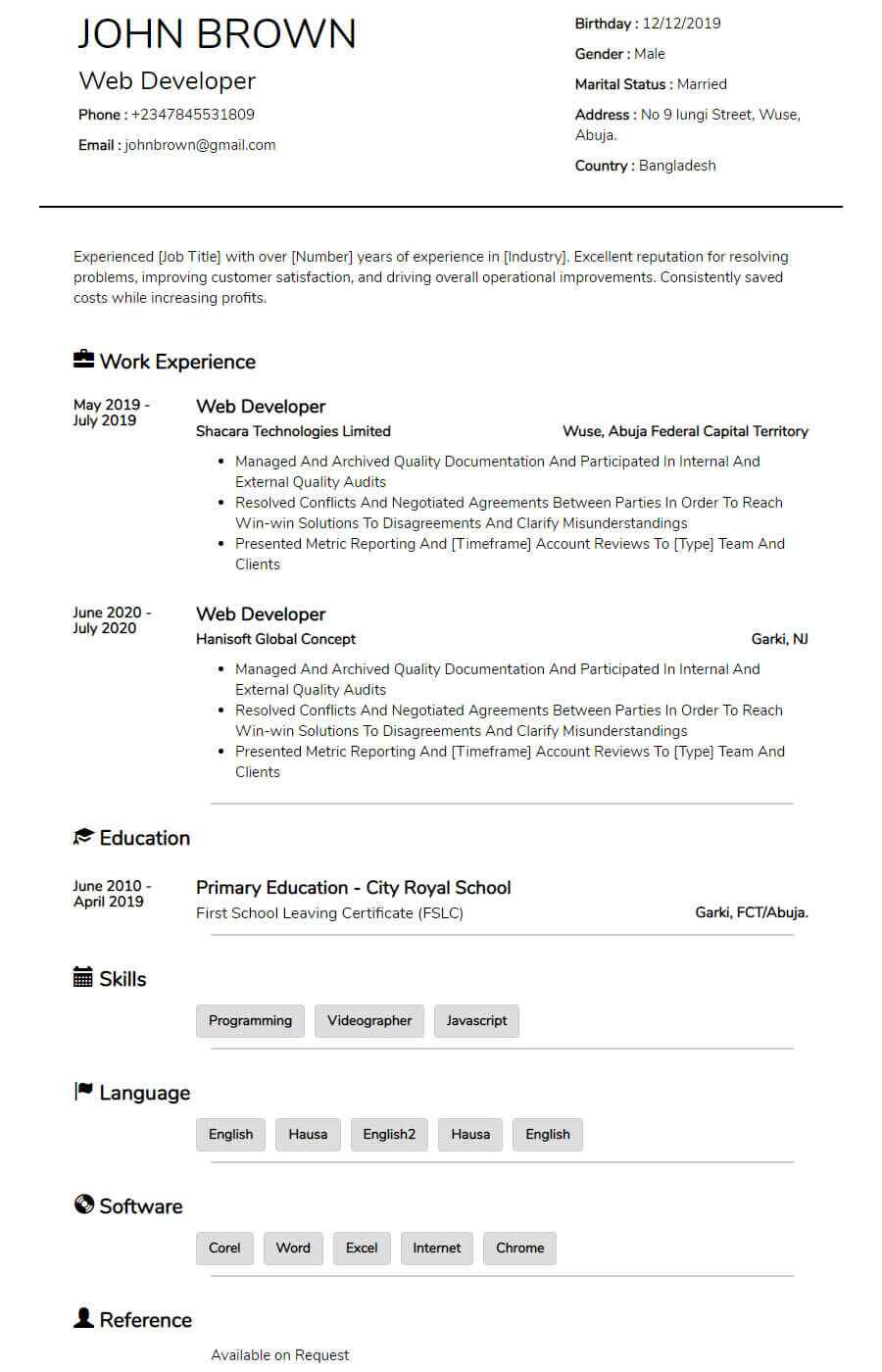
Blogger is a classic, ATS-friendly CV template with centred headings, clean section dividers, and a
View Template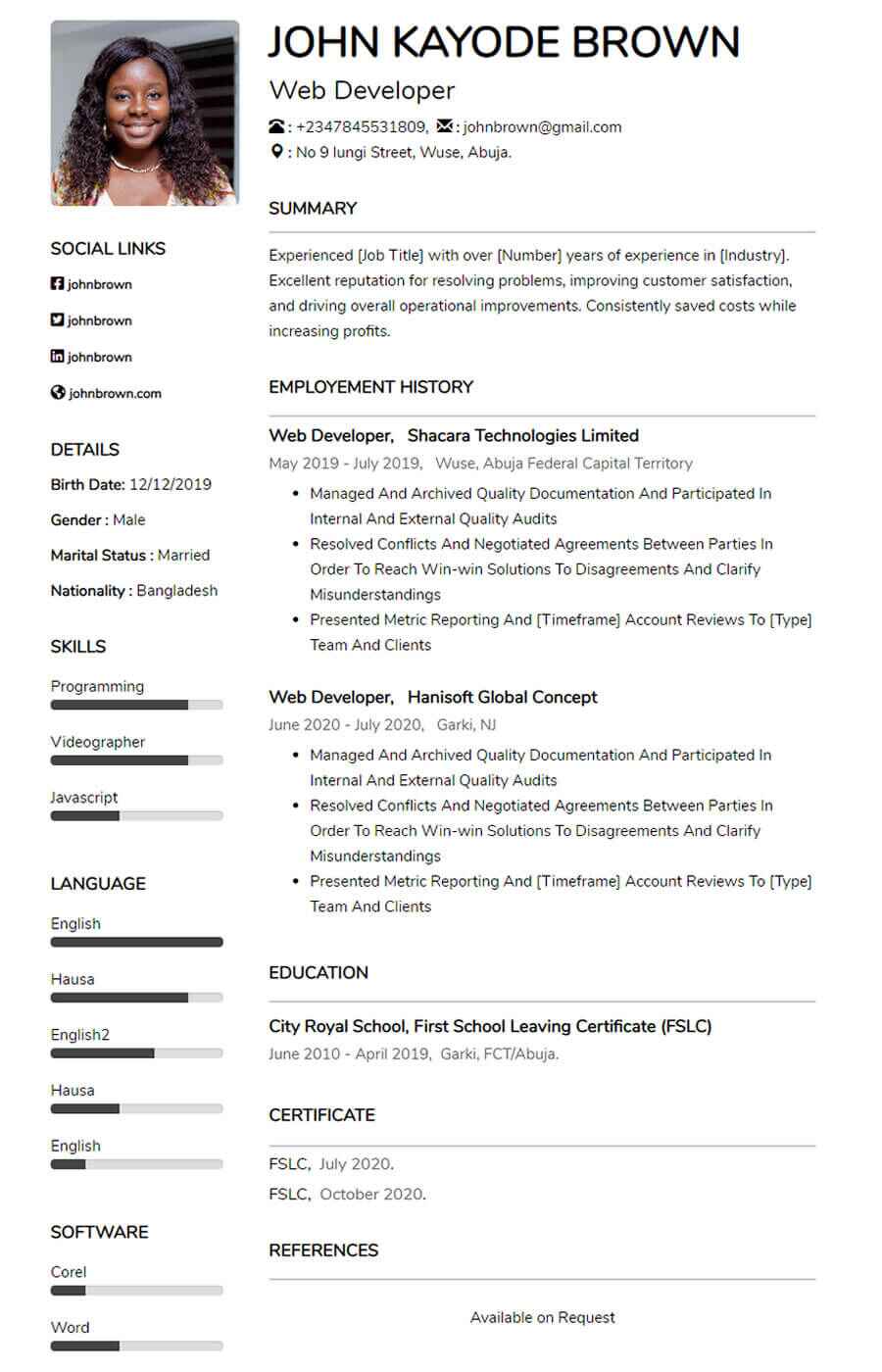
Pacific is a clean two-column CV template for entry-level and experienced job seekers ideal for a po
View Template
Comic is a sleek, modern CV template with right-aligned headings and clean white space ideal for a s
View Template
Kaly is a modern, ATS-friendly two-column CV template with customizable colour accents ideal for sho
View Template
Mula is an elegant, ATS-friendly CV template with a sleek two-column layout and subtle color accents
View Template
Bela is a modern, ATS-friendly CV template with a bold black-and-white header clean, professional se
View Template
Basic, ATS-friendly resume template for online applications clean layout, easy parsing, and sections
View TemplateQuick answers about choosing, customizing, and downloading CV templates on MyCVCreator.
A CV template is a professionally designed layout (like Graphic, Corporate, Plain, or Timeless) that helps you present your skills, work history, and achievements in a clean, recruiter-friendly format.
Browse CV templatesYes. The CV templates are designed to be modern and ATS-friendly, with clear structure so recruiters (and Applicant Tracking Systems) can scan your information quickly.
To create, save, and download your CV in the builder, you’ll typically need an account. You can start by registering and then choose a template to begin.
Create your accountUse this quick guide:
• Plain: Great for corporate/remote roles and ATS clarity.
• Corporate / Graphic: Clean, modern layouts for most roles.
• Timeless / executive-style templates: Strong for senior/leadership profiles.
When in doubt, pick a clean template, then tailor your content to the job.
MyCVCreator offers a mix. Some templates are positioned as premium (for example, executive-style options like “Mark” and “Lana”), while others are available to get started right away.
Yes—templates are meant to be customized. You can adjust sections (like skills, experience, education) and tailor the content to your target role. Some templates also highlight customizable style elements (like banners/accent colors).
Yes. MyCVCreator supports building a cover letter using the same template style as your CV, so your application looks consistent and professional.
Go to the CV builderAfter you choose a template and complete your details in the builder, you can download your CV and start applying. If you prefer editable Word files, you can also check the Word Template section on MyCVCreator.
Word templatesYes. It’s best practice to keep your CV updated—when you gain a new skill, finish a project, or get a new role, you can revisit and refresh the content so you’re always ready to apply.
Yes. MyCVCreator is designed to work on different devices, so you can start a CV on your phone and continue on a tablet or laptop when convenient.