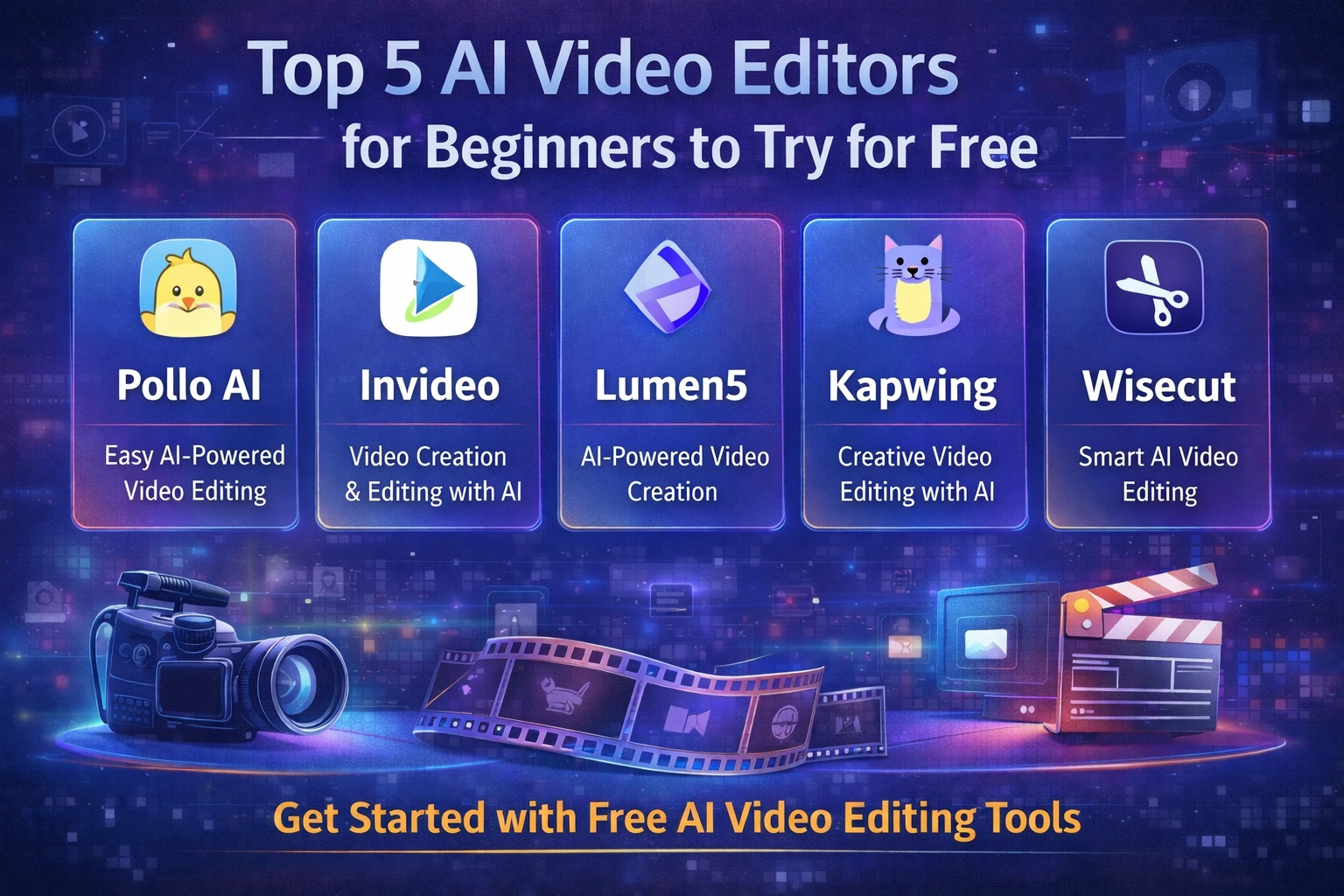
Top 5 AI Video Editors for Beginners to Try for Free
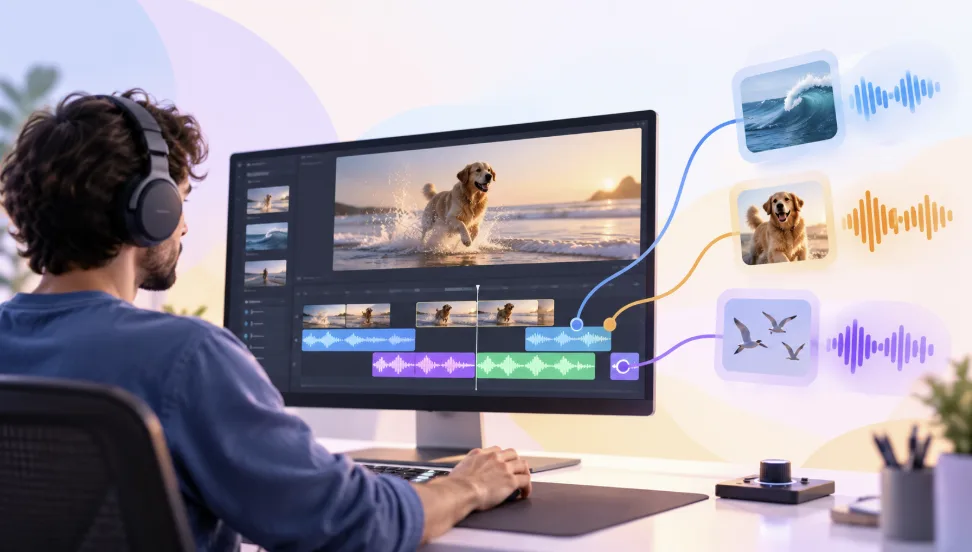
AI is reshaping how videos are produced, especially for beginners who want better results without learning complex editing software. From short-form social clips to branded explainers, AI now automates tasks that used to take hours: scene detection, cutting, audio cleanup, subtitle generation, and even transforming simple prompts into fully structured videos. What used to require editing experience or design skills can now be done through intuitive prompts and guided workflows. This helps beginners create engaging videos quickly, stay consistent, and publish more often.
Table of Contents
Pollo AI
Invideo
Lumen5
Kapwing
Wisecut
How to Pick the Right Tool Fast
1) Pollo AI
Pollo AI is an AI-powered video editor built for creators who don’t want to touch a traditional editing timeline at all. Its core promise is simple: no manual editing, direct generation of viral-style videos. Instead of trimming clips, placing transitions, syncing captions, and arranging B-roll, you give Pollo AI an idea or a short prompt, and it returns a ready-to-publish video tailored for platforms like TikTok, Reels, and YouTube Shorts.
Key Overview
Pollo AI focuses on “edit-free” workflows. Beginners can describe what they want—such as “30-second viral video about saving money,” “motivational productivity short,” or “faceless side-hustle explainer”—and the text to video AI handles structure, pacing, on-screen text, and visual rhythm automatically. You don’t need to learn keyframes, layers, or complex timelines.
The system leans on proven viral patterns: strong hooks at the beginning, fast pacing, clear subtitles, and frequent visual changes to keep attention. This makes it especially attractive for creators who want more chances to go viral but don’t have time to manually refine every frame.
Pollo AI is especially useful for:
Short-form content creators
Faceless channels on TikTok, Shorts, and Reels
Solopreneurs and small businesses generating lead-focused videos
Marketers testing multiple creative angles quickly
Educators and coaches turning ideas into snackable clips
Agencies producing large volumes of short-form content
Because everything runs in the cloud, projects stay accessible from anywhere, and teams can safely collaborate in controlled workspaces. Beginners can iterate fast: test a concept, review the automatically generated version, and then refine the copy or CTA without needing editing skills.
Highlighted Features
Prompt-based, no-timeline editing
Viral-style hooks and pacing baked into templates
Auto-generated captions and dynamic on-screen text
Platform-optimized formats (TikTok, Reels, Shorts)
Faceless and brandable content options
Cloud-based workspace with safe project access
Rapid iteration for A/B testing different angles
If your top priority is “turn ideas into viral-style videos with zero editing knowledge,” Pollo AI is designed specifically for that use case.
2) Invideo
Invideo is an AI-powered video editor aimed at beginners who want powerful features but still prefer a guided editing experience. It allows users to create and refine videos largely through text instructions, rather than manually manipulating timelines.
Key Overview
Invideo lets you edit and adjust videos by typing natural language commands. Instead of hunting through layers and tracks, you can instruct the system to “remove the second scene,” “make the background music softer,” “change this clip to a product shot,” or “replace the voiceover with a female US accent,” and the AI will apply those edits across the project.
The platform supports dozens of video styles, from social media clips and educational explainers to ad-style promos and documentary-style narration. Beginners can start from workflows and structured forms: you fill in your goal, core message, and style, and the system organizes scenes, visuals, and narration for you.
Invideo is well-suited for:
Freelancers and small agencies
Small businesses and solopreneurs
Marketers and social media managers
Course creators and teachers
Content creators and faceless channels
Highlighted Features
AI-driven editing through natural language commands
50+ workflow styles for ads, explainers, social content, and more
Realistic text-to-speech voiceovers
AI actors and avatars for faceless videos
Large library of licensed media assets
Scene-level and full-video AI adjustments
Timeline-free fine-tuning for beginners
Cloud workspace with controlled access
If you want powerful AI help but still care about structured control and customization, Invideo offers a strong balance for beginners.
3) Lumen5
Lumen5 is designed to turn text into video with minimal effort. It’s ideal for beginners who already have written content—such as blog posts, scripts, or summaries—and want to convert those into short videos for social channels or internal communications.
Key Overview
With Lumen5, you typically paste text or a URL, and the AI analyzes the content to suggest scenes, layouts, and relevant visuals. The system pulls from a built-in media library and automatically pairs key sentences with images or short clips, adding motion and captions to keep viewers engaged.
Lumen5 is especially useful for:
Marketing teams repurposing blog posts into social videos
Educators turning lessons or articles into visual summaries
Social media managers creating quick explainer clips
Businesses producing regular “content highlight” videos
Highlighted Features
Script- and article-to-video conversion
Automatic scene selection and layout suggestions
Built-in stock media library for images and footage
Auto captioning of key phrases and headlines
Simple drag-and-drop scene adjustments
Branding control (logos, colors, fonts) for consistency
Cloud-based project management and collaboration
If your workflow starts with text and you want an AI assistant to handle structure and visuals, Lumen5 is a strong beginner-friendly option.
4) Kapwing
Kapwing combines a straightforward online editor with a suite of AI features, making it a good fit for beginners who want both automation and some manual control. It’s particularly popular for social media content, meme-style videos, and repurposed clips.
Key Overview
Kapwing’s platform offers templates, auto-subtitling, smart resizing, and AI-enhanced tools like translation and background removal. Beginners can start with pre-made templates or upload existing footage, then rely on AI to handle time-consuming tasks such as caption creation, formatting for multiple platforms, and content cleanup.
Kapwing is useful for:
Creators repurposing long-form videos into short clips
Social media managers posting to multiple platforms
Small teams collaborating on content in the browser
Brands that need quick turnarounds with consistent formats
Highlighted Features
Auto-subtitles and transcription
Smart resizing for different social platforms
Templates for memes, shorts, and social posts
Simple timeline with drag-and-drop controls
AI tools for translation and cleanup tasks
Team collaboration in a cloud-based workspace
Support for both short- and mid-length videos
If you want a mix of AI automation and hands-on editing, without the steep learning curve of pro software, Kapwing is a solid starting point.
5) Wisecut
Wisecut specializes in smart cutting and pacing for talking-head and tutorial-style videos. Instead of focusing on visuals and templates, it focuses on making raw recordings cleaner, tighter, and more engaging with minimal manual work.
Key Overview
You upload your video—typically a face-to-camera recording, a tutorial, or a presentation—and Wisecut’s AI analyzes the audio to detect speech, pauses, and awkward gaps. It then automatically removes silences, tightens transitions, and creates a more dynamic sequence with jump cuts and smoother flow.
Wisecut is especially helpful for:
YouTubers who record long talking-head segments
Educators and trainers creating lesson videos
Coaches and consultants recording explanations or walkthroughs
Podcasters and interviewers turning raw recordings into watchable clips
Highlighted Features
Automatic silence detection and removal
Smart jump cuts to tighten talking-head content
Improved pacing for better viewer retention
Optional background music and basic audio balancing
Auto-subtitles for accessibility and clarity
Cloud-based processing, no heavy local rendering required
Especially tuned for tutorials, vlogs, and explanations
If you frequently record yourself speaking and want your videos to feel sharper and more professional without manual editing, Wisecut provides an efficient, beginner-friendly solution.
How to Pick the Right Tool Fast
To narrow your choices quickly:
Decide your main content type
Viral short-form (TikTok, Reels, Shorts) → Pollo AI
Explainers, branded content, mixed use → Invideo
Text/blog-to-video repurposing → Lumen5
Multi-platform social content with manual tweaks → Kapwing
Talking-head tutorials and vlogs → Wisecut
Choose your preferred workflow style
Almost no editing, idea → viral video → Pollo AI
Text commands instead of complex timelines → Invideo
Start from written content (articles, scripts) → Lumen5
Need templates plus a simple editor → Kapwing
Already have raw recordings, need cleanup → Wisecut
Check automation features that matter most
Viral hooks and pacing templates → Pollo AI
Natural-language editing, avatars, voiceovers → Invideo
Article-to-video conversion → Lumen5
Auto subtitles, resizing, translation → Kapwing
Auto silence removal and pacing fixes → Wisecut
Prefer cloud-based tools
All five tools operate in the cloud, reducing the load on your device and enabling safer, shareable workspaces for individuals and teams.
AI video editors let beginners skip most of the technical hurdles and focus on ideas, messages, and consistency. For creators who want viral-style short videos without touching a traditional editor, Pollo AI stands out by generating complete, platform-optimized content directly from prompts.
For more structured explainer or branded content, Invideo, Lumen5, Kapwing, and Wisecut each offer beginner-friendly workflows targeted at different use cases—from text repurposing and social formats to talking-head cleanup.
Match your primary content type with the tool best designed for it, start simple, and let AI handle what used to be the most time-consuming parts of video production.