

Mastering Your Resume in Word: A Step-by-Step Formatting Guide
Understanding the Importance of Resume Formatting
In today's competitive job market, your resume is often the first impression potential employers will have of you. A well-formatted resume not only showcases your qualifications but also demonstrates your attention to detail and professionalism. Proper formatting can make the difference between your resume landing in the 'yes' pile or being overlooked. It’s crucial to understand that an applicant tracking system (ATS) often scans resumes before a human ever sees them. This means that a poorly formatted resume can prevent your application from even reaching a hiring manager.
Employers spend roughly six seconds reviewing a resume before deciding whether to continue reading or move on. In this short time, a well-organized and visually appealing resume can catch their eye and encourage them to delve deeper into your qualifications. On the other hand, a cluttered, hard-to-read resume can quickly lead to disinterest, regardless of your skills and experience. Therefore, mastering resume formatting is essential to make a strong, positive impression from the get-go.
Moreover, a well-formatted resume ensures that your key information is highlighted effectively. This includes your work experience, skills, and education. By arranging this information in an easily navigable structure, you make it easier for the employer to find the details they are looking for. This convenience can significantly increase your chances of securing an interview. Hence, investing time in perfecting your resume format is a strategic move that can pay off significantly in your job search.
Getting Started: Setting Up Your Document in Word
Before diving into the details of your resume content, it's important to set up your document correctly in Microsoft Word. Start by opening a new document and setting your page margins to 1 inch on all sides. This standard margin size ensures that your resume will print correctly and looks professional. You can adjust the margins by going to the 'Layout' tab and selecting 'Margins'. Choose the 'Normal' option to set all margins to 1 inch.
Next, choose a clean, professional font. Fonts like Arial, Calibri, and Times New Roman are widely accepted and easy to read. Avoid using decorative or overly stylized fonts, as they can look unprofessional and be difficult to read. Set your font size to 11 or 12 points for the body text. Larger font sizes can be used for headings and subheadings to create a clear visual hierarchy. Consistency in font choice and size is key to maintaining a polished look.
Finally, ensure that your document is properly aligned. Left alignment is the standard for professional documents, including resumes. This alignment makes the text easy to read and is suitable for both digital and printed formats. Additionally, set your line spacing to 1.15 or 1.5 to ensure that the text is not too cramped. You can adjust line spacing in the 'Paragraph' settings. With these initial setups, you are now ready to begin crafting your resume in Word.
Choosing the Right Resume Template
Selecting the right resume template is a crucial step in the resume creation process. Microsoft Word offers a variety of templates that cater to different industries and levels of experience. When choosing a template, consider factors such as your career field, the standard practices within your industry, and the specific job you are applying for. For instance, creative fields might benefit from more visually dynamic templates, while corporate positions may require a more traditional format.
A good template will have a clear structure, with distinct sections for your contact information, work experience, education, and skills. It should be easy to navigate, allowing hiring managers to quickly find the information they are looking for. Many templates also include placeholders and sample text, which can guide you in filling out your own information. Remember, though, that the template is just a starting point. You should customize it to reflect your personal brand and the specific job you are targeting.
When selecting a template, also consider the balance between simplicity and style. A template that is too simple may not stand out, while one that is overly elaborate can be distracting. Aim for a clean, professional look that highlights your qualifications without overwhelming the reader. Once you have chosen a template, save a copy of it and begin personalizing each section to create a resume that truly represents you.
Essential Formatting Elements for a Professional Resume
To create a professional resume, certain formatting elements are essential. These elements help to organize your information in a way that is visually appealing and easy to read. One of the most important formatting elements is the use of headings and subheadings. These should be bolded or slightly larger in font size to distinguish them from the body text. Common headings include 'Contact Information', 'Professional Experience', 'Education', and 'Skills'.
Bullet points are another crucial formatting element. They allow you to present your job duties and achievements in a concise and organized manner. Each bullet point should begin with a strong action verb and provide specific details about your role and accomplishments. Avoid long paragraphs, as they can be difficult to read. Instead, use bullet points to break down information into digestible chunks.
White space is equally important in resume formatting. It helps to prevent the document from looking cluttered and makes it easier for the reader to focus on individual sections. Ensure that there is sufficient spacing between sections and bullet points. This not only enhances readability but also gives your resume a clean, professional appearance. By incorporating these essential formatting elements, you can create a resume that is both effective and visually appealing.
Crafting Your Header and Contact Information
The header of your resume is the first thing a potential employer will see, so it’s important to make it count. Start by including your full name in a slightly larger font size than the rest of your resume. This ensures that your name stands out and is easily noticeable. Below your name, include your contact information, such as your phone number, email address, and LinkedIn profile. Make sure your email address is professional; ideally, it should be a combination of your first and last name.
Your contact information should be clearly laid out and easy to read. Use a consistent font and size for this section, and ensure that there is adequate spacing between each piece of information. You may also consider adding a professional title or brief tagline under your name. This can give hiring managers a quick snapshot of your professional identity and expertise. For example, if you are a marketing professional, you could include a title like 'Digital Marketing Specialist'.
In addition to your basic contact information, you might also include links to your portfolio or personal website if applicable. This is particularly relevant for creative fields such as graphic design, writing, or photography. Including these links provides employers with easy access to examples of your work, which can be a significant advantage. By crafting a clear and professional header, you set a strong foundation for the rest of your resume.
Organizing Your Experience Section Effectively
The experience section is the core of your resume, and organizing it effectively is crucial. Start by listing your most recent job first and then work backward chronologically. Each job entry should include the job title, company name, location, and dates of employment. This information should be clearly separated, either by line breaks or using a two-column format. Your job title should be bolded to stand out, as it is one of the first things employers look for.
Under each job title, use bullet points to list your responsibilities and achievements. Begin each bullet point with a strong action verb such as 'managed', 'developed', or 'implemented'. Be specific about your duties and focus on quantifiable achievements. For example, instead of saying 'responsible for increasing sales', say 'increased sales by 20% through targeted marketing campaigns'. This provides concrete evidence of your impact and effectiveness.
It's also important to tailor your experience section to the job you are applying for. Highlight the skills and experiences that are most relevant to the position. If you have a diverse work history, you may even consider having multiple versions of your resume, each tailored to different types of roles. This targeted approach can make your resume more compelling to potential employers and increase your chances of landing an interview.
Highlighting Your Skills and Qualifications
The skills section of your resume is an opportunity to showcase the specific abilities that make you a strong candidate for the job. This section should be prominently placed, either near the top of your resume or immediately following your experience section. Use bullet points or a two-column layout to list your skills in a clear and organized manner. Be specific and avoid vague terms like 'hard-working' or 'good communicator'. Instead, list concrete skills such as 'project management', 'data analysis', or 'Adobe Photoshop'.
There are two types of skills you should include: hard skills and soft skills. Hard skills are specific, teachable abilities that can be quantified, such as proficiency in a foreign language, knowledge of a particular software, or technical skills related to your field. Soft skills, on the other hand, are interpersonal or personal attributes that affect how you work. Examples include leadership, teamwork, and problem-solving abilities. Both types of skills are important, but make sure to emphasize those that are most relevant to the job you are applying for.
Additionally, consider including a brief description or context for your skills. For example, if you list 'SEO optimization', you might add 'improved organic search rankings by 30%'. This provides context and shows how you have applied your skills in a professional setting. By clearly highlighting your skills and qualifications, you give employers a better understanding of what you bring to the table and how you can contribute to their organization.
Adding Additional Sections: Education, Certifications, and More
In addition to your experience and skills, your resume should include other sections that provide a comprehensive view of your qualifications. The education section is essential, particularly if you are a recent graduate or if the job requires specific academic credentials. List your most recent degree first, followed by earlier degrees. Include the name of the institution, the degree obtained, and the dates of attendance. If you graduated with honors or have a particularly high GPA, you may choose to include that information as well.
Certifications and professional development courses are also important to include, especially if they are relevant to the job you are applying for. List these in a separate section titled 'Certifications' or 'Professional Development'. Provide the name of the certification, the issuing organization, and the date obtained. This section can demonstrate your commitment to continuous learning and professional growth.
Other sections you might consider adding include 'Volunteer Experience', 'Awards and Honors', and 'Professional Affiliations'. Volunteer experience can be particularly valuable if it is related to your field or demonstrates transferable skills. Awards and honors showcase your achievements and recognition in your industry. Professional affiliations can indicate your involvement in your field and your commitment to staying current with industry trends. By including these additional sections, you provide a fuller picture of your qualifications and experiences.
Final Touches: Proofreading and Saving Your Resume
Once you have completed your resume, it's crucial to proofread it thoroughly. Spelling and grammatical errors can give a negative impression and undermine your professionalism. Use the spell-check feature in Word, but don't rely on it entirely. Carefully read through your resume multiple times, and consider asking a friend or mentor to review it as well. Fresh eyes can often catch mistakes you might have missed.
In addition to checking for errors, review your resume for consistency. Ensure that your formatting is uniform throughout the document. This includes font styles and sizes, bullet points, and spacing. Consistency in formatting contributes to a polished and professional appearance. Also, double-check that all dates, job titles, and other details are accurate and up-to-date.
Finally, save your resume in multiple formats. While a Word document is useful for making future edits, many employers prefer to receive resumes in PDF format to ensure that the formatting remains intact. Name your file clearly, using your name and the word 'resume'. For example, 'John_Doe_Resume.pdf'. This makes it easy for employers to identify and retrieve your resume. By taking these final steps, you ensure that your resume is error-free, professional, and ready to impress potential employers.
Tips for Tailoring Your Resume for Different Job Applications
One size does not fit all when it comes to resumes. Tailoring your resume for different job applications can significantly increase your chances of landing an interview. Start by carefully reading the job description and identifying the key skills and qualifications the employer is looking for. Highlight these in your resume, making sure to use the same language and terminology used in the job posting. This not only shows that you are a good fit for the role but also helps your resume pass through applicant tracking systems.
Next, prioritize the most relevant experience and skills for each application. If you have a diverse work history, you may need to adjust the order of your experience section or emphasize different roles and achievements. For example, if you are applying for a marketing position, highlight your marketing-related experience and downplay unrelated roles. This targeted approach makes it easier for hiring managers to see how your background aligns with their needs.
Lastly, consider customizing your resume summary or objective statement for each application. This brief section at the top of your resume is an opportunity to tailor your pitch to the specific job. Mention the company by name and explain why you are particularly interested in this role and how you can contribute to their team. By taking the time to tailor your resume for each job application, you demonstrate your genuine interest in the position and increase your chances of standing out in a competitive job market.
Free Word resume templates
Cosmopolitan Resume Black
Download Resume Template
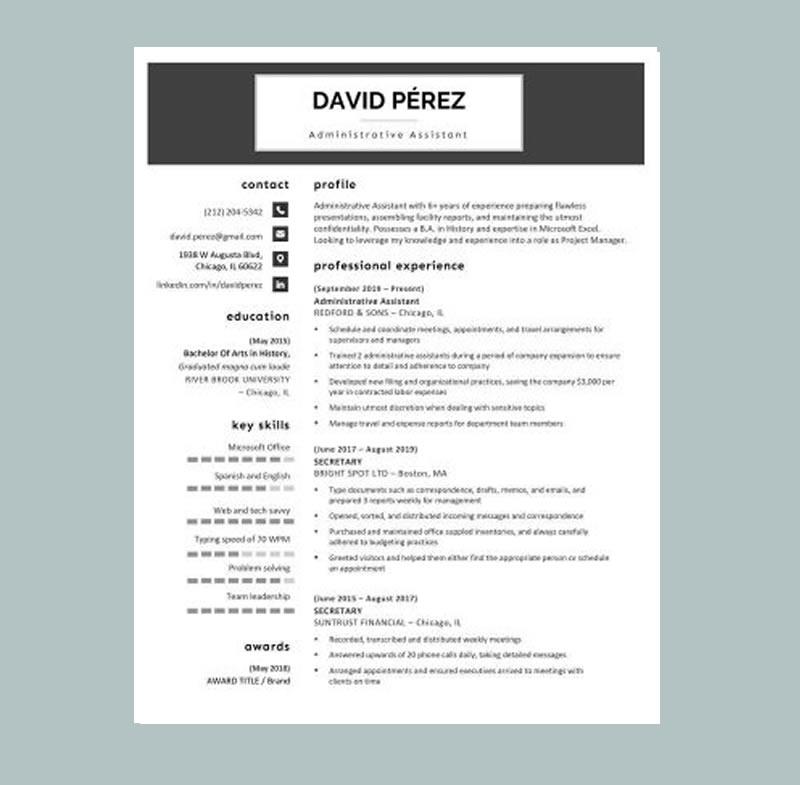
Simple yet stylish, the Cosmopolitan Resume Green template helps you stand out while keeping your application polished and professional. It’s made for job seekers who want a modern design with a fresh, confident look without going over the top.
This version features the same clean structure and smart spacing as the original Cosmopolitan, enhanced with green accents that add energy and clarity. The layout directs attention to the most important details your name, professional title, and key achievements while staying easy to scan for recruiters and ATS-friendly for online applications. The bold header puts your identity front and center, creating a strong first impression in seconds.
Because it balances personality with professionalism, Cosmopolitan Resume Green works across many industries and experience levels. It’s a strong choice for creative roles (design, content, media), customer-facing jobs (retail, sales, hospitality), and modern business roles (marketing, admin, support) anywhere you want to appear organized, capable, and memorable.
Cosmopolitan Resume Green

Download Resume Template
Simple yet stylish, the Cosmopolitan Resume Green template helps you get noticed with a fresh, modern look while still keeping everything clean, professional, and easy to read. Its balanced layout and clear typography make your resume easy to scan in seconds, and the green accents add just the right amount of personality drawing attention to your name, title, and top strengths without overpowering your content.
Designed with a bold header and well-structured sections, this template makes it simple to present your work history, education, and skills in a way that feels organized and credible. It also follows an ATS-friendly structure, so your details stay readable for online application systems while still looking great to human recruiters.
Because it blends professionalism with a modern touch, Cosmopolitan Resume Green works across many industries from creative roles like design, content, and media, to customer-facing jobs in retail, sales, and hospitality, as well as office and business support roles such as administration, operations, and marketing. You can customize it quickly, adjust colors and fonts if needed, and export a polished resume that looks confident, consistent, and ready for interviews.
Waitress Resume Template
Download Resume Template
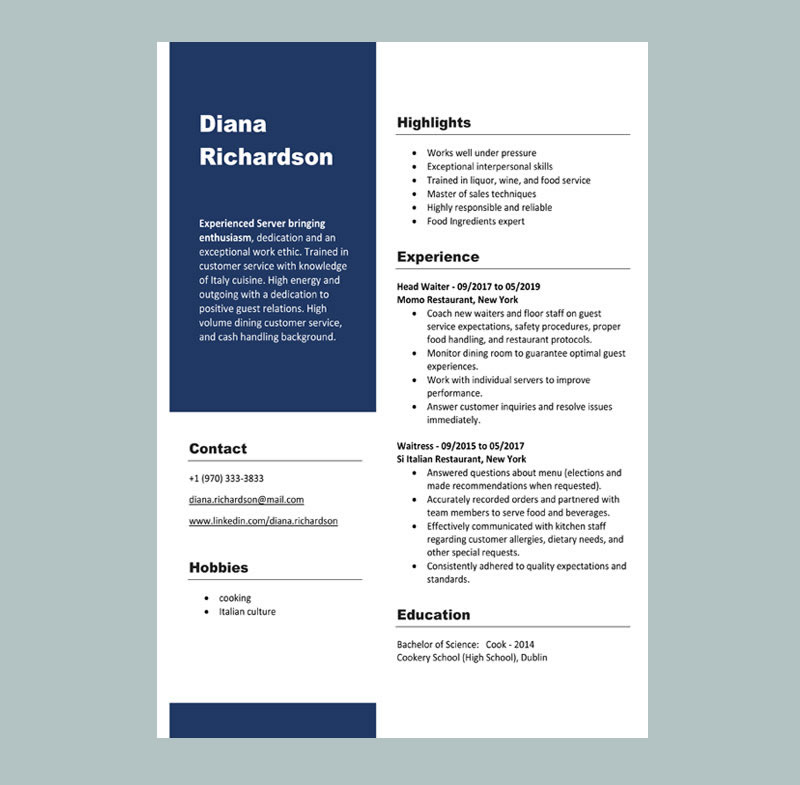
Waitress Resume Template helps you create a clean, professional resume that highlights the most important hospitality skills customer service, speed, accuracy, teamwork, and a positive attitude. Using a well-structured template ensures you include all the details hiring managers want to see and present them in a clear, easy-to-scan format. Since it’s fully customizable, you can tailor it for restaurants, cafés, hotels, and event venues to improve your chances of getting hired quickly. Waitress Resume Template helps you create a clean, professional resume that highlights the most important hospitality skills customer service, speed, accuracy, teamwork, and a positive attitude. Using a well-structured template ensures you include all the details hiring managers want to see and present them in a clear, easy-to-scan format. Since it’s fully customizable, you can tailor it for restaurants, cafés, hotels, and event venues to improve your chances of getting hired quickly.
Bartender Resume Template
Download Resume Template
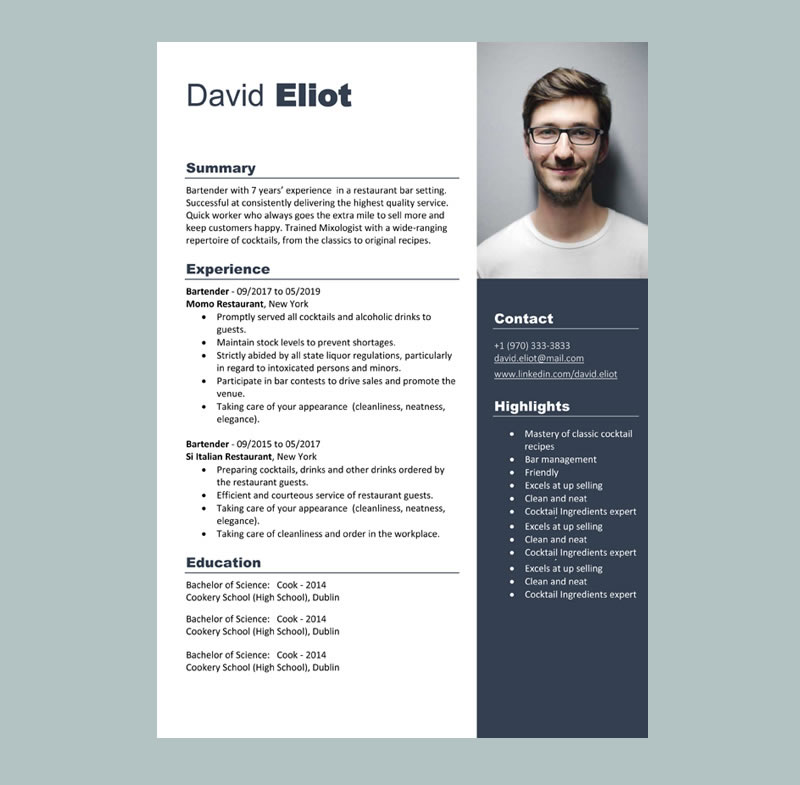
Bartender Resume Template helps you create a polished, job-ready resume that highlights the skills employers want in hospitality speed, accuracy, customer service, and attention to detail. A professional template ensures you include the right information and present it clearly, so hiring managers can quickly see your experience behind the bar and the value you bring to their team. Because it’s fully customizable, you can tailor it for bars, lounges, restaurants, hotels, and event venues to improve your chances of landing interviews.
Premium Professional Resume Word Wine
Download Resume Word
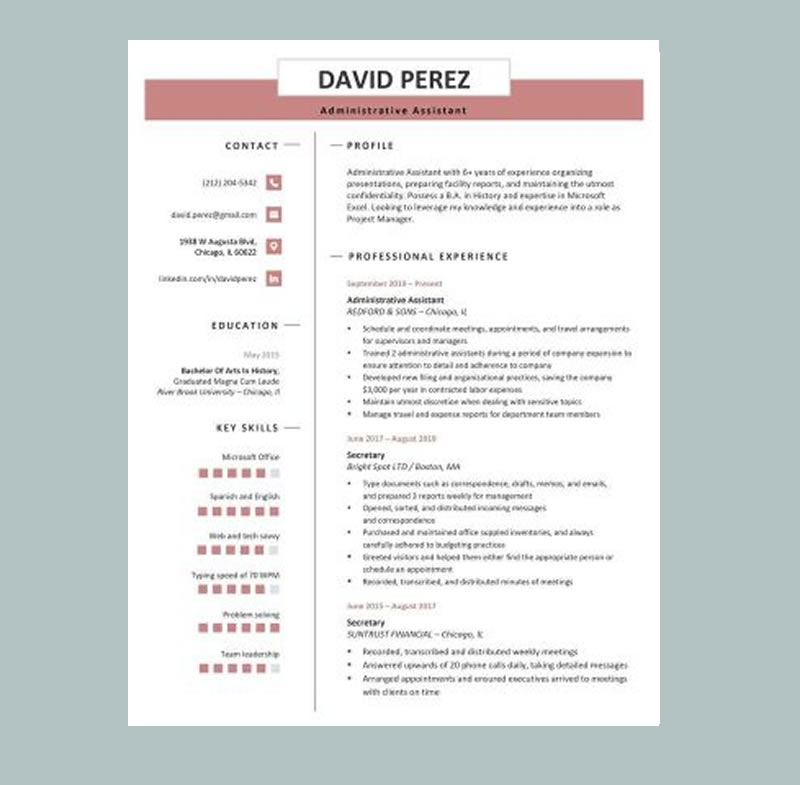
Premium Professional Resume Word Wine delivers a refined, confident look with a clean layout and bold header that instantly elevates your application.
Sleek and modern, this template features a wine-colored contact header and presents your name in a polished first impression. Clearly labeled sections keep your resume organized and easy to scan, and the built-in skill bar lets you showcase your strengths at a glance so employers can quickly see where you excel.
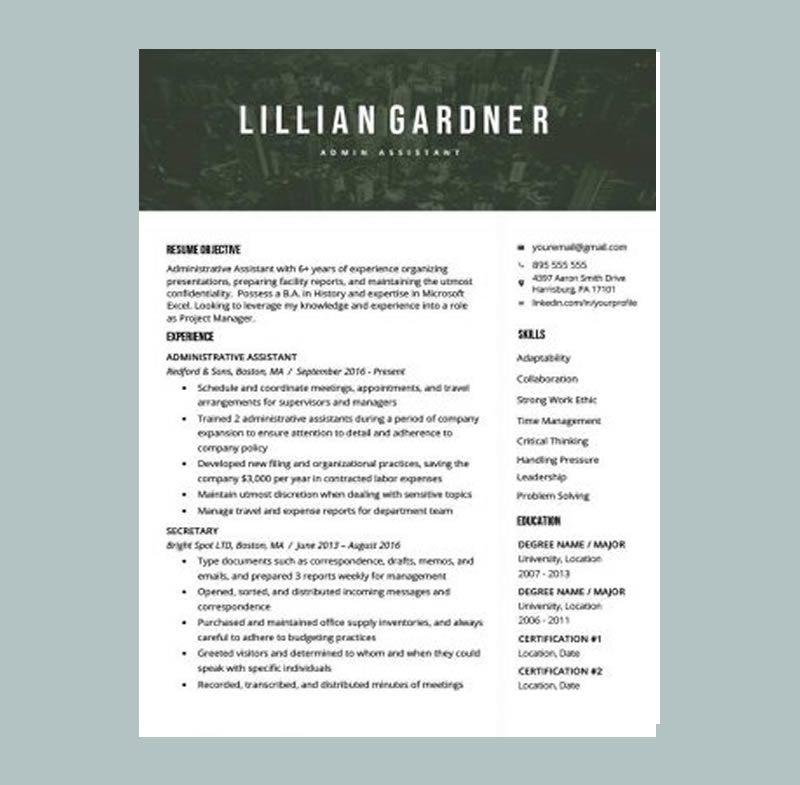
Majestic Resume Word Template Green
Download Resume Template
Majestic Resume Word Template Green is one of our boldest designs, featuring a city skyline header with modern green accents that place your name and title front and center.
The striking header is balanced with clean, traditional formatting that keeps your experience, skills, and education easy to scan. A crisp sans-serif font improves readability, making it more likely recruiters will take in every key detail.
Majestic Resume Word Template Blue
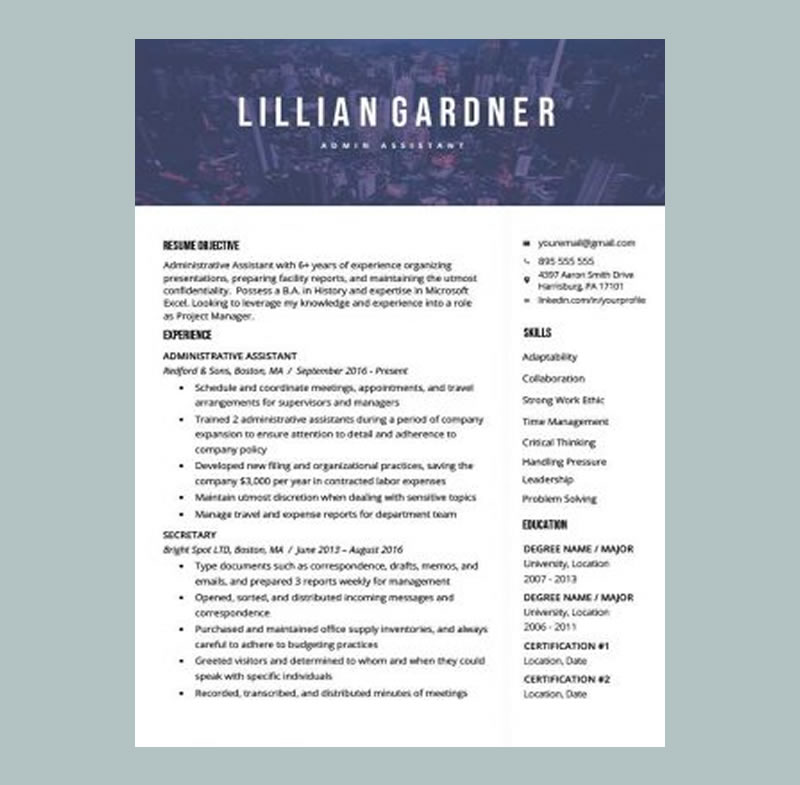
One of our most striking designs, the Majestic resume template puts your name front and center against a sleek city skyline header for a confident first impression.
That bold, attention-grabbing top section is balanced with clean, traditional formatting that keeps your experience, skills, and education easy to scan. The template uses a crisp sans-serif font for maximum readability, encouraging employers to stay engaged from the first line to the last.
We recommend the Majestic template for roles that value strategic thinking and high-level problem solving, such as consultant, business analyst, project manager, or other leadership-focused positions.
Download free templates you can open in Word Docs (recommended)
If you want more professional options, MyCVCreator provides free downloadable resume templates (and cover letter templates) in Microsoft Word format, including 1-, 2-, and 3-page versions. You can upload them to Google Drive and open them as a google documents resume template in minutes.
Use this download page: free word Docs resume templates


