Monetize Your Website Traffic: Match Ads to Your Audience
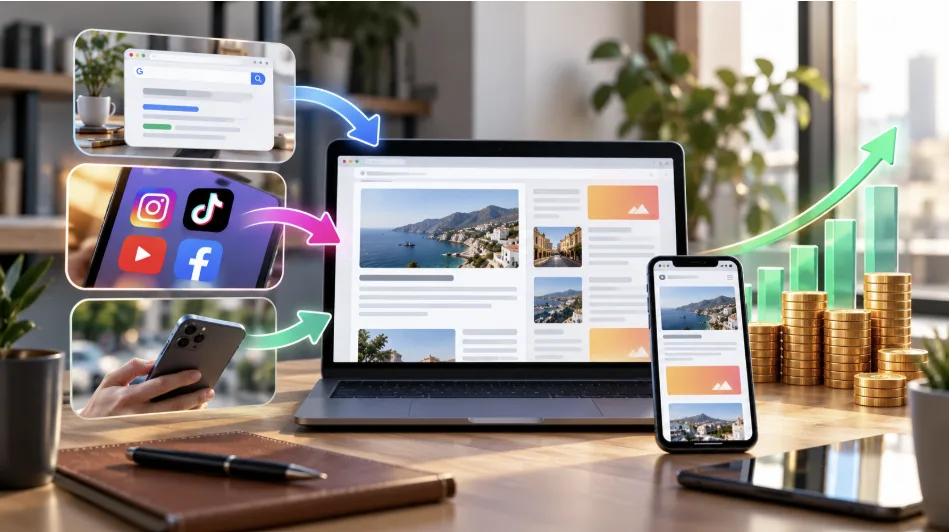
Open your analytics and sort visitors by source. Chances are one source dominates: search readers who land on a single article, followers who tap a link from a social profile, or phone users who skim and leave. That split matters more than total visits, because each group responds to a different ad format. If you want to monetize your website traffic without cluttering the pages, start by matching the placement to the audience.
Three Audiences, Three Starting Placements
A network can offer half a dozen formats, but you don’t need all of them on day one. Pick the one that fits your biggest group first.
Readers Who Arrive From Search
These visitors come for an answer, read for a few minutes, and judge the page by how it looks. Native Banners suit them best, since you set the block size, colors, and font sizes to match your article. Pair that with a Popunder, which takes no space on the page and can run alongside any other unit, so the layout stays clean.
Followers Who Arrive From Social
Followers often tap a link and never browse further, which makes a full page layout less important than the link itself. Smartlink, a publisher-only format, works well here: you add it to text, a button, or an image, and it runs on HTML sites, WordPress and Blogger blogs, and even APK files. It also works without a website, so a bio link or a comment can carry it.
Visitors on Phones
Mobile screens leave little room for banners, so Social Bar is the better first choice. It’s designed for publishers who send mobile traffic and shows notification-style units without eating the layout. If you still want a static unit, the 320x50 Banner is built for small screens.
The Match at a Glance
If you’d rather scan than read, this is the short version of the three sections above:
Where visitors come from | First placement | Reason |
Search | Native Banners plus Popunder | Blends with articles, needs no page space |
Social profiles | Smartlink | One link, works without a site |
Mobile-heavy audience | Social Bar | Built for phone traffic |
How Your Rate Is Calculated
Publishers can track eCPM in their accounts to see how much revenue their traffic generates per 1,000 ad impressions. It moves with the season, the ad placement, advertiser demand, and the competition for impressions in your visitors’ country. Traffic that performs well for advertisers may lift it, which is why a smaller, engaged audience can hold its own next to a larger, passive one.
Check the Numbers Weekly
Monetize your website traffic steadily by changing one thing at a time once a placement is live. Swap a banner size, move a Native block lower on the page, or add Social Bar next to Popunder, then compare the statistics a week later. Adsterra’s API exports performance data if you prefer to track it in your own sheet, and the Partner Care team can advise on monetization when a placement isn’t pulling its weight. The referral program is a handy extra once your setup is stable.
What Payouts Look Like
Adsterra works with more than 45,000 publishers, pays twice a month, and lets you withdraw from a $5 balance with supported methods. Some publishers report daily earnings of $50 to $800 or more, with no limit on income growth and no cap on the impression volumes you send, though results vary with traffic quality, GEO, and format.
FAQ
What is the quickest way to monetize your website traffic?
Place an ad code from a publisher network. Popunder needs no page space, so it can be added alongside what you already have.
Can I monetize traffic that doesn’t come to a website?
Yes. Smartlink works in text, buttons, and images, so social and similar traffic can be monetized without a dedicated site.
How often are publishers paid?
Twice a month, with withdrawals from a $5 balance.