How Fresh Graduates Can Prepare for Virtual Job Interviews on Zoom, Google Meet and Teams
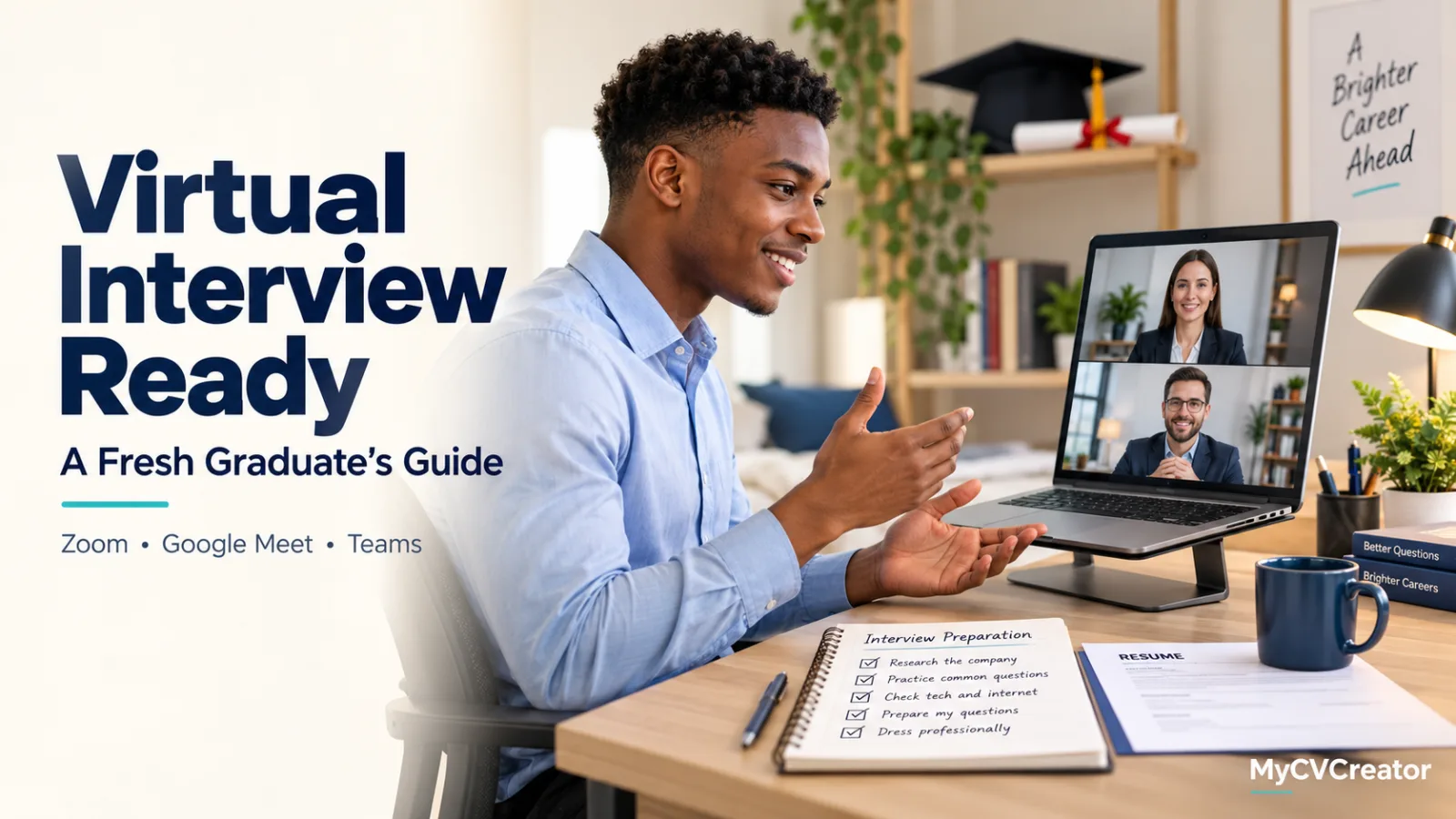
For many graduates, the first real job interview now happens on a laptop screen. Graduate schemes, internships, remote roles and many local employers run at least one round on Zoom, Google Meet or Microsoft Teams. Some run the whole process online.
A video interview tests the same things as an in-person one, but it adds new risks. A weak connection, a noisy room or a delay in the audio can make a strong candidate look unprepared.
The steps below follow the order you will need them: your setup first, then your answers, then the call itself.
Why Virtual Interviews Need Their Own Preparation
On video, the interviewer sees less of you. Body language, energy and eye contact are harder to read through a camera. Small problems also feel bigger. A five-second silence in a room is normal. On a call, it can feel like the connection has dropped.
Graduates face an extra challenge. Most of your interview examples come from university, internships, NYSC or part-time work, and you may never have explained them out loud before. On a video call, you have less time to recover if you lose your place in an answer. Preparation is what makes the difference.
Step 1: Test Your Setup on the Platform the Employer Uses
Check the invitation to see which platform the employer uses. Then test it on the device you will use for the interview:
Install or update the app. Zoom and Microsoft Teams often work better in their desktop apps. Google Meet runs in the browser, so update your browser instead.
Check your connection. Run a test call with a friend at the same time of day as your interview. If your internet is unstable, plan a backup, such as a mobile hotspot with enough data.
Set up your camera and light. Put the camera at eye level and face a window or lamp so your face is not in shadow.
Use earphones with a microphone. They reduce echo and background noise much more than laptop speakers.
Choose a quiet space. Tell the people around you the time of the interview, and turn off notifications on your laptop and phone.
Do this test at least one day before the interview, not one hour before. If something fails, you need time to fix it or to ask the recruiter for a different format.
Step 2: Build Your Answers From Your CV
The interviewer will usually have your CV open during the call, and most questions will come from it. Make it the base of your preparation.
Go through your CV line by line. For each role, project or achievement, prepare a short example that proves it. If your CV says you "coordinated a team of five volunteers", be ready to say what the team did, what problem came up and what result you achieved. The STAR method (Situation, Task, Action, Result) is a simple way to structure these examples.
Then prepare for the questions most graduate interviews include, such as "Tell me about yourself" and "Why do you want this role?" Write short notes for each one, linked to real points on your CV. Practise them out loud until they sound natural, not memorised.
Step 3: Prepare for What Happens During the Call
Video calls have small habits that make a big difference. Look at the camera, not the screen, when you give longer answers. Pause for a moment after the interviewer finishes, because audio delays can cause you to talk over each other. If you did not hear a question clearly, ask them to repeat it. That is better than answering the wrong question.
Keep a short page of notes beside your laptop: three or four key points from your CV, the company's main product or service, and two questions you want to ask at the end. Do not read from it. Use it only to remind yourself of your next point.
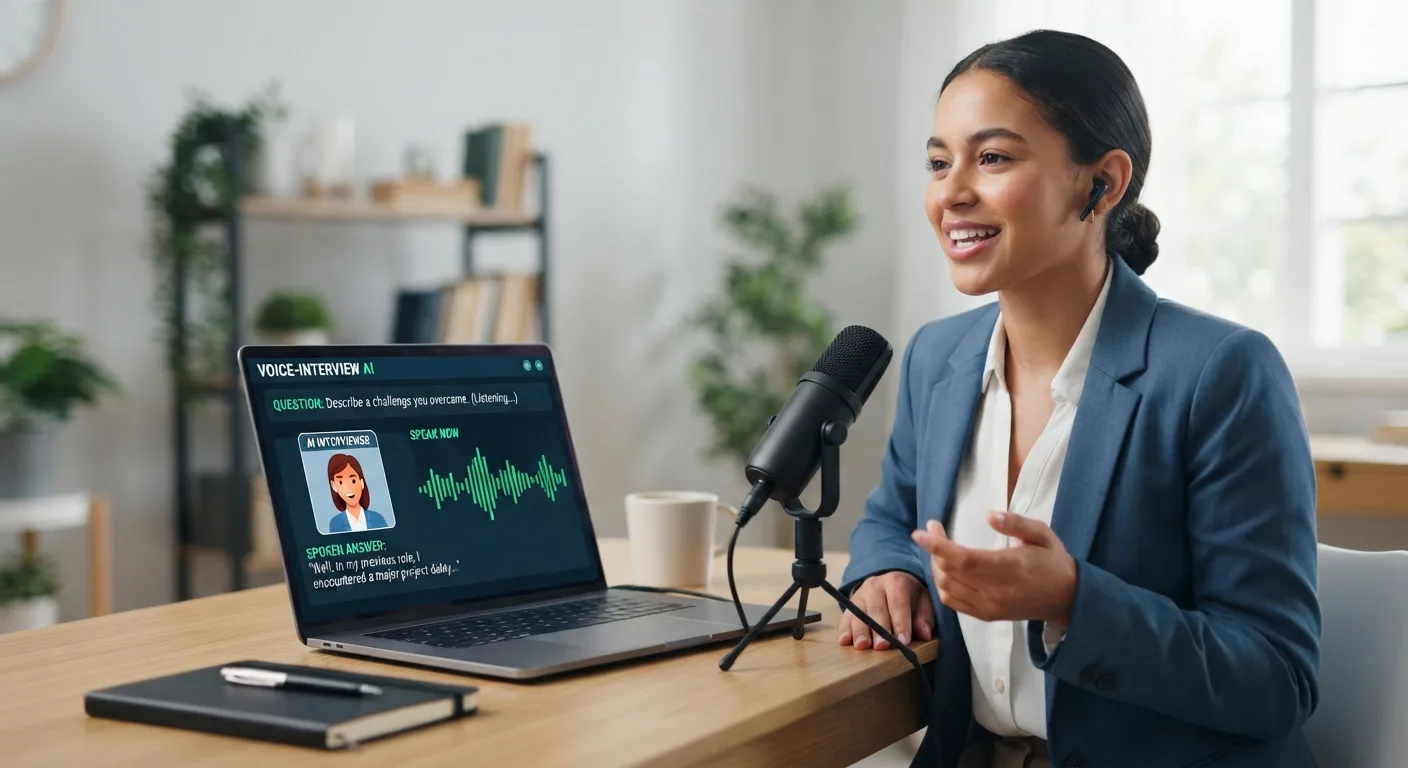
Some candidates also use AI tools during virtual interviews. One example is Verve AI, an AI copilot for live interviews that works on Zoom, Google Meet and Microsoft Teams. It listens to the interviewer's questions and suggests structured answers in real time. You can upload your CV, the job description and other documents before the session, so the suggestions draw on your own experience rather than generic answers. It has a free plan that does not need a credit card.
Whatever tool you use, check the employer's interview rules first, because many employers do not allow live assistance. Treat any suggestion as a reminder of your own points, not a script to read. Your own words will always sound more convincing.
Common Mistakes Graduates Make in Virtual Interviews
These problems come up often, and most are easy to avoid:
Joining at the last minute. Log in five to ten minutes early so you have time to fix sound or camera problems.
Giving answers that do not match the CV. If your CV lists a skill, prepare one clear example of using it.
Watching your own video. It feels natural, but it makes you look distracted. Hide self-view if it helps you focus.
Giving very short answers. "Yes, I enjoyed it" gives the interviewer nothing to work with. Add one specific example to each answer.
Ending without questions. Prepare two questions about the role or the team to show real interest.
If you notice one of these in a practice call, fix it before the real interview.
FAQs
What should I wear for a virtual interview?
Dress as you would for an in-person interview with the same company, at least from the waist up. Plain colours usually look better on camera than busy patterns.
What if my internet disconnects during the interview?
Rejoin the call as quickly as you can, and send a short message to the recruiter if you cannot. Most interviewers understand connection problems, especially if you stay calm and continue where you stopped.
How long should my answers be on a video call?
Aim for one to two minutes for most questions. Video makes long answers feel longer, so finish with a clear result and let the interviewer ask for more detail.
Prepare Your First Answer Today
Open your CV and choose the experience you are most proud of. Write a short STAR example for it, then record yourself saying it on the platform your next employer uses. Watch it back once, and you will see what to improve before the real interview.