Free Resume Builder Online: Create a Professional Resume in Minutes
Creating a standout resume is one of the most important steps in any job search. Yet, many people still struggle with formatting, layout, and wording. That’s where an online resume builder comes in.
With MyCVCreator’s Free Resume Builder, you can design a sleek, modern, and professional resume in a matter of minutes — no prior experience or design skills required. Whether you’re a student, a fresh graduate, or a seasoned professional, this tool helps you craft a polished resume that truly represents your skills and achievements.
Why You Need an Online Resume Builder
Modern employers receive hundreds of applications for a single role. Having a clean, well-structured, and ATS-optimized resume can be the difference between landing an interview or getting overlooked.
Here’s why an online resume builder is your best companion in 2025:
🕒 Time-Saving Benefits
Gone are the days of struggling with Word templates or adjusting margins manually. MyCVCreator’s resume builder automates formatting, alignment, and design — helping you focus on what matters: your content.
You can create, edit, and download your resume in under 10 minutes.
🎨 No Design Skills Required
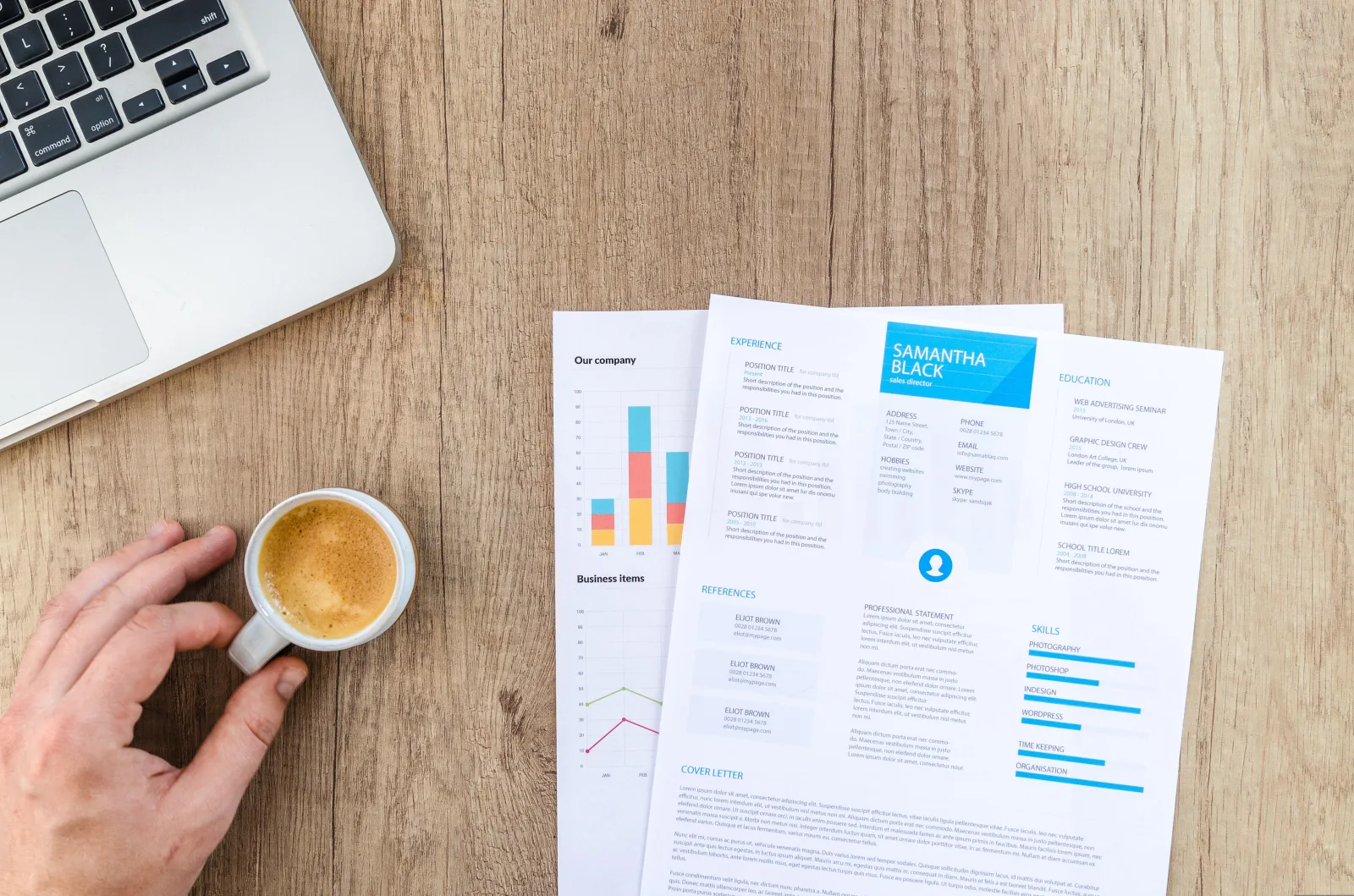
Not everyone is a graphic designer, and you don’t need to be. Our online resume maker offers dozens of pre-designed layouts built by career experts.
Each template balances professional appearance with readability — ensuring your resume looks great on screen and on paper. All you need to do is input your details and let the builder handle the rest.
⚙️ ATS-Friendly Templates
Most recruiters use Applicant Tracking Systems (ATS) to scan resumes. These systems filter candidates based on formatting and keywords.
MyCVCreator’s templates are optimized for ATS compatibility, meaning your resume will pass digital screenings and reach human recruiters faster.
How to Create a Resume for Free with MyCVCreator
Follow these simple steps to make your own professional resume in minutes — completely free.
Step 1: Sign Up and Choose a Template
Go to MyCVCreator.com and click “Start Now.” Choose from dozens of sleek templates tailored for every profession and career stage — from creative roles to corporate positions.
Each template has been designed to highlight your experience clearly while maintaining a polished visual appeal.
Step 2: Add Your Personal Information
Input your name, contact details, and LinkedIn profile. Next, add your professional summary — a short paragraph that captures your strengths, goals, and what makes you unique.
You can also include sections for Education, Work Experience, Skills, Certifications, and Achievements.
Step 3: Customize Your Layout and Design
MyCVCreator allows you to personalize your resume effortlessly. Change font styles, colors, spacing, and section order to match your personality or industry.
Prefer a minimalist design? Go simple.
Want something more modern? Choose a creative layout with icons and columns.
Every design remains professional and printable.
Step 4: Download Your Resume Instantly
Once you’re happy with your design, preview and download your resume in PDF format — ready to upload to any job application portal.
You can also save your resume online to update it later or export multiple versions tailored to different job titles.
Features That Make MyCVCreator the Best Free Builder
Unlike most resume tools that hide premium features behind paywalls, MyCVCreator offers all essential functions for free — while maintaining top-notch quality and speed.
⚡ Auto-Formatting
The platform automatically adjusts margins, line spacing, and font consistency. No need to worry about broken layouts or uneven alignment.
☁️ Cloud Saving
Your work is automatically saved online. You can access and edit your resume anytime from your desktop, tablet, or phone — without losing progress.
📱 Mobile-Friendly Editor
Need to update your resume while on the go? The mobile resume builder lets you create, edit, and download directly from your smartphone. It’s lightweight, responsive, and optimized for smaller screens.
Resume Builder FAQs
1. Is MyCVCreator completely free?
Yes! You can build, edit, and download your resume for free — no credit card required.
2. Can I use MyCVCreator on my phone?
Absolutely. The mobile-friendly interface allows you to create resumes from any device.
3. Are the templates ATS-compatible?
Yes, every template is designed to meet ATS formatting standards so your resume passes recruiter screenings.
4. Can I edit my resume later?
Yes. Log in anytime to update or modify your saved resume. All changes sync automatically in your account.
Final Thoughts
Your resume is your first impression — make it count. With MyCVCreator’s Free Resume Builder, you can design a job-ready, professional resume in minutes, without spending a dime or downloading complex software.
Whether you’re applying for your first internship or a senior-level position, MyCVCreator makes it fast, simple, and effective.
✅ Ready to build your professional resume for free?
👉 Start now on MyCVCreator.com