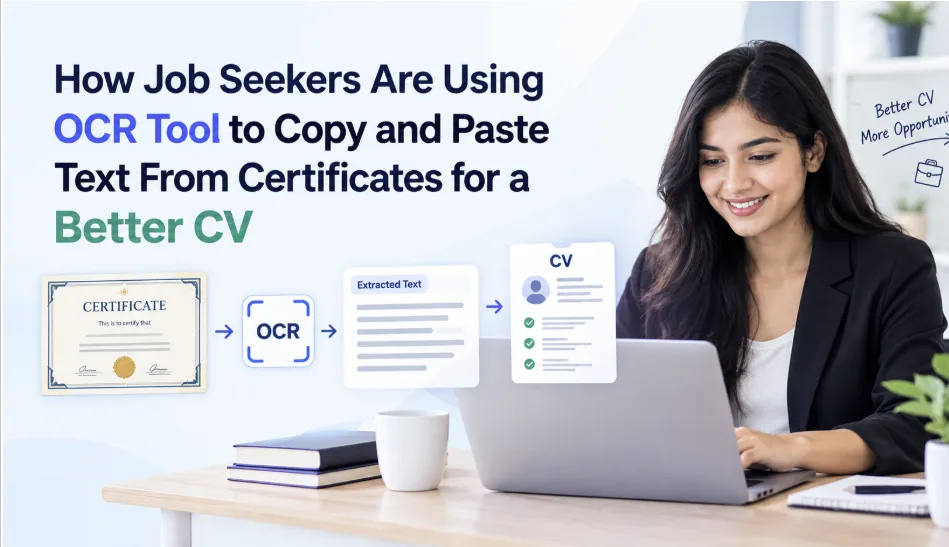
How Job Seekers Are Using OCR Tool to Copy and Paste Text From Certificates for a Better CV
CV writing is quite the uneventful affair; however, it is important and, unfortunately, very confusing as well. Even the best of us have trouble penning down our skills, experience, and other records in a meaningful and easy-to-read manner.
This is further exacerbated when you have to manually extract information from your certifications and letters. However, today, we can do these things much more conveniently thanks to OCR.
Let’s see how that works and how you can use it to craft a good CV.
What Is OCR and How Does It Help?
OCR stands for “Optical Character Recognition.” In a nutshell, it is a technology that enables computers to read text inside images and convert it into a format that word processors can use.
With OCR, you can simply take photos of your degree and certificates and then extract their text. This saves you the trouble of typing them out by hand.
Here’s how modern job seekers use it to craft their CVs.
Add Your Education Details
The first thing you can do with OCR is to extract your education details. Education details are one of the first things that an employer looks for in a CV, so you can’t skip them. They’ll want to know about your degrees, institutions, and years of study.
You can use an OCR tool to extract all relevant information from your various certificates and easily format it for a CV.
This trumps manually typing out the information any day.
Discover Skills From Training Certificates
If you have done a lot of short courses for certifications, you can sometimes get confused about which skills to include in the CV. An easy solution is to first get the details of each certification out using OCR.
An online OCR converter can be used for extracting the text. Then you can take the text and put it into an LLM and ask it to shortlist which skills suit the job you are applying for.
Be sure to proofread the shortlist and then include it in the CV if it makes sense to you.
Save Time When Updating CV
CV isn't just a resume template you use once. It should be living, breathing, to incorporate whatever you learn along the way, and be tweaked for each fresh application. But you cannot type out your CV from scratch every time. It takes forever!
Instead, what you should do is create a portfolio of your certificates, using OCR. Copy and paste all your text into a single document. As you add new CVs, open this document and highlight the ones you want to include. There's no need to include every course you do, only the right ones for the role.
Review Your Information for Mistakes
Though OCR will save you a lot of time, it's not foolproof. For example, if the picture quality isn't great, the text has become old and faded, or an odd font has been used, OCR may not work properly.
That’s why you should always verify the text you copy from the certificate against the actual certificate. In particular, double-check names, dates, grades, and course titles before using them in your CV. A quick proofread will save you embarrassment when your future boss reads your files.
How to Use OCR to Build Your CV
Here’s a simple method of using OCR to build a CV that anyone can follow.
Collect your documents: Obtain clear photos or scans of your degrees and diplomas.
ADVERTISEMENTOpen an online OCR tool.
Add your images: Paste, browse, or drag 'n' drop to upload
Let the tool do the text extraction.
Verify: Cross-check the new version with the original and correct any mistakes.
Prioritize the information: Separate the education, skills, and certificates.
Highlight the information on your CV that shows your suitability for the role.
And that’s how you create a CV from your certificates and documents quickly.
Conclusion
OCR makes it easier to build and update your CV without typing every detail by hand. You can extract text from certificates, organize your skills, and save time when applying for jobs. This also helps you keep all your records in one place, ready for future applications.
However, always check the extracted text for errors before adding it to your CV. Make sure names, dates, grades, and course titles match the original documents. With the help of an online OCR tool, you can create a clear, accurate CV that shows employers your skills and qualifications.